
Steam Deck OLED as a daily handheld, one year on
After a year with Valve's OLED revision: battery life, the screen, Dock and Desktop Mode for light work, and whether it earns a spot in a family PC lineup.
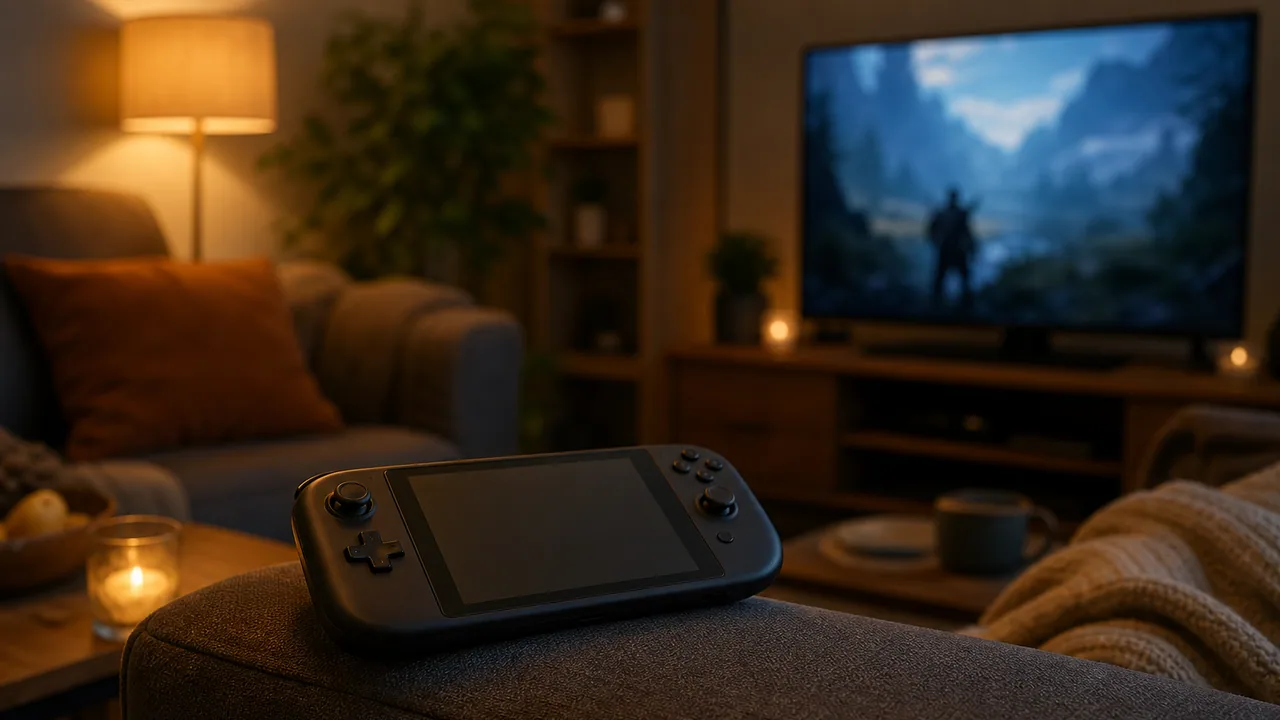
Valve did not ship a “Steam Deck 2” in 2023. It shipped the handheld it wished the original had been: bigger OLED panel, better battery, improved Wi-Fi, same AMD APU. The Steam Deck OLED went on sale November 16, 2023, and a year later it is still the sensible premium pick if you want a PC handheld that feels finished rather than first-generation.
I am writing this from a buyer and operator lens, not a spec-sheet race. Most of our clients are not buying fleets of Decks. But plenty of owners and parents ask whether this thing can replace a secondary laptop, survive family travel, or sit next to a desktop for couch gaming. After living with the OLED model through a full year, the answer is nuanced and mostly positive.
Official product details: Steam Deck OLED at steamdeck.com.
What the OLED revision actually fixed
The original LCD Deck was good but compromise-heavy: fine screen outdoors, acceptable battery, fan noise you noticed in quiet rooms. The OLED model targets those pain points without pretending to be a performance leap.
Screen: The 7.4-inch HDR OLED is the headline. Colors pop, blacks are actually black, and 90 Hz makes menus feel smoother than the old 60 Hz LCD. For story-driven games and indie titles, it is the kind of upgrade you notice every session. Valve pitched it as the first handheld with an HDR OLED panel at launch; whether you crank HDR in every game is less important than the panel quality in normal use.
Battery: Valve quoted up to 50% longer battery life versus the original 40 Whr pack, thanks to a 50 Whr cell and a more efficient display. Real-world results still depend on the game. A lightweight roguelike on 40% brightness can stretch toward the “leave it unplugged for an evening” zone. Cyberpunk 2077 at high settings will still eat lunch. The win is fewer moments where you feel chained to the wall socket during normal play.
Thermals and weight: It runs cooler and weighs a bit less. That matters when a kid holds it through a two-hour car trip.
What did not change: CPU and GPU class. If you wanted a generational performance jump, this is not that device. Valve has been clear that a true successor waits for a bigger silicon step.
Daily driver for gaming, not for spreadsheets
As a gaming handheld, the OLED Deck earns daily-driver status in our house. SteamOS gets out of the way, suspend/resume works like a console, and the library you already own on Steam is the library on the device. Family-friendly setup is straightforward if you treat it like a console:
- Use Steam’s family and parental controls where appropriate.
- Keep purchases behind your account password.
- Disable desktop mode for younger users if you do not want a full Linux shell one misclick away.
Cloud saves and Steam Cloud mean switching between the office desktop and the Deck on the same title is usually painless. That is the killer feature for adults who only finish games in 20-minute slices.
As a work machine, calibrate expectations. Desktop Mode is real Linux. You can run Firefox, VS Code, LibreOffice, and terminal tools. The official Dock adds DisplayPort, Ethernet, and USB hub convenience. I have edited scripts, answered email, and joined a Teams call from Desktop Mode in a pinch.
It is not a replacement for a business laptop: no domain join story, awkward VPN clients, and a keyboard fine for emergencies, not eight-hour ticket queues. Think light work and admin tasks, not primary corporate endpoint.
Dock, Desktop Mode, and the living-room PC niche
The Steam Deck Dock (or a decent USB-C hub with DisplayPort) turns the handheld into a small living-room PC. Plug in a keyboard, mouse, and monitor, switch to Desktop Mode, and you have a quiet box for retro emulators, indie builds, or a kid’s Scratch project.
For households that already maintain a gaming PC plus laptops, the Deck often replaces the secondary couch machine rather than the main workstation. Use a 45W+ USB-C PD charger, keep firmware updated through SteamOS stable, and put overflow games on microSD.
Who should buy OLED vs. staying on LCD
Buy OLED if you want the best version of the current generation and you play often enough to feel screen and battery differences. The 512 GB and 1 TB OLED models replaced the old premium LCD tiers in Valve’s lineup.
Save money with LCD if you find a discounted 256 GB LCD and mostly play plugged in at a desk. You give up HDR OLED and battery gains, not access to the Steam library.
Wait for “Deck 2” if you need materially higher frame rates in AAA titles at native resolution. Valve has telegraphed that a performance-focused successor is not imminent.
Check current pricing and regional availability on Steam’s store page. Valve’s lineup has shifted since launch; verify what is actually in stock before you budget.
For families, the Deck OLED has been lower drama than a gaming laptop and more flexible than a closed console.
Bottom line: The Steam Deck OLED is an excellent daily gaming handheld one year in: better screen, better battery, same honest performance ceiling. It can cover light work through Desktop Mode and a dock, but buy it for games and couch flexibility, not as a managed business laptop. For many households, that is exactly the slot it fills.