LinuxTutorial
How to update Ubuntu
A straightforward checklist for keeping Ubuntu Server or Desktop patched: apt update, upgrade, reboots, and what to verify before you walk away.

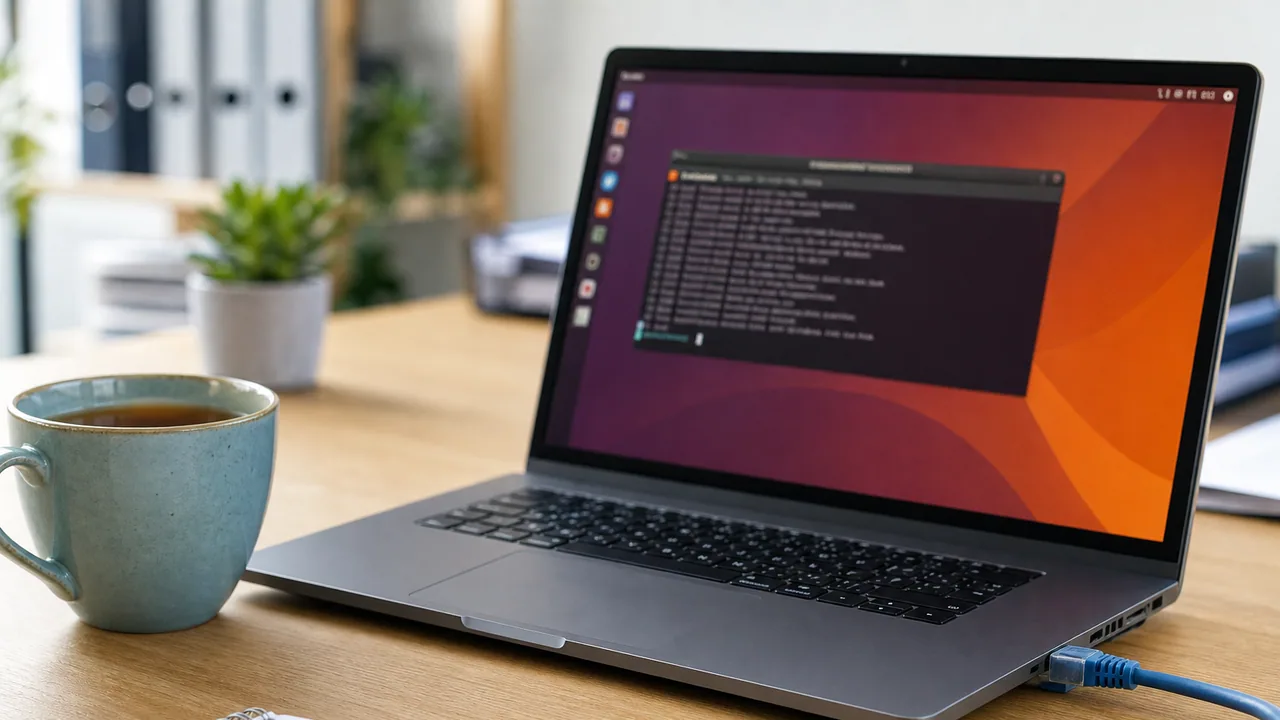
Keeping Ubuntu current is not complicated, but rushing it on a production host is how you learn about kernel upgrades the hard way. Use this as a calm, repeatable habit for Ubuntu Server or Desktop (22.04 / 24.04 and similar apt-based releases).
1. Know what you are about to change
Before you touch packages:
- Note the hostname and role (web, XCP-ng guest, desktop, etc.)
- Confirm you have console or out-of-band access if this is a remote server
- Check whether a reboot window is acceptable
hostnamectl
lsb_release -a
uptime
2. Refresh the package index
apt update downloads current package information from your configured sources; it does not install the upgrades. That distinction is documented in Ubuntu’s APT command reference.
sudo apt updateSkim the output for repository errors. If a third-party repo is broken, fix that before you upgrade. Do not ignore “Failed to fetch” lines and hope for the best.
3. See what would change (optional but smart)
apt list --upgradableOn a critical host, glance for kernel, libc, nginx/apache, database, or panel packages so you know whether a reboot or service restart is likely.
4. Apply updates
For a normal maintenance window:
sudo apt upgradeIf you intentionally want package removals when the resolver needs them (use with care on servers):
sudo apt full-upgradeUbuntu documents the difference plainly: apt upgrade will not remove an installed package, while full-upgrade may remove packages when needed to upgrade the system as a whole. Review that proposed transaction before accepting it.
Answer prompts thoughtfully. Review every proposed removal; deleting something you do not recognize is not a routine cleanup step.
5. Clean up leftover packages
Review the proposed removal list before confirming. Ubuntu’s APT manual describes autoremove as removing packages installed as dependencies that are no longer needed, and recommends checking that list for software you still want.
sudo apt autoremove --purge
sudo apt autoclean
6. Reboot if the kernel or core libs require it
Ubuntu often tells you a reboot is needed. Canonical’s current server guidance uses the presence of /run/reboot-required as the manual check:
# Ubuntu reboot-required flag
test -f /run/reboot-required && cat /run/reboot-required
If a new kernel was installed, schedule the reboot. Do not leave “reboot pending” for weeks on a public host.
sudo reboot7. Validate after the update
- Host comes back on the network
- Critical services are running (
systemctl status …) - Sites or apps respond
- Disk space still looks sane (
df -h)
Unattended upgrades (optional)
Ubuntu includes unattended-upgrades in default Server and Desktop installations and configures it to apply security updates automatically. Canonical’s automatic-updates guide also documents its schedule, logs, reboot controls, and third-party repository limits. That automation does not replace periodic manual review for app stacks you care about.
sudo apt install unattended-upgrades
sudo dpkg-reconfigure --priority=low unattended-upgrades
Bottom line
apt update → review → apt upgrade → reboot if needed → verify services. Make it boring and scheduled, not something you only do after a CVE thread hits your timeline.