
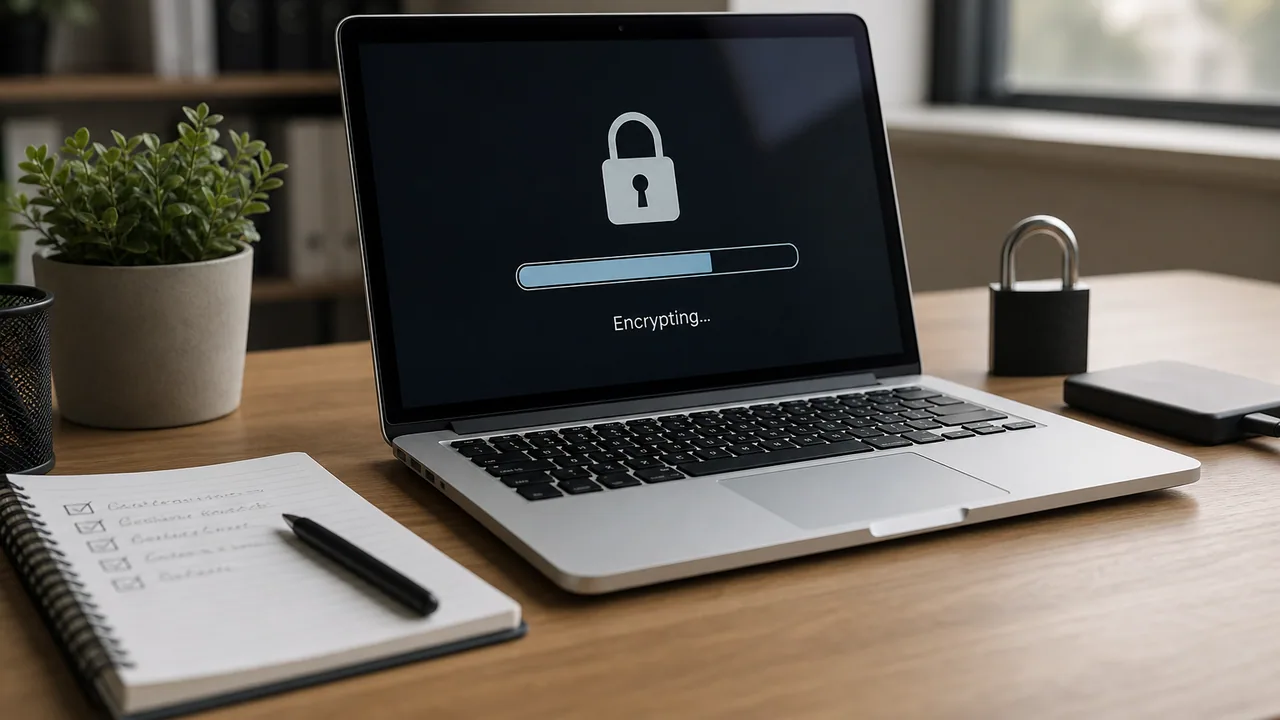
If a laptop walks out of a car, encryption decides whether you call a locksmith or a lawyer.
1. Confirm device encryption is on
- Windows: BitLocker enabled, recovery key escrowed (Microsoft 365 / Entra or your RMM)
- macOS: FileVault on, recovery key stored somewhere IT can reach
2. Test recovery once
Prove you can recover a key for a sample device. Orphaned keys are not protection.
3. Lock screens and sleep policy
Encryption does not help if the machine is unlocked on a cafe table.
4. Inventory exceptions
Lab machines and shared kiosks need a written exception, not silent drift.
Need help turning this on across the fleet? Open a ticket.