Lock your number from SIM swaps
How SIM swap and port-out scams work, and how to add a carrier PIN or number lock so it is harder to steal the phone number that receives your codes.

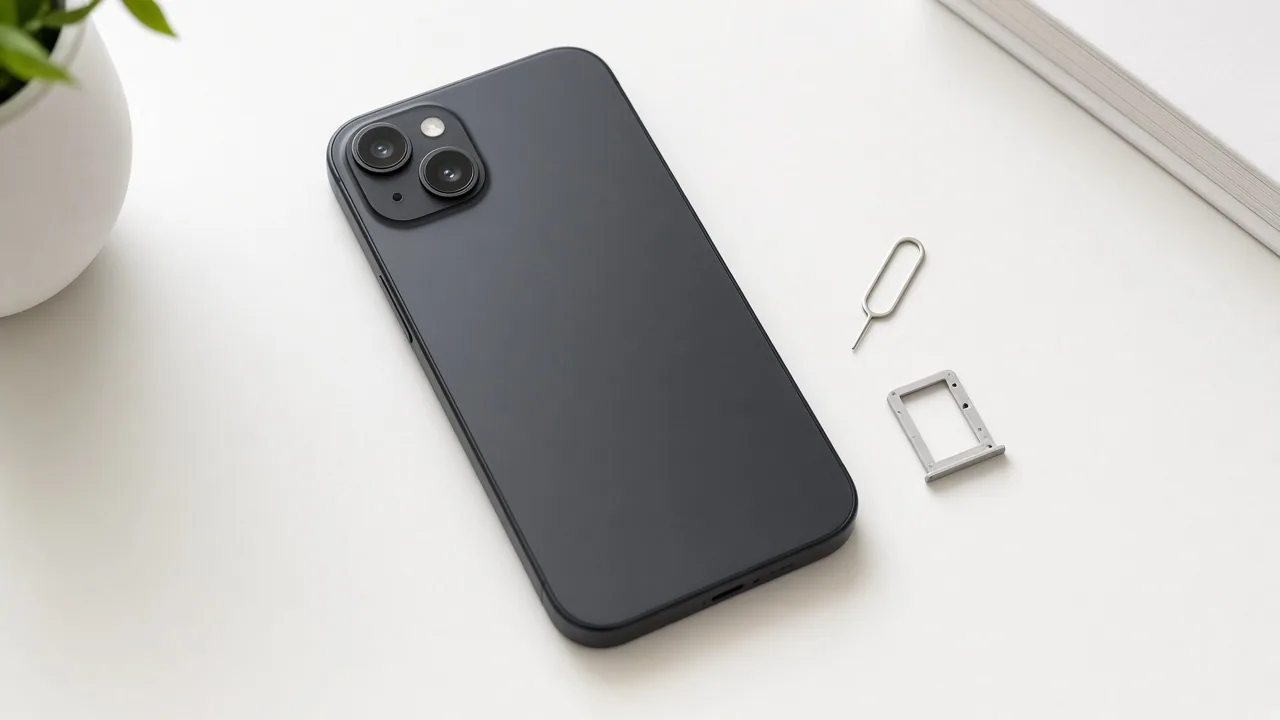
A lot of account security still trails back to your mobile number. Banks, email providers, and payment apps may text a code when you sign in or reset a password. If a criminal can move that number to a phone they control, they can intercept those messages and try to take the accounts that depend on them.
The FCC describes two related tricks. In a SIM swap or port-out scam, someone convinces your carrier to move your number to a different SIM, eSIM, or carrier account. Once your phone loses service, the race starts: they reset passwords using the codes that now arrive on their device. This article is about locking the number itself. It complements two-factor authentication, it does not replace it.
How the scam usually feels
The FCC’s consumer alert Port-Out Fraud Targets Your Private Accounts is the official narrative to trust. Scammers collect personal details from social media, earlier breaches, or other sources. They then try to impersonate you to the phone company and request a port or a SIM change. If it works, the first sign is often that your phone “goes dark” or can only call 911.
This is different from losing the physical handset. The device may still be in your pocket, with no signal and no way to receive the text your bank just sent.
Add a carrier PIN or password
The FCC’s first protection step is simple and does not require a new app: if you do not already have a PIN or password to verify yourself when you call about your phone account, contact your phone company and ask to add one.
When you call, be specific. Ask:
- How to set or reset the account PIN or password that is required for account changes
- Whether the carrier offers a port-out lock, number lock, or extra SIM or eSIM protection, and how to turn it on
- How the carrier will notify you if someone requests a SIM change or a transfer of the number
Use a number or app you already trust, such as the support number on your bill or the official carrier app you installed yourself. Do not set this PIN with a caller who just contacted you.
That carrier PIN is not the same thing as the screen passcode on the phone, and it is not the same as the small SIM PIN some phones offer in settings. You want the account-level control at the carrier.
Reduce what a scammer can guess
The same FCC alert tells you not to hand personal details to unexpected callers, and not to overshare the kinds of facts carriers have historically used as backup verification: date of birth, the last four digits of a Social Security number, a pet’s name, or similar. Keep that information off public social profiles where you can.
If someone calls or texts and asks for those details, hang up. If they claim to be your carrier, call the company back using the number on your bill.
This is also a reason to prefer an authenticator app or a passkey on important accounts, instead of a texted code, when the service offers a stronger second step. The number becomes less valuable if it is not the only way into email and banking.
If your service suddenly drops
The FCC says to act quickly:
- Contact your phone company immediately and say you suspect a port-out or SIM swap. Use a landline, a second phone, or an official app if your mobile service is already gone.
- Contact your bank and other financial institutions. Tell them your number may be in someone else’s hands, and watch for password-reset attempts.
- Sign in to email and other important accounts from a computer you trust, change passwords, and review signed-in devices on the official Google, Apple, or Microsoft account pages.
- File a police report, and consider a fraud alert on your credit reports.
- File a complaint with the FCC at consumercomplaints.fcc.gov, and report identity theft or fraud at ReportFraud.ftc.gov.
Time matters. The longer the number stays on the attacker’s device, the more accounts they can try to reset.
What this lock will not do
A carrier PIN will not stop a thief who already has your unlocked phone. It will not fix an account that still uses a weak, reused password. It will not prevent every form of account takeover. It is one control, aimed at a specific and damaging fraud: stealing the number that receives your codes.
If you change carriers later, ask the new company how its port-out and SIM protections work, and set them again. Do not assume the old lock travels automatically.
Bottom line
If your bank or email still texts codes to your mobile number, that number needs the same care you give the accounts behind it. Call or use your carrier’s official app, set an account PIN or password, and turn on any port-out or SIM lock they offer. Prefer app-based or passkey sign-in where you can, and if your phone suddenly loses service, call the carrier and your bank right away.