

SecurityTutorial
QNAP Plex2Shell: update, then check
QNAP says some home NAS units running Plex look compromised through Plex2Shell. Update to 1.43.3.10861, then clean up if Remote Access left you exposed.
Michael Narehood6 min read
XCPE Android TV botnet: check your set-top box after Google's takedown
Google and partners dismantled the XCPE backdoor on more than 1.3 million Android TV boxes. What Videostrong and MECOOL owners should check at home, why the implant may still be present, and what to do next.
Michael Narehood6 min read

Synology C3RB3R ransomware: update DSM on your home NAS now
Synology warned that attackers are encrypting outdated DSM devices with C3RB3R ransomware. How home NAS owners update, turn off internet admin exposure, and verify the DSM build.
Michael Narehood7 min read
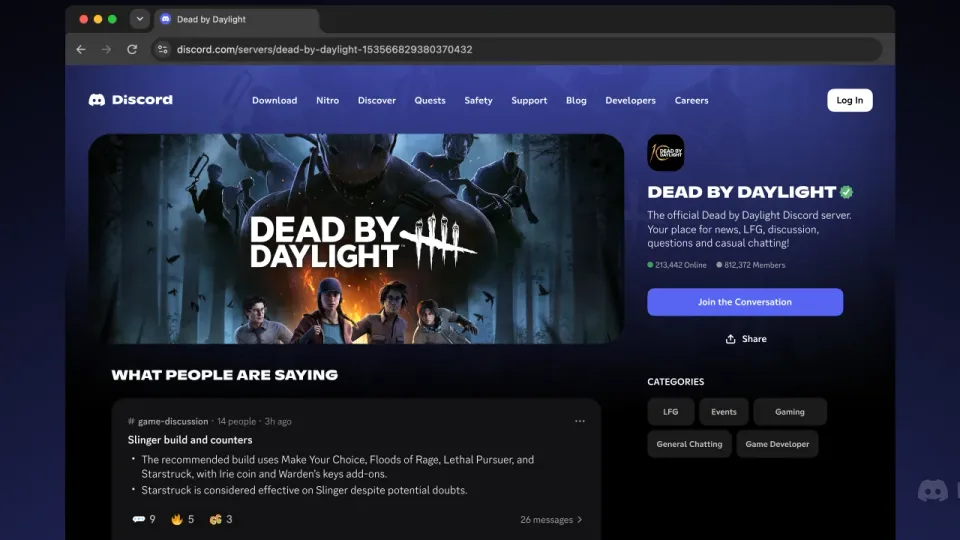
Discord Discoverable Servers will show up in web search: what to change now
Discord will put Discoverable Server pages and some public-channel messages on the open web starting November 16 and mid-December 2026. How everyday members and server admins turn sharing off before then.
Michael Narehood6 min read
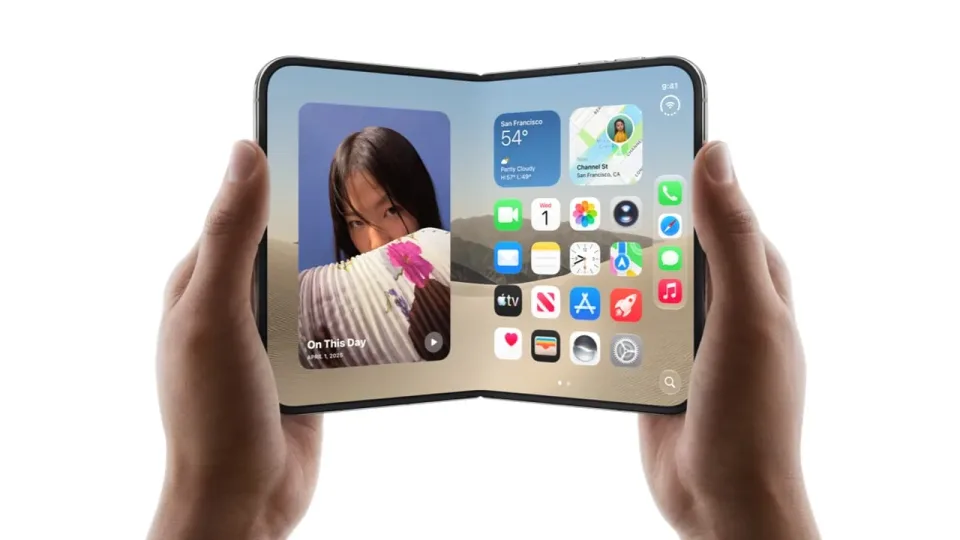
iPhone Duo inner display cracks: what is reported, what Apple said
Days after launch, some iPhone Duo owners report cracked inner screens and bright pixel lines near the hinge. Apple says a small number of units are affected and owners should contact AppleCare for a replacement. How to check yours.
Michael Narehood8 min read
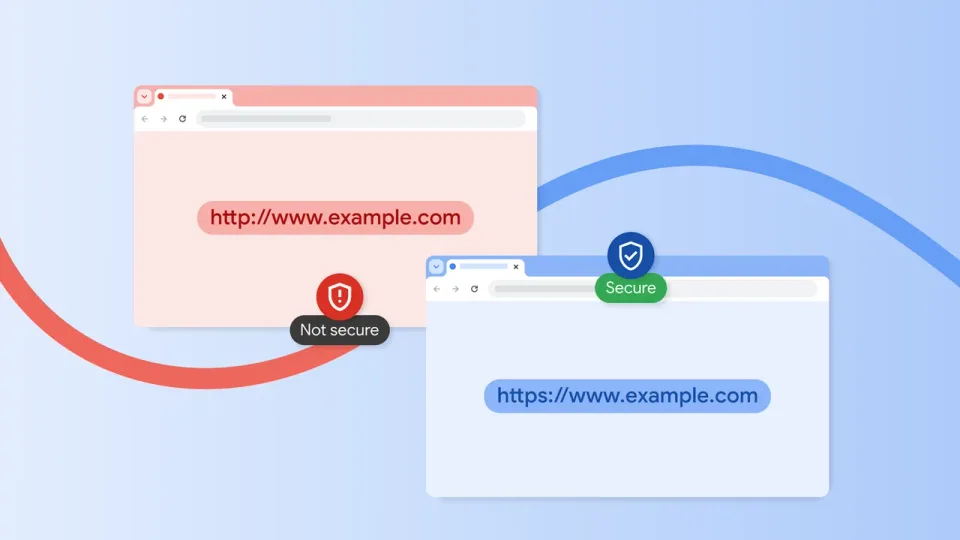
Chrome now asks before insecure HTTP: what home users should do
On October 21, 2026 Google rolled Always Use Secure Connections to all Chrome users by default. How the HTTP warning works, what it skips (like your router), and how to check the setting on your own PC or phone.
Michael Narehood5 min read

iPhone Duo is here: iOS 27.1 is Duo-only, everyone else stays on 27.0.1
Apple's foldable iPhone Duo arrives October 23, 2026 running iOS 27.1. Apple lists 27.1 for Duo only with no published CVEs. What Duo buyers should check at setup, and why other iPhones stay on 27.0.1.
Michael Narehood5 min read
Signal hang-up bug (CVE-2026-113380): update the app on every device
CVE-2026-113380 in Signal's RingRTC calling library could leave audio (and possibly video) live after you hang up. Fixed in RingRTC 2.72.0. How home users update Signal on phone and desktop and verify the call really ended.
Michael Narehood6 min read

Broadcom WPSplinter: what home Wi-Fi users should know
Researcher Quentin Kaiser disclosed a long-lived Broadcom WPS bug on October 16, 2026 that can let a nearby attacker take over some home gateways without the Wi-Fi password. What it means, what is confirmed, and what a household can do.
Michael Narehood6 min read
Cloud storage sync is not a backup
iCloud, Google Drive, Dropbox, and OneDrive keep the same files everywhere. That is sync. Home backups need older copies you can restore after a bad delete or ransomware.
Michael Narehood6 min read

Sharing files from OneDrive carefully (personal and family)
How to share from personal OneDrive without leaving Anyone links lying around forever: pick the right link type, set expiry and passwords when you can, and clean up old shares.
Michael Narehood5 min read
Patching & VulnerabilitiesTutorial
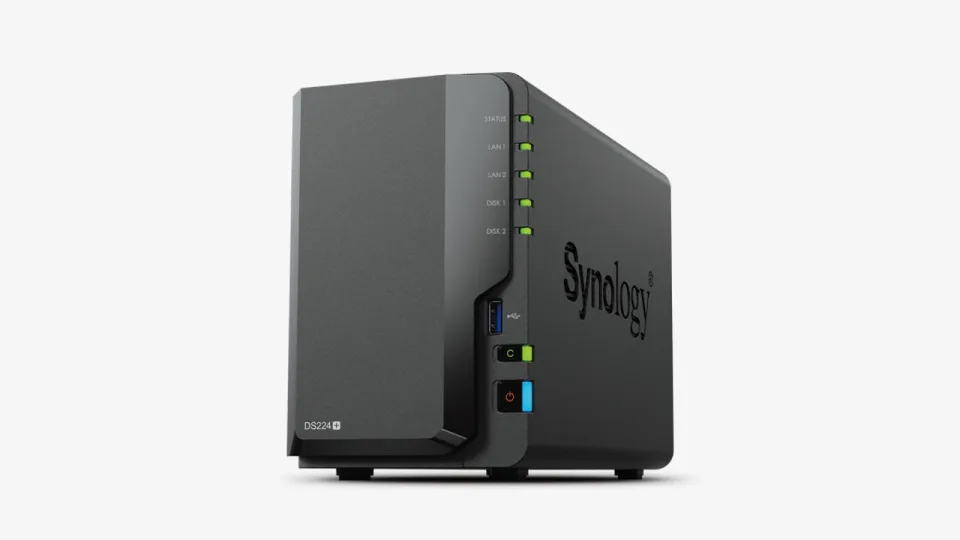
Patching a home NAS before ransomware finds the share
How to keep a Synology, QNAP, TrueNAS, or similar home NAS updated: admin UI habits, vendor update paths, no SMB on the internet, and backups that still restore.
Michael Narehood5 min read

The 3-2-1 backup rule still works at home
Three copies, two kinds of storage, one copy offsite or offline. A plain-English backup plan for photos, tax PDFs, and the laptop you actually use.
Michael Narehood4 min read
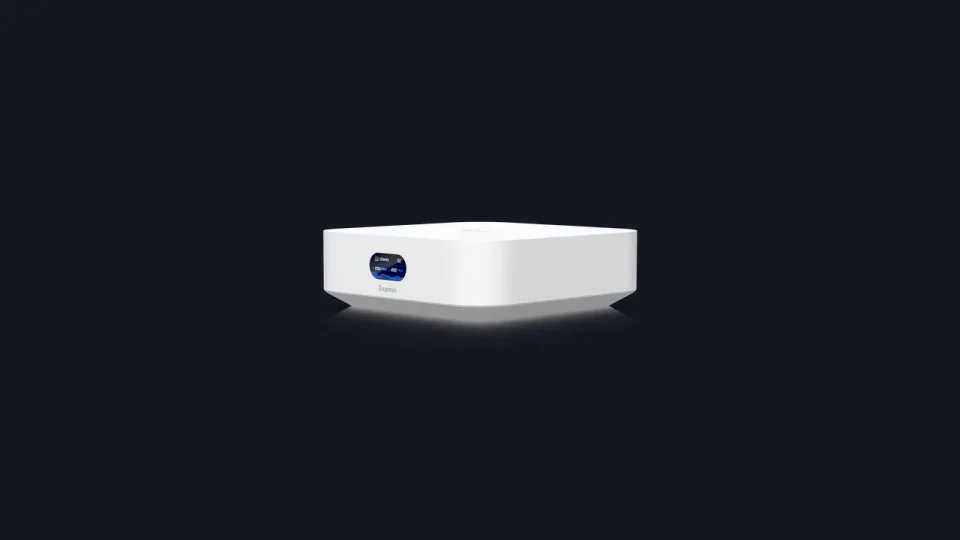
Guest and IoT Wi-Fi at home: keep visitors and gadgets off the main network
How to use your router's guest or IoT Wi-Fi so visitors, smart plugs, and cameras cannot reach the laptops, NAS, and printers on your main SSID.
Michael Narehood5 min read
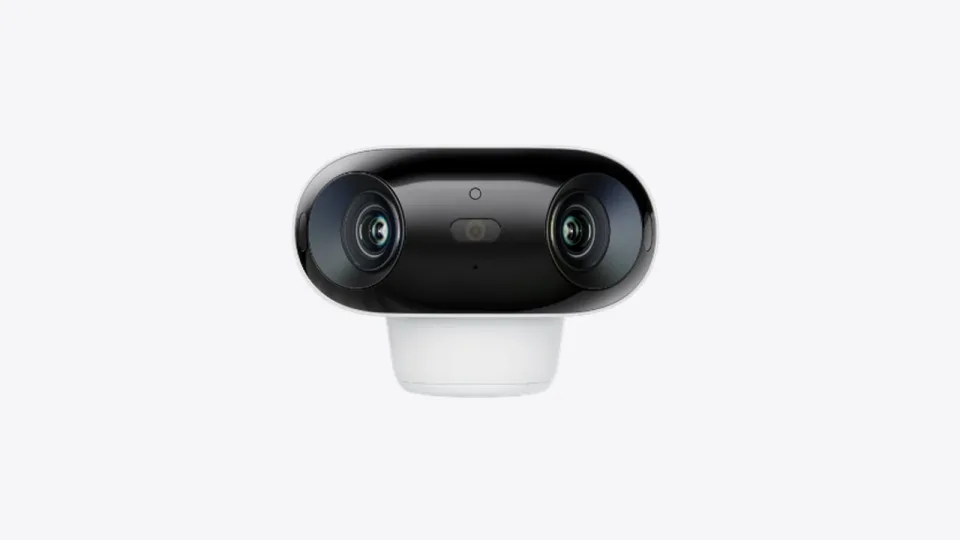
Home IoT cameras and NVRs: keep them off your main Wi-Fi
A home-reader guide to doorbell cams, Wi-Fi cameras, and small NVRs: change defaults, skip UPnP port forwards, segment guest or IoT Wi-Fi, and prefer vendor apps or VPN over exposing the recorder.
Michael Narehood5 min read

Smart home starter guide
Smart plugs, bulbs, and thermostats can make a home easier to live in. A few choices up front about standards, apps, and your Wi-Fi keep it reliable and safe for years.
Michael Narehood5 min read

Microsoft 365Tutorial
Share Microsoft 365 Family
If you pay for Microsoft 365 Family, you can share it with up to five other people. Here is how to invite them, what they get, and what stays with the account owner.
Michael Narehood4 min read

Use AI chatbots safely at home
AI assistants are handy for recipes, homework help, and drafting emails. A few privacy settings and habits keep your personal details out of places they do not belong.
Michael Narehood4 min read

AppleTutorial
Set up Time Machine backups
Time Machine is free, built into every Mac, and good at undoing mistakes. Here is how to pick a drive, set it up, encrypt it, and keep one copy somewhere else.
Michael Narehood4 min read

MicrosoftTutorial
Use the Windows Backup app
Windows Backup can save your folders, settings, and app list to your Microsoft account. Here is how to set it up, what it really does with OneDrive, and how to add a true second copy.
Michael Narehood4 min read
