


Backups & ContinuityTutorial
Back up your phone photos
Summer photo season is starting. Here is how to turn on iCloud Photos or Google Photos backup, why that sync is not the whole plan, and how to keep a second copy you control.
Michael Narehood5 min read

How to place a credit freeze
How to place a free credit freeze at Equifax, Experian, and TransUnion, what a freeze does and does not do, and when a fraud alert is enough.
Michael Narehood5 min read
Spot a delivery text scam
How fake package-delivery texts work, why USPS will not start tracking by surprise, and how to check a real shipment without tapping the link.
Michael Narehood4 min read
Review phone app permissions
How to review camera, microphone, and location access for apps on iPhone and Android, and when to change a permission to While Using or Don't Allow.
Michael Narehood5 min read

Check where you are signed in
How to review and sign out of devices and sessions on personal Google, Apple, and Microsoft accounts, and what to do if a session is not yours.
Michael Narehood4 min read

Spot a Valentine romance scam
How romance scams work, the signs to watch for around Valentine's Day, and what to do if you or someone you care about is being asked for money.
Michael Narehood5 min read

Stay safer on public Wi-Fi
How to use cafe, airport, and hotel Wi-Fi with less risk: confirm the network name, prefer cellular data for sensitive tasks, and keep file sharing off.
Michael Narehood5 min read
Home router security basics
A first-pass checklist for a household router: change the admin password, update firmware, use strong Wi-Fi encryption, and turn off risky defaults.
Michael Narehood5 min read

Close old unused accounts
How to inventory leftover shopping and forum logins, save the records you need, and close unused accounts through official delete pages.
Michael Narehood5 min read
Lock your number from SIM swaps
How SIM swap and port-out scams work, and how to add a carrier PIN or number lock so it is harder to steal the phone number that receives your codes.
Michael Narehood5 min read
Save your account recovery codes
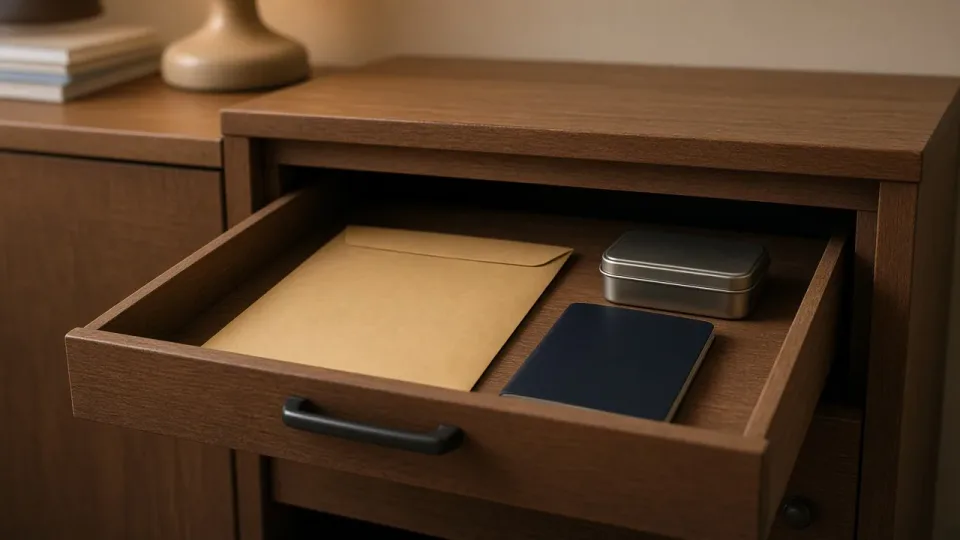
Why 2-Step Verification backup codes matter, how to create them in a Google Account, and where to store them so a lost phone does not lock you out.
Michael Narehood5 min read

Review Google privacy settings
How to run Google's Privacy Checkup and review activity, ads, and sharing settings in a personal Google Account.
Michael Narehood4 min read

After a data breach notice
What to do when a company says your information was in a breach, following the official IdentityTheft.gov checklist.
Michael Narehood5 min read

How to spot a phishing email
A home reader's guide to common phishing signs, what not to click, and how to check a message with the real company instead of the link.
Michael Narehood5 min read

Turn on two-factor auth
How to turn on two-factor or two-step verification for Google, Apple, and Microsoft personal accounts, and which second step to prefer.
Michael Narehood5 min read
Passkeys on your phone
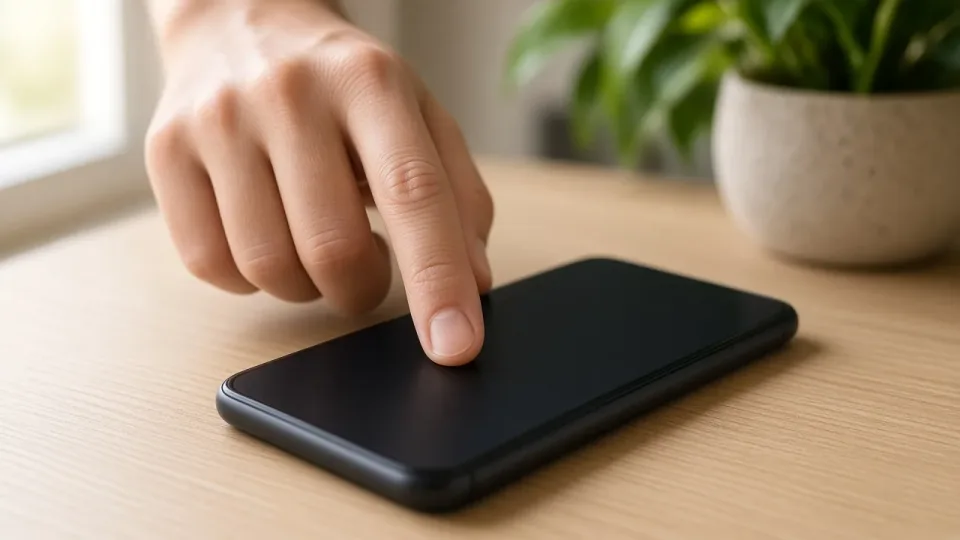
What a passkey is, why it resists phishing, and how to create one for a Google or Apple account on a phone you already own.
Michael Narehood5 min read

Start a home password manager
How a household can move off reused passwords: pick a vault, set a long passphrase, and migrate email and banking first.
Michael Narehood5 min read

New year tech account reset
A practical New Year checklist for home readers: update devices, review sign-in methods, and tidy the accounts you actually use.
Michael Narehood5 min read
