Gemini adds 66 regional voices
On November 16, 2026 Google rolled out 66 regional voices in the Gemini app on Android and iOS, covering U.S., U.K., and India English plus Hindi, Brazilian Portuguese, Indonesian, and Korean.

Voice assistants that only sound like one generic accent get tiring fast. On November 16, 2026, Google began rolling out 66 new regional voices in the Gemini app on Android and iOS so you can pick a cadence that feels closer to home.
This is small product news with a big daily payoff if you talk to Gemini Live a lot, practice a language out loud, or tap Listen on long replies.
What Google shipped
From Google’s regional voices post by Neel Joshi (Director of Product Management, Gemini Live):
- 66 new regional voices are rolling out in the Gemini app on Android and iOS.
- Language and dialect groups named in the post: U.S. English, U.K. English, India English, Hindi, Brazilian Portuguese, Indonesian, and Korean, each with tailored options.
- Google says the voices aim for natural cadences and everyday clarity, not exaggerated accents, and that they capture familiar local rhythm, pitch, and inflection.
- Your chosen voice applies across the app: Gemini Live conversations, language practice, and the Listen control that reads a chat reply aloud.
- To preview and pick one: open the three-dot menu in Gemini Live, or open Gemini’s voice in app settings.
Google first previewed the plan at Google I/O, writing that it wanted to bring local dialects to Gemini so you can choose a voice that resonates with you. The November 16 post is the rollout of that plan. Google’s announcement does not publish a full city-by-city roster, so the official language groups above are the list to trust.
Why home users should care
If Gemini Live is how you brainstorm in the car, rehearse a talk, or listen while cooking, a voice that matches your ear reduces the “robot from nowhere” feeling. The same choice follows you into Listen mode, so you are not juggling one voice for talk and another for read-aloud.
This is also a quiet accessibility win for people who find some synthetic accents harder to parse. Picking a clearer regional option is a preference setting, not a medical claim, but clearer speech is easier to follow when the room is noisy or you are tired.
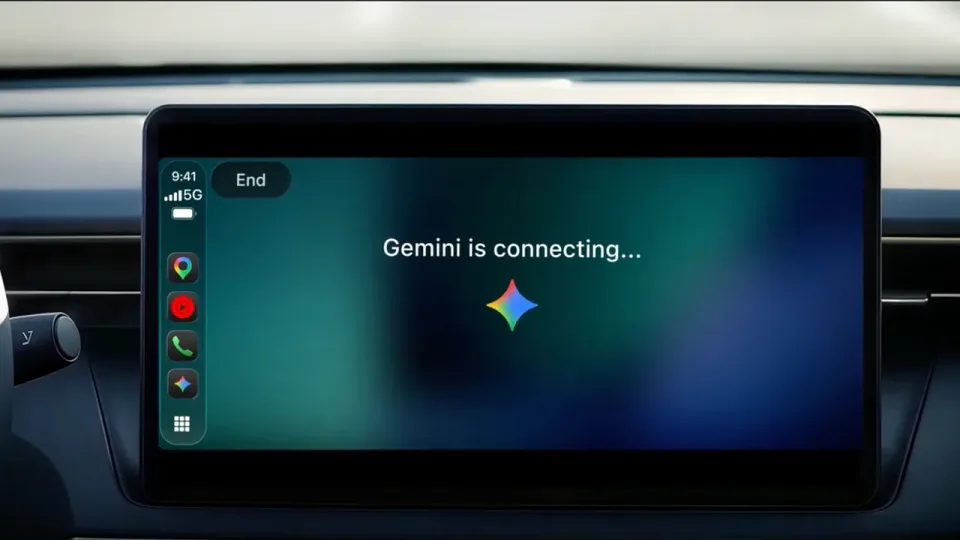
It sits next to, not instead of, other Gemini surfaces we have covered, such as Gemini Live on CarPlay and the broader Gemini 4 Hydrogen model news. Those stories are about where Gemini runs and what it can do. This one is about how it sounds on your phone.
How to try it on your phone
- Update the Gemini app from the official store listing for your device (Play Store on Android, App Store on iPhone).
- Open Gemini and start a short Gemini Live session, or open a text chat where Listen is available.
- Tap the three-dot menu in Gemini Live, or open Gemini’s voice under app settings, as Google describes.
- Preview a few regional options in the languages Google lists (U.S., U.K., and India English, Hindi, Brazilian Portuguese, Indonesian, Korean). Pick one that is easy for you to understand at normal volume.
- Ask a short question out loud, then tap Listen on a text reply, and confirm the same voice carries across both.
- If the new voices are missing, wait and check again after an app update. Google framed this as a rollout, not an instant change for every account.
Do this / don’t do that
Do
- Read Google’s official regional voices post for the language list and where to change the setting.
- Preview more than one voice before you settle. Clarity beats novelty.
- Keep Gemini updated so you pick up the rollout when it reaches your app.
Don’t
- Do not invent a full dialect roster Google did not publish on the blog post.
- Do not download “Gemini voice pack” APKs from random sites. Use the official Gemini app update path.
- Do not assume every Gemini surface (CarPlay, smart speakers, third-party embeds) already shares the phone app voice picker. Confirm on the device you actually use.
Bottom line
On November 16, 2026, Google rolled out 66 regional voices in the Gemini app on Android and iOS across several English varieties plus Hindi, Brazilian Portuguese, Indonesian, and Korean. On your own phone: update Gemini, open the Live menu or voice settings, preview a few options, and keep the one that is easiest to understand for both Live talk and Listen playback.
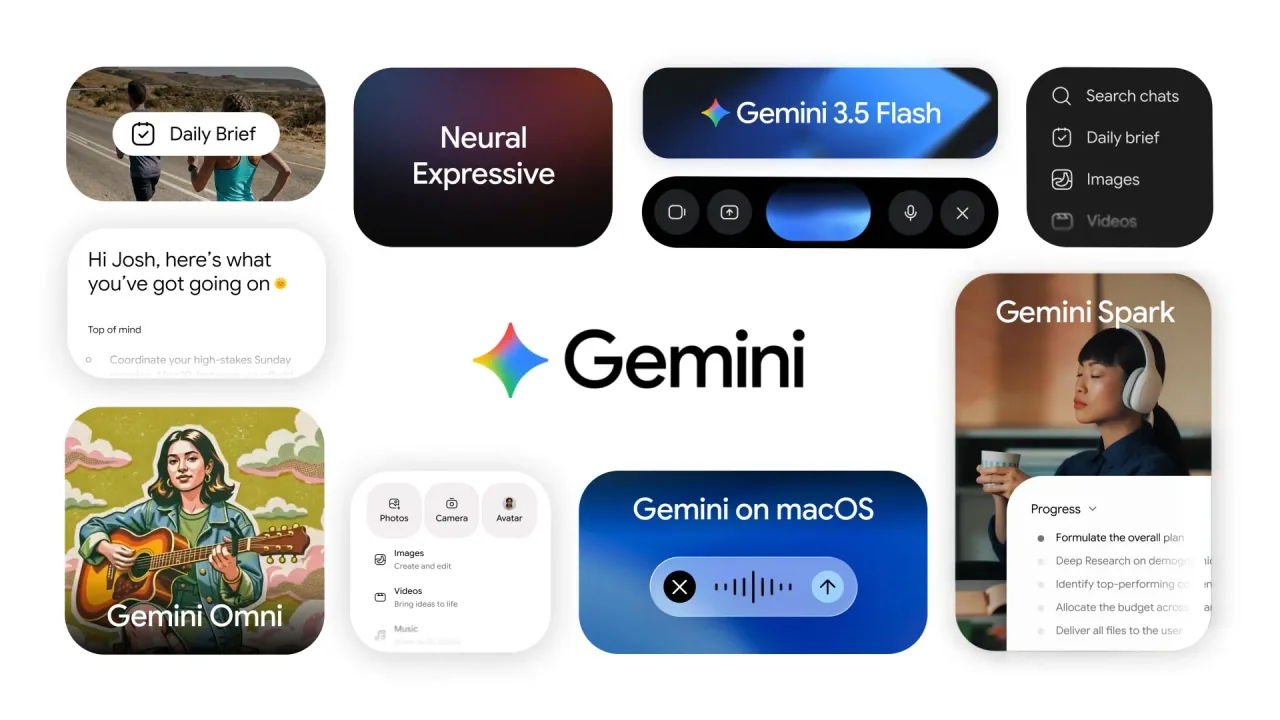
Image: Official Gemini app art from Google’s I/O 2026 Gemini app announcement, which previewed regional dialects ahead of this rollout.