Gemini Live on CarPlay
On November 11, 2026 Google brought the Gemini app and Gemini Live to Apple CarPlay so iPhone drivers can talk hands-free, then pick up the same chat on the phone after they park.

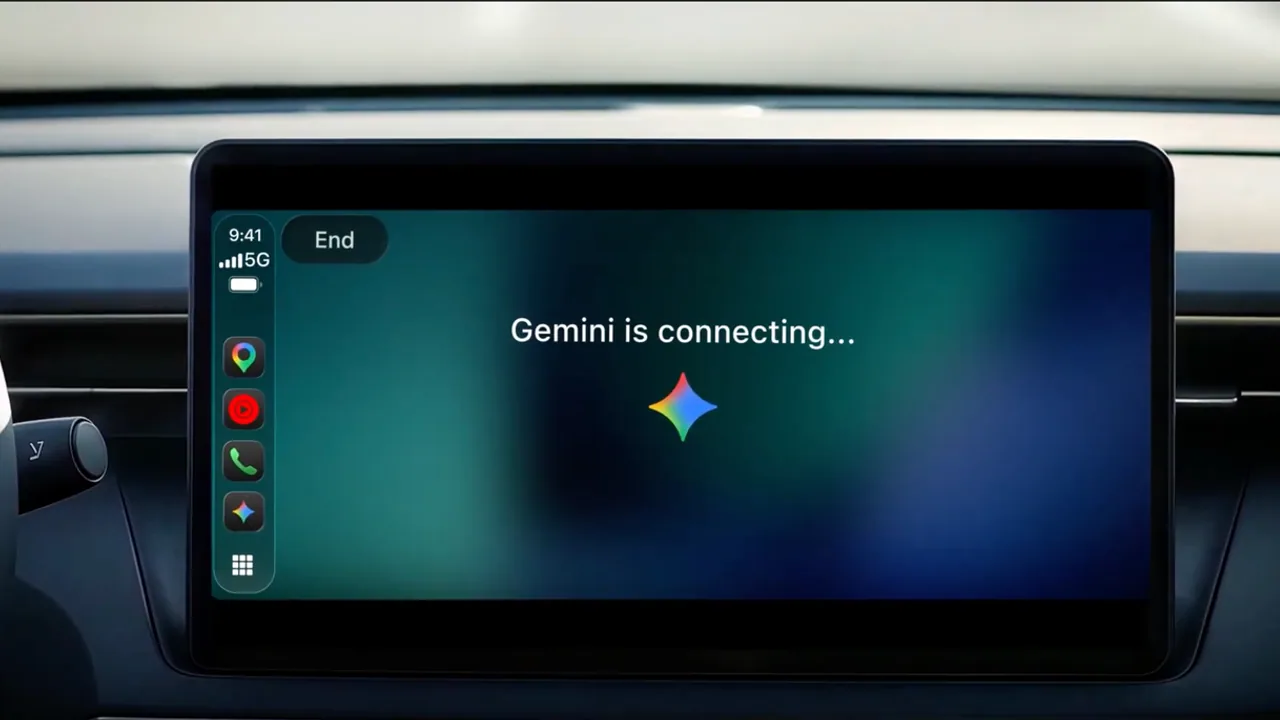
Voice assistants in the car used to mean a playlist or a one-shot directions ask. On November 11, 2026, Google brought the Gemini app to Apple CarPlay so iPhone drivers can run Gemini Live conversations from the car display, hands-free, then continue the same chat on the phone after they park.
Google says this follows its earlier Gemini rollout on Android Auto and cars with Google built-in. CarPlay was the missing lane for a lot of everyday iPhone drivers.
What Google shipped
From Google’s Gemini CarPlay post:
- The Gemini app appears on CarPlay. Tap it on the display or side rail to start a new chat or reopen a recent one.
- Conversations use Gemini Live: back-and-forth talk at your own pace, including interrupting, changing the subject, or pausing when you need the road.
- Example jobs Google names: ask what your day looks like, prep for a meeting, catch up on unread email, get a Daily Brief, ask for a quick lunch spot near where you are headed, brainstorm, or rehearse a talk out loud.
- Because Gemini can connect to Google Workspace apps such as Gmail and Google Calendar, inbox and calendar prompts are part of the pitch when those accounts are linked.
- CarPlay chats sync to the Gemini app on your iPhone so notes and summaries wait for you when you stop.
- Rollout is global starting November 11 for Gemini users on iOS, across every supported Gemini Live language.
- To start: update the Gemini app, enable microphone permission, use Gemini Live on the phone at least once, then connect CarPlay and tap Gemini.
Google also notes that Daily Brief must be enabled first, and that certain personalization features (including Daily Brief) are not available to users under 18 or in the European Economic Area (EEA) and Nigeria.
Why everyday drivers should care
If you already live in Gmail and Calendar on an iPhone, a quiet commute is a better place to hear a summary than to tap through threads at a red light. The sync story matters more than the demo reel: anything useful from the drive should still be in the phone app when you grab groceries or walk into the house.
Treat it like any other in-car screen. The win is listening and talking. The loss is staring at CarPlay while Gemini answers. Keep the display glanceable and your eyes on traffic.
This is also a different product from Apple’s own CarPlay and Siri AI path we covered in iOS 27 CarPlay features that actually work. You can have CarPlay widgets from Apple and still choose Gemini for longer voice chats if that is the assistant you already use.
How to try it in your own car
- On your iPhone, update the Gemini app from the official App Store listing Google points to in the announcement.
- Open Gemini, grant microphone access if prompted, and run Gemini Live once on the phone so CarPlay is not your first Live session.
- If you want Daily Brief prompts, turn that feature on in Gemini where Google exposes it, and remember the age and region limits above.
- Connect the phone to CarPlay. Look for the Gemini icon on the CarPlay home screen or side rail.
- Start a short, low-stakes chat while parked: weather for the drive, a lunch idea near your destination, or “what is on my calendar this afternoon.” Confirm the same thread appears in Gemini on the phone after you disconnect.
- While driving, prefer questions you can answer by listening. Pull over if you need to read a long summary on the screen.
Do this / don’t do that
Do
- Update Gemini, prove Live works on the phone, then try CarPlay.
- Use it for calendar, email catch-up, and thinking out loud when your hands should stay on the wheel.
- Read Google’s CarPlay post for the official limits on Daily Brief and regions.
Don’t
- Do not treat CarPlay Gemini as a reason to read long replies while moving.
- Do not invent availability in the EEA or Nigeria for personalization features Google excluded.
- Do not download “Gemini CarPlay” APKs or sideloads. Use the official iOS app.
Bottom line
On November 11, 2026, Google put Gemini Live on Apple CarPlay for iPhone drivers who already use Gemini, with chats that sync back to the phone. On your own devices: update Gemini, enable the mic, connect CarPlay, try a parked smoke test, then keep the conversation audio-first on the road.
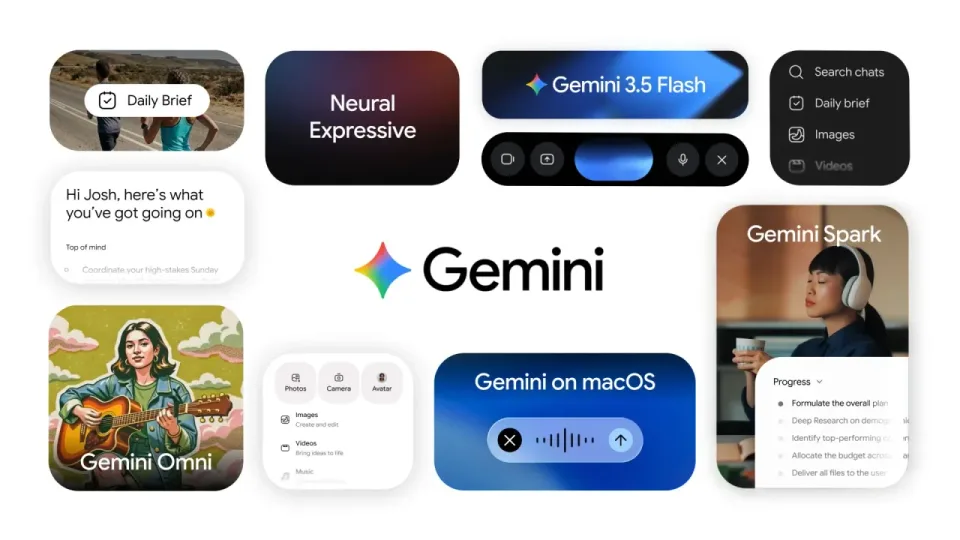
Image: Official hero illustration from Google’s Gemini on Apple CarPlay announcement.