ChatGPT Live Dictation
OpenAI's November 18, 2026 ChatGPT release notes add Live Dictation: speech turns into text as you talk, the 10-minute recording limit is gone, and the update is rolling out to every plan on phone, web, and desktop.

Talking is often faster than typing a long ChatGPT prompt, but older dictation made you wait until the recording finished before you saw the words. On November 18, 2026, OpenAI’s ChatGPT release notes introduced Live Dictation: your speech turns into text as you talk, so you spend less time waiting for transcription to finish.
Coverage from 9to5Mac and The Verge matches the official notes: the familiar microphone path gets a streaming transcript, and the old 10-minute recording cap is removed.
What OpenAI shipped
From the November 18, 2026 section of ChatGPT release notes:
- Live Dictation turns speech into text as you talk, so you wait less for the finished transcript.
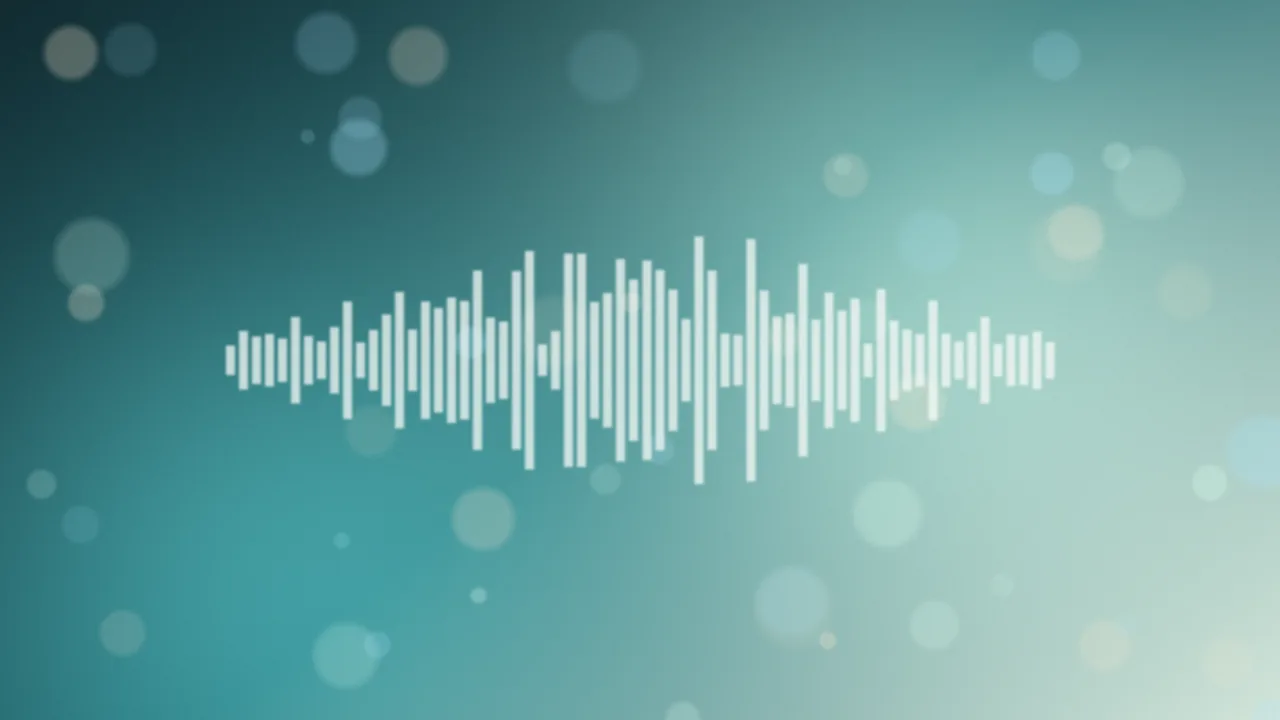
- You can tap or click the waveform to show or hide the text while you continue speaking.
- OpenAI removed the 10-minute recording limit that used to cut longer dictation short.
- The feature is rolling out globally to all ChatGPT plans on iOS, Android, web, and the desktop app.
OpenAI did not publish a new maximum length in those notes. Treat the change as “the old 10-minute ceiling is gone,” not as a promise that infinite recordings will always succeed on a weak connection. If a very long take stalls, stop, send what you have, or start a fresh message.
Dictation vs Voice mode, in plain terms
These are easy to mix up because both use a microphone:
- Live Dictation is speech-to-text for the prompt box. You talk, ChatGPT writes the words, you edit if needed, then you send the message like a typed prompt. The reply still comes back as text (unless you separately use Listen or another read-aloud control).
- Voice mode (sometimes called Advanced Voice or a Live conversation mode, depending on the app version) is a back-and-forth spoken chat. You talk, ChatGPT talks back, more like a phone call with an assistant.
If you want a drafted email, a grocery list, or a long question you can still edit before sending, use dictation. If you want to brainstorm out loud without looking at the screen, use Voice mode. The Verge notes that Live Dictation follows earlier voice-mode work and is separate from ChatGPT’s “record mode” for meetings, which remains a different, limited beta feature.
How to try it on your devices
- Update ChatGPT on your phone, or open the latest web or desktop app while signed in.
- Start a new chat and look for the microphone control on the prompt box (the same place older dictation lived).
- Tap or click the mic, speak at a normal pace, and watch for text to appear as you go.
- Tap or click the waveform if you want to show or hide the live text, as OpenAI describes in the release notes.
- Stop when you are done, fix any mis-heard names or numbers, then send.
- Try a longer note than ten minutes only when you have a stable connection, and keep an eye on the transcript so a drop does not silently eat a paragraph.
If the mic control is missing, you may still be waiting on the global rollout, or the browser may need microphone permission. Prefer the official ChatGPT apps and site over third-party “ChatGPT dictation” clones.
Privacy in general terms
Dictation is still a prompt you are sending to ChatGPT. Anything you say can end up in the same place as text you would have typed: the chat history and, depending on your settings, OpenAI’s training and retention choices.
OpenAI documents account-level data controls in its help center (including the Data controls FAQ). Check those settings on your account rather than trusting a screenshot from social media. Practical habits still help: skip reading aloud passwords, one-time codes, full payment card numbers, or medical details you would not paste into a normal chat. For a wider home-user checklist, see Use AI chatbots safely at home.
Do this / don’t do that
Do
- Use Live Dictation when you want editable text in the prompt box, and Voice mode when you want a spoken conversation.
- Watch the live transcript and correct names, addresses, and numbers before you send.
- Read the official release notes if a control looks different after an app update.
Don’t
- Do not invent a new hard time limit OpenAI did not publish.
- Do not confuse this with meeting “record mode,” which The Verge still describes as a separate, limited beta.
- Do not grant microphone access to random sites that claim to be “ChatGPT Live Dictation.”
Bottom line
On November 18, 2026, OpenAI’s ChatGPT release notes rolled out Live Dictation: streaming speech-to-text, a show/hide waveform control, no more 10-minute recording cap, and availability across all plans on iOS, Android, web, and desktop. On your own devices, tap the microphone, talk, edit the text, and keep sensitive details out of the recording the same way you would keep them out of a typed prompt.