Close old unused accounts
How to inventory leftover shopping and forum logins, save the records you need, and close unused accounts through official delete pages.

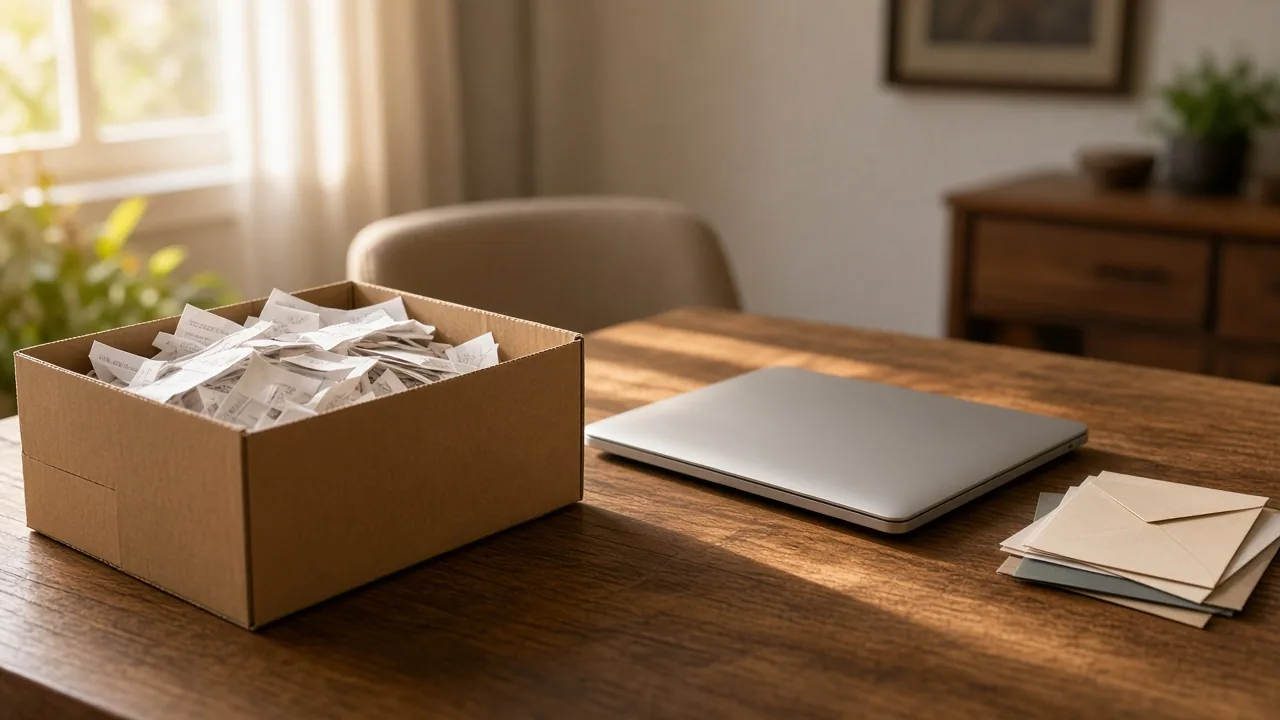
Unused accounts do not sleep as quietly as they look. A shopping site you opened once in 2019 can still store a password you later reused on email, a card number, a shipping address, and a recovery mailbox you no longer watch. When that company is breached, you may not notice the notice. The point of closing leftover accounts is not minimalism. It is shrinking the number of places a leftover login can still hurt you.
This is a weekend project, not a purge you have to finish in an hour. It pairs well with a password manager and with the habit of giving every remaining account a unique password.
Make an inventory from records you already have
You do not need a special scanning tool. In fact, you should be careful with websites or extensions that promise to “find all your accounts” if you give them inbox access. Start with evidence you already control:
- Order confirmations and password-reset messages in email (search for words like “welcome,” “reset your password,” “your order,” and “create your account”)
- Logins already stored in a password manager or in a browser’s saved password list
- Bank and card statements that show familiar merchant names
- Old phones or a notes app where you once listed subscriptions
Write a plain list: site, email address used, and whether you still need the account. Keep, review, or close. Paid subscriptions you still use belong in “keep.” A forum you have not opened in five years belongs in “close.”
Before you delete, save what you might need
Close is not the same as “shred the paperwork.” Before you use an official delete page:
- Download invoices, return records, or tax-related receipts you may need later
- Cancel a recurring payment at the official site, then confirm on your card or bank statement that the charge stops
- If the service offers an official data download, use it first. For a Google Account, Google documents how to find, control, and delete account information and how to export data through its official takeout tools
- Change a forwarding address or domain email if you still want messages, so you do not lose a login you meant to keep
If you share the account with a spouse or a bookkeeper, say so before you click delete.
Close the account on the official page
Use the company’s own close or delete process:
- Open the site by typing the address or using a bookmark you already trust, not a link in an email titled “confirm account deletion.”
- Sign in. If you cannot remember the password, use the official forgot-password flow and store a unique password in your manager for long enough to finish.
- Search the help center for “delete account,” “close account,” or “deactivate.” Follow those steps, not a third-party how-to that asks you to paste a password into a form.
- For a Google Account you truly want gone, use Google’s official article Delete your Google Account. For an Apple Account, use Apple’s official account-deletion process from Apple Support or the Settings path Apple documents there. Work accounts may be controlled by an administrator and cannot be self-deleted.
- Confirm any final email. Keep a screenshot or confirmation number if the company provides one.
Deactivate is not always the same as delete. Some services hide the profile first and delete later. Read the official wording so you know whether the data is scheduled to go away.
If you decide to keep the account
Not every unused login has to disappear. If you may buy from the store again, or if closing it is unusually hard, you can still reduce the risk:
- Set a unique password in your manager
- Turn on two-factor authentication if the site offers it
- Remove stored credit cards you do not need on file
- Confirm the recovery email and phone number are still yours
That is a reasonable middle path for a retailer you use twice a year.
Watch for deletion scams
A message that says “your account will be deleted tomorrow unless you confirm” is a common hook. Treat it like any other phish: do not use the link, and check the real site yourself. A real company will still have its official close-account page when you sign in the normal way.
If a leftover account was part of a breach, change that password everywhere you reused it and follow the IdentityTheft.gov breach steps if personal or financial data was involved.
Bottom line
Leftover accounts are leftover risk, especially when they still hold a reused password or a stored card. Inventory them from your own email and vault, save receipts, and close the ones you do not need through official delete pages you open yourself. Keep the rest, but give them unique passwords and a second sign-in step. The inbox gets quieter, and the blast radius of the next retail breach gets smaller.