SecurityTutorial
Plex2Shell: update your home Plex Media Server today
CISA added actively exploited Plex Media Server flaws (Plex2Shell) to its Known Exploited Vulnerabilities catalog on October 20, 2026. Versions before 1.43.3.10861 are affected. How home users check the version, update, and what to do if the server was internet-facing.

If you run Plex Media Server on a PC, NAS, Shield, or mini PC at home, stop scrolling and check the version. On October 20, 2026, CISA added six known exploited vulnerabilities to its catalog, including four Plex Media Server issues that attackers chain together. Zach Main, the researcher who reported the bugs to Plex, named the chain Plex2Shell.
This is a home-lab problem, not a corporate ticket. Plenty of people expose Plex to the internet for remote watching. That is exactly the population attackers are scanning.
What happened
Plex’s security notice (updated October 19, 2026 with CVE details) says four bugs fixed in Plex Media Server 1.43.3 can be chained so an unauthenticated remote attacker runs code as the Plex Media Server process:
| CVE | Plain-English summary (from Plex) |
|---|---|
| CVE-2026-96652 | Unauthenticated server-side request forgery in the player timeline endpoint |
| CVE-2026-96654 | Access to internal agent functions over the loopback interface |
| CVE-2026-96655 | Disclosure of the server owner’s admin token |
| CVE-2026-96656 | Arbitrary file write to the Codecs directory through transcoder preferences |
Plex Media Server 1.43.3.10861 and later are not affected. Anything older is.
Plex says a public proof of concept appeared on October 16, and that internet-facing servers that were not updated have seen widespread attacks. Compromised boxes have been used for cryptocurrency miners and proxy software that routes other people’s traffic through your connection.
CISA’s Known Exploited Vulnerabilities listing gives federal agencies a deadline: October 23 for the Codecs file write bug and November 3 for the others. You are not a federal agency. You still should not wait if your server answers on the internet.
Check your version (two minutes)
- Open Plex Web while signed in as the server owner (usually
http://127.0.0.1:32400/webon the machine that runs Plex, or your usual Plex URL). - Open Settings → General.
- Read the version shown for Plex Media Server.
- You want 1.43.3.10861 or newer. If you see 1.43.2.x or anything older, update now.
If you cannot find Settings because the server will not load, treat that as a reason to update from Plex’s downloads page on the host itself, then come back and verify.
How to update on common home setups
Windows or Mac desktop server
- If automatic updates are on, open Plex and confirm you are already on 1.43.3.10861+.
- If not, download the current Plex Media Server installer from Plex’s official downloads page.
- Install over the existing server, start it, then re-check Settings → General.
NAS (Synology, QNAP, TrueNAS apps, and similar)
- Prefer the vendor’s package update if it already offers 1.43.3.10861+.
- If the NAS app store is behind, follow Plex’s manual install path for your NAS brand (Plex links guides from the security notice). Do not stay on an old package “until the store catches up” while Remote Access is on.
- After install, confirm the version in Plex Web again.
Docker
- Pull the current official image and recreate the container with your usual volume mounts.
- Confirm the running server reports 1.43.3.10861+.
- See Plex’s pms-docker README if you need the exact pull pattern you already use.
NVIDIA Shield
- Update Plex from the Google Play store on the Shield.
- Confirm the server version in Plex Web afterward.
Updating the phone or TV Plex app is not the same as updating Plex Media Server. Clients stream. The server is what attackers hit.
If the server was older and reachable from the internet
Plex’s guidance is blunt: if your server was older than 1.43.3.10861 and reachable from the internet, assume it may be compromised.
Look for:
- Processes started by Plex that you do not recognize (Plex called out names like
myawesomeproxy,mylovelyminer, orx12345) - Unfamiliar
.soor.dllfiles in the Plex Codecs folder - Outbound connections to
proxystream.st, or sustained high CPU while nothing is playing
If you find any of that, or you cannot rule compromise out:
- Prefer a clean rebuild of the server rather than reusing a dirty data directory. At minimum, empty the Codecs folder and inspect
Preferences.xmlfor transcoder options you did not set. - From your Plex account settings, sign out of all devices, then change your Plex password.
- Treat anything the Plex service account could reach as possibly exposed (mounted media shares, credentials on the same machine).
- If you do not need remote streaming, turn Remote Access off under Settings → Remote Access. Avoid forwarding port 32400 unless you truly need it.
For broader home network hygiene after an exposed service, our notes on guest and IoT Wi-Fi and patching a home NAS are worth a pass once Plex itself is current.
Do this / don’t do that
Do
- Confirm 1.43.3.10861+ in Settings → General today.
- Update the server, not only the phone app.
- Turn off Remote Access if you only watch at home.
- Rebuild if the box was internet-facing and behind on the patch.
Don’t
- Do not leave an old NAS package internet-facing “until the app store updates.”
- Do not ignore high CPU or weird proxy-looking processes on the Plex host.
- Do not reuse a Codecs folder you no longer trust after a suspected compromise.
- Do not confuse this with random streaming-app store updates. The CVE chain is in Plex Media Server.
Bottom line
CISA and Plex both treat this as actively exploited. On your own hardware: open Plex Web, check Settings → General, and get to 1.43.3.10861 or newer (Plex security notice, CISA alert). If the server was old and exposed to the internet, update, look for miners or proxies, and rebuild when in doubt. Watching movies at home should not mean hosting someone else’s cryptominer.
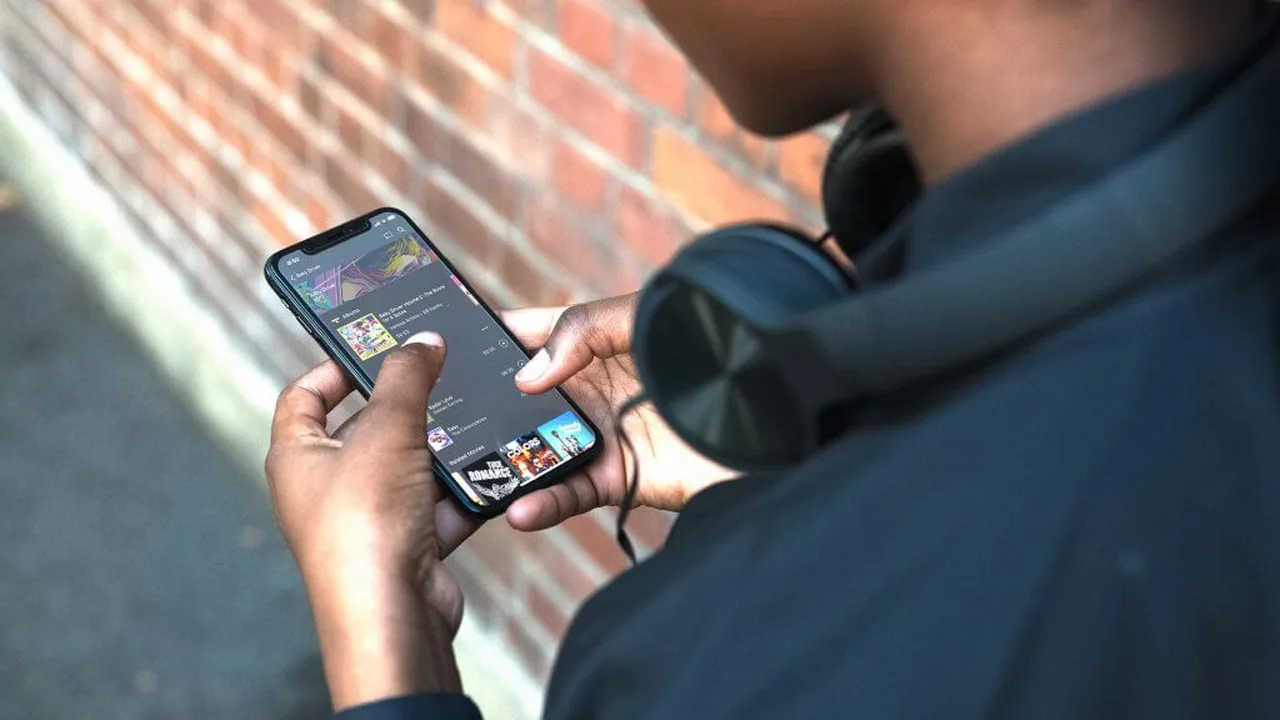
Image: Plex app lifestyle photo from Plex’s Media Server downloads page (plex.tv).