iOS and iPadOS 27.2 are out: install Apple's October 26 security updates
Apple released iOS and iPadOS 27.2 on October 26, 2026, along with matching Mac, Watch, TV, Vision Pro, and Safari updates, and iOS 18.7.11 for older iPhones with a fix for an exploited bug. Which build to install, and how to check it.

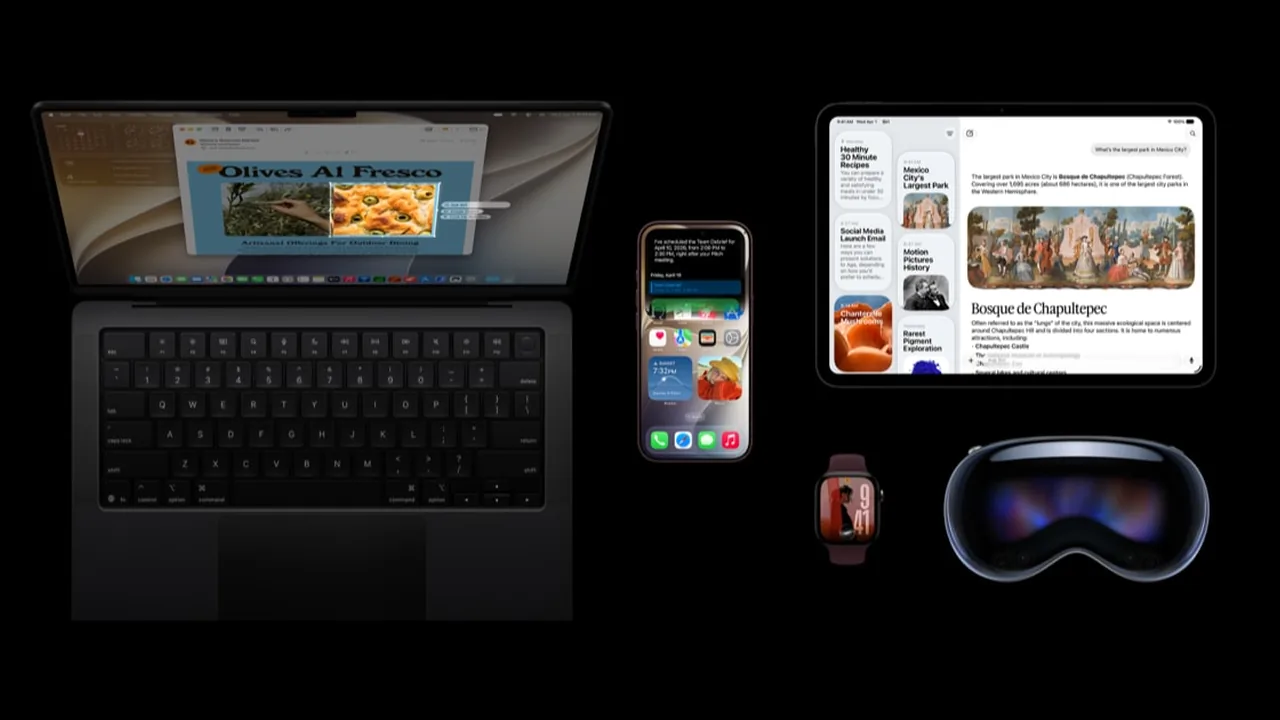
Apple shipped a big batch of security updates on October 26, 2026. If you own an iPhone, iPad, Mac, Apple Watch, Apple TV, or Vision Pro, check Software Update today. If you are on the newest versions, the builds to look for are iOS 27.2, iPadOS 27.2, and macOS Golden Gate 27.2. People who stayed on older versions got their own updates the same day.
This is a different story from iOS 27.0.1 (the Face ID stability fix from September 28) and from the iPhone Duo and iOS 27.1 launch note. 27.2 is the October 26 security release.
What Apple published on October 26
Apple’s security releases page lists these October 26 updates:
- iOS 27.2 and iPadOS 27.2 for iPhone 11 and later and the iPad models named on that page
- iOS 26.7.2 and iPadOS 26.7.2 for people who stayed on iOS 26 (also iPhone 11 and later)
- iOS 18.7.11 and iPadOS 18.7.11 for iPhone XS, iPhone XS Max, iPhone XR, and iPad (7th generation)
- macOS Golden Gate 27.2, macOS Tahoe 26.7.2, and macOS Sequoia 15.8.2
- Safari 27.2 for macOS Sequoia and macOS Tahoe
- watchOS 27.2 (Apple Watch Series 9 and later), tvOS 27.2 (Apple TV 4K 2nd generation and later), and visionOS 27.2
- tvOS 26.6.1 for Apple TV HD and the first Apple TV 4K, with no published security entries
Apple’s security notes for these builds list a long run of fixes in WebKit, the kernel, and the parts of the system that open images, fonts, PDFs, audio, and video, plus bugs that could let apps get around privacy settings. You do not need to read every CVE. You need the matching build installed on each device you actually use.
SecurityWeek counted 286 vulnerabilities fixed across iOS 27.2 and macOS Golden Gate 27.2 (163 in iOS and iPadOS 27.2, 263 in macOS 27.2, with roughly 140 shared). For the official wording on any single fix, use Apple’s pages.
The exploited bug fixed for older iPhones
If you are still on iOS 18 on an iPhone XS, XS Max, or XR, or an iPad (7th generation), iOS and iPadOS 18.7.11 is the one that matters most.
Apple’s own 18.7.11 security note lists three fixes. One is a CoreGraphics out-of-bounds write, CVE-2026-86950, credited to Meta Product Security. Apple’s impact wording: processing a maliciously crafted file may lead to arbitrary code execution, and Apple is aware of a report that this issue may have been exploited in an extremely sophisticated attack against specific targeted individuals on versions of iOS before iOS 27.
That is the same CVE Apple first patched on September 28 in iOS 26.7.1, macOS Tahoe 26.7.1, and macOS Sequoia 15.8.1, which we covered in our CoreGraphics CVE-2026-86950 note. October 26 brings that fix to the older iPhones and iPads that can only run iOS 18. SecurityWeek notes that iOS and macOS 27 do not appear to be affected, and that there is no public detail on the attacks. If Software Update offers 18.7.11, install it.
If your phone is already on iOS 27, install 27.2 instead. There is no reason to look for 18.7.11 on a phone that moved past iOS 18.
One Mac fix worth knowing about
Apple’s Mac updates for Golden Gate, Tahoe, and Sequoia fix a long list of issues. One easy-to-understand example: CVE-2026-112672, where a maliciously crafted ZIP archive may bypass Gatekeeper checks. Gatekeeper is the Mac feature that warns you before opening apps from unknown sources. It is fixed in macOS Golden Gate 27.2, Tahoe 26.7.2, and Sequoia 15.8.2 (CVE record). Treat unexpected ZIP downloads with the usual care, and install the update.
How to update iPhone and iPad
- Plug in, or make sure the battery is comfortably charged, and use Wi-Fi.
- Open Settings > General > Software Update.
- Install the build that matches the version you already run:
- On iOS or iPadOS 27: install 27.2
- On iOS or iPadOS 26: install 26.7.2
- On iPhone XS, XS Max, XR, or iPad (7th generation) running iOS 18: install 18.7.11
- Let the device restart when the installer finishes.
- Check Settings > General > About and confirm the version line matches what you installed.
If Software Update shows nothing the first time you look, wait a bit and check again. Use Apple’s own updater, not firmware files passed around on social media. Apple’s Update your iPhone or iPad page walks through the same steps.
How to update a Mac
- Plug in a laptop and use a stable network.
- Open System Settings > General > Software Update.
- Install Golden Gate 27.2, Tahoe 26.7.2, or Sequoia 15.8.2, depending on the version you already run.
- Restart when asked.
- Confirm the version under System Settings > General > About.
If you stayed on Sequoia or Tahoe on purpose, you still want the October 26 update for that version. Moving to a newer macOS is a separate decision.
Watch, TV, Vision Pro, and Safari
- Apple Watch: open the Watch app on your iPhone, then General > Software Update. Look for watchOS 27.2 if your watch runs watchOS 27.
- Apple TV: Settings > System > Software Updates. Newer models get tvOS 27.2; Apple TV HD and the first Apple TV 4K get tvOS 26.6.1.
- Vision Pro: Settings > General > Software Update, then visionOS 27.2.
- Safari on Sequoia or Tahoe: Apple lists Safari 27.2 separately for those Macs. If Software Update offers it, install it, then check Safari > About Safari.
Updating your phone does not update your watch, your TV, or your Mac. Each device has its own About screen to check.
Do this / don’t do that
Do
- Match the update to the version you already run, then check About.
- Put any iPhone XS, XS Max, XR, or iPad (7th generation) still on iOS 18 first in line for 18.7.11.
- Update every iPhone and iPad in the house that already runs iOS 27 to 27.2.
- Keep a normal backup habit (iCloud or a computer) before big updates.
Don’t
- Don’t confuse 27.2 with 27.0.1 or 27.1. Different dates, different jobs.
- Don’t skip the Mac, Watch, or TV because the phone already updated.
- Don’t leave a finished download waiting on a restart.
- Don’t assume updating Chrome on your computer covers Safari or your iPhone.
Bottom line
On October 26, 2026, Apple released iOS and iPadOS 27.2 along with matching Mac, Watch, TV, Vision Pro, Safari, and older-version updates (Apple security releases, iOS 27.2 security content). If you are on iOS 27, install 27.2 and check About. If you stayed on iOS 26, take 26.7.2. If you have an iPhone XS, XS Max, XR, or iPad (7th generation) on iOS 18, take 18.7.11, which Apple says fixes CVE-2026-86950, a CoreGraphics bug that may have been exploited in targeted attacks. Go one device at a time, and let the version number on the About screen be your receipt.
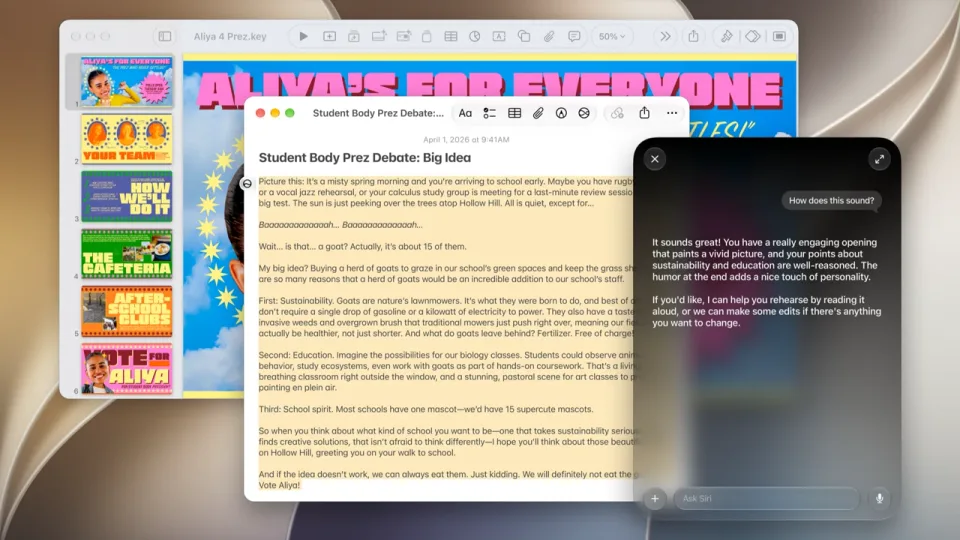
Image: Official Apple Newsroom image of Mac, iPhone, iPad, Apple Watch, and Apple Vision Pro running Apple’s 27 software releases (apple.com/newsroom).