
iPhone 18 Pro Max on AT&T: check for cellular service loss before it strands you
Apple says a small number of iPhone 18 Pro Max units on AT&T can lose calls, texts, and data. Install iOS 27.0.1 plus the AT&T carrier settings update. Phones that already lost service need a hardware replacement.
 Michael Narehood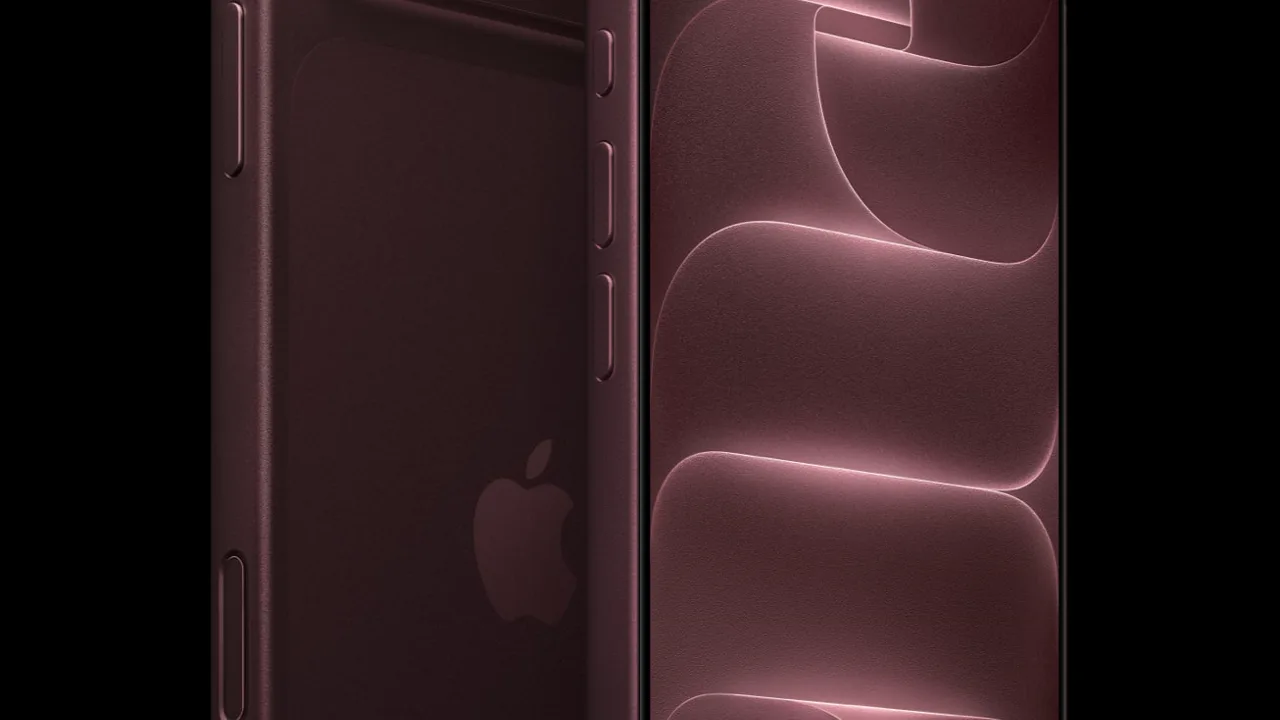
If your brand-new iPhone 18 Pro Max is on AT&T and suddenly cannot call, text, or use cellular data, this is not a random “turn airplane mode off and on” glitch. Apple has confirmed a real issue for a small number of those phones, and the fix path depends on whether service is still working.
This is a different story from the iOS 27.0.1 Face ID reboot fix. Same iOS build shows up here, but the problem is cellular service on AT&T, not Face ID.
What Apple and AT&T said
On October 2, 2026, Apple told MacRumors (and 9to5Mac) that a small number of iPhone 18 Pro Max users on the AT&T network can lose service so the phone cannot make calls. Apple’s statement, as published by those outlets:
We have identified an issue affecting a small number of iPhone 18 Pro Max users on the AT&T network that may cause a device to lose service and be unable to make calls. We released iOS 27.0.1 earlier this week and strongly encourage all iPhone 18 Pro Max users to update now, and are also issuing a carrier settings update today. These updates together are meant to help prevent this issue from occurring.
Key details from the same reporting:
- Affected phones often show SOS instead of normal signal bars.
- Calls, texts, and cellular data can stop working.
- Apple has only observed this on iPhone 18 Pro Max + AT&T. Other models and carriers are not known to be hit.
- iOS 27.0.1 plus an AT&T carrier settings update are meant to prevent the problem on phones that still have service.
- If the phone already lost service, software will not bring cellular back. Apple says the device needs a hardware replacement. Contact Apple Support or AT&T, or visit an Apple Store or AT&T location.
AT&T had already texted customers to update to iOS 27.0.1 immediately (MacRumors coverage of AT&T’s message). That update alone is not the whole story once Apple clarified the carrier settings piece and the replacement path.
If your phone still has service (do this now)
Treat this as prevention, not a curiosity.
- Open Settings → General → Software Update.
- Install iOS 27.0.1 if you are not already on it.
- Confirm under Settings → General → About that the version shows 27.0.1.
- Still in About, stay on the screen a few seconds. Apple says the AT&T carrier settings update can download automatically over about 14 days, and opening About can trigger it sooner.
- If a carrier settings prompt appears, accept it. If nothing appears, you may already have the latest settings, or the push has not reached you yet. Check About again later the same day.
Wi-Fi is fine for the iOS download. You still want carrier settings installed while cellular works. Do not wait until you are staring at SOS.
Also keep a normal backup (iCloud or a computer). If you end up swapping hardware, a recent backup is the difference between “annoying” and “I lost my photos.”
If service is already gone
Do not spend the afternoon factory-resetting, swapping SIMs for fun, or chasing random IPSW files.
- Confirm the symptom: SOS (or no usable cellular), and no calls/texts/data on AT&T on an iPhone 18 Pro Max.
- Try the obvious once: airplane mode toggle, reboot, confirm you are not accidentally on a travel eSIM you meant to disable. If that restores normal AT&T service, great. Continue with the iOS + carrier settings steps above while it works.
- If cellular stays dead, Apple’s position is clear: software will not reactivate an already-affected unit. Start a replacement path through Apple Support, AT&T, an Apple Store, or an AT&T store.
- Bring proof of purchase / account info and know your Apple ID password. Ask explicitly about a no-charge replacement for this confirmed issue. Reporting so far points that way, but get it in writing from support for your case.
- Back up over Wi-Fi before you hand the phone over, if the phone still unlocks and Wi-Fi works.
Wi-Fi calling will not fix a modem-side loss if the phone cannot register on the network the way AT&T expects. Replacement is the path Apple described for units that already failed.
Who should not panic
- iPhone 18 Pro (non-Max), iPhone Duo, and older iPhones: Apple has not linked them to this AT&T Max issue.
- Other carriers on an 18 Pro Max: not known to be affected, per Apple’s comments to the press. Still keep iOS current.
- People still on iOS 26: this cellular story is about 18 Pro Max units on AT&T and the 27.0.1 + carrier settings prevention path. Stay on the current 26.x security updates until you choose to move majors, and watch Apple Support if your exact setup changes.
Do this / don’t do that
Do
- Install iOS 27.0.1 and trigger carrier settings via Settings → General → About while service still works.
- Verify About shows 27.0.1 after the software update finishes and restarts.
- Contact Apple or AT&T for a hardware replacement if the phone already lost cellular service on this issue.
- Keep Wi-Fi, iMessage, and a backup working so a swap is less painful.
Don’t
- Do not assume the Face ID 27.0.1 article covered this. Same build, different failure mode.
- Do not keep retrying DFU restores hoping cellular returns after Apple said replacement is required.
- Do not ignore SOS “until the weekend” if you still have service and have not installed 27.0.1 yet.
- Do not buy a random third-party “network unlock” tool. That will not help this.
Bottom line
Apple confirmed a small number of iPhone 18 Pro Max phones on AT&T can lose cellular service (calls, texts, data), often showing SOS. Prevention is iOS 27.0.1 plus the AT&T carrier settings update (check Settings → General → About). If service is already gone, Apple says a hardware replacement is required (MacRumors, 9to5Mac). Update while you can still make a call. If you cannot, stop troubleshooting in circles and start the replacement conversation.
Image: Apple Newsroom press photo (iPhone 18 Pro / Pro Max).


