Edge 156 Stable: update, then try the new password notes
Microsoft shipped Edge Stable 156.0.4314.42 on October 22, 2026 with Chromium security ingest plus clearer site permissions, document autofill, and login notes. How home users update and verify edge://version.


If Microsoft Edge is still on the 155 train on your home PC or Mac, you have a new major Stable target. On October 22, 2026, Microsoft shipped Edge 156.0.4314.42 on the Stable channel. The Stable release notes cover everyday feature changes. The security release notes say the same build incorporates the latest Chromium security updates.
This is not another mid-cycle 155.0.4283.x bump like 155.0.4283.62. It is a new major version. Updating Chrome does not update Edge. Updating Edge does not update Chrome.
What Microsoft shipped on October 22
From Microsoft’s Stable notes for 156.0.4314.42:
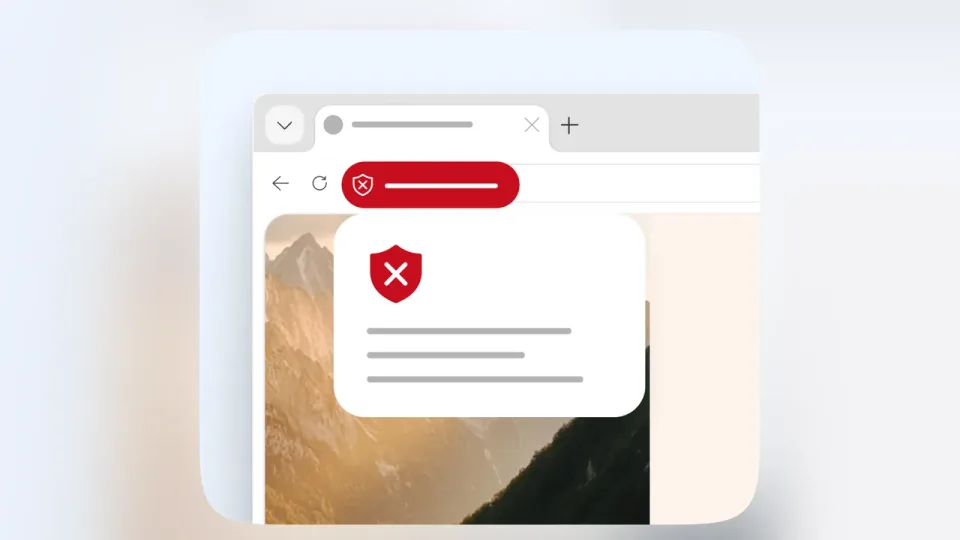
- Site permissions look and behave more consistently when a site asks for access, in the address bar and Page info dialog, and later in Settings.
- Enhanced Autofill on desktop can fill more document types, including passports, driver’s licenses, and other specialized forms, on top of saved addresses.
- The key icon in the address bar opens a detail panel for a saved login. You can copy a username, reveal and copy a password, and add a personal note to that login (handy for a security question or “this is the kids’ streaming account” reminder without opening the full password manager).
From the security notes for the same day: Stable 156.0.4314.42 incorporates the latest Chromium security updates. Microsoft says CVEs will be added as they become available. You do not need the CVE list to act. You need the new build running.
Why 155.x is not enough anymore
If edge://version still shows 155.0.4283.62 (or any earlier 155 build), you did the right thing after mid-October. You still need 156.0.4314.42 (or a newer 156 Stable build if Microsoft already moved past it).
Same habit every time:
- Update
- Fully quit and relaunch
- Prove it with
edge://version
Downloaded is not running. The version page is the receipt.
How to update and verify on a home PC or Mac
- Open Microsoft Edge on the computer you browse with.
- Check for updates:
- Windows / Linux: Menu (three dots) → Help and feedback → About Microsoft Edge.
- Mac: Edge menu → About Microsoft Edge.
- Stay on that page until the download finishes and Edge offers a restart, or until it already shows 156.0.4314.42 (or a newer 156.0.4314.x).
- Restart when prompted. Do not click Later and leave old windows open for hours.
- If the version still looks old, fully quit Edge (every window). On Windows, confirm no leftover
msedge.exehelpers in Task Manager. On Mac, use Edge → Quit Microsoft Edge. Open Edge again. - Type
edge://versionin the address bar. You want 156.0.4314.42 or newer on the 156 train. - Repeat on other machines you use, including a laptop that sleeps with Edge still open and any shared family PC.
If About Edge does not offer 156 yet, give it a day, then check again.
Features worth noticing after you patch
Once you are on 156, the useful bits at home are the autofill and saved-login changes.
- Document autofill: useful if you already store passport or license details in Edge and fill travel or government forms. Only store what you are comfortable keeping in the browser profile, and prefer a real password manager for anything you would hate to lose.
- Login notes on the key icon: a small place for security questions or “which email is this account under” without dumping that into a chat with yourself.
- Clearer permission prompts: when a site asks for camera, mic, or location, the controls should match what you later see in Settings. Say no when you mean no.
Microsoft also says Edge 157 on Windows will finish moving Edge sign-in over to its newer sign-in system (OneAuth). Most people already switched over with no interruption. In rare cases, someone may need to sign in to Edge again after that update. That is a heads-up for next month, not a reason to skip 156.
Android Edge is separate
Desktop Edge updates do not patch Edge on your phone. Microsoft’s security notes still list recent Edge for Android builds on their own dates (for example 155.0.4283.61 on October 19, 2026). Check Google Play on the phone, update, then open the app once so the new build actually launches. iOS Edge still updates through the App Store on its own schedule.
Do this / don’t do that
Do
- Force About Microsoft Edge, relaunch, and confirm
edge://versionshows 156.0.4314.42 or newer. - Treat the Chromium security ingest as “install today,” then poke at the new key-icon notes if you use Edge passwords.
- Keep Chrome, Firefox, Safari, and Brave on their own update habits if you use more than one browser at home.
Don’t
- Do not stop at 155.0.4283.62 because you “already did the Edge 155 update.”
- Do not assume a Windows Update reboot alone refreshed Edge if
edge://versionis still on 155. - Do not wait for the CVE list to fill in before updating.
- Do not download random “Edge offline installer” packs from third-party sites. Use Edge’s own About page or Microsoft’s download links.
- Do not save passport or license details in Autofill if you would not leave that paper sitting on the kitchen table.
Bottom line
Microsoft’s October 22, 2026 Stable release ships Edge 156.0.4314.42 with Chromium security ingest plus clearer permissions, document autofill, and login notes (Stable notes, security notes). This sits beyond the earlier 155.0.4283.62 package. On your own computer: open About Microsoft Edge, install, fully quit and relaunch, confirm edge://version. That is the whole job.
Image: Official Microsoft Edge hero art, the Edge logo over a water landscape (Microsoft Edge blog, blogs.windows.com).