
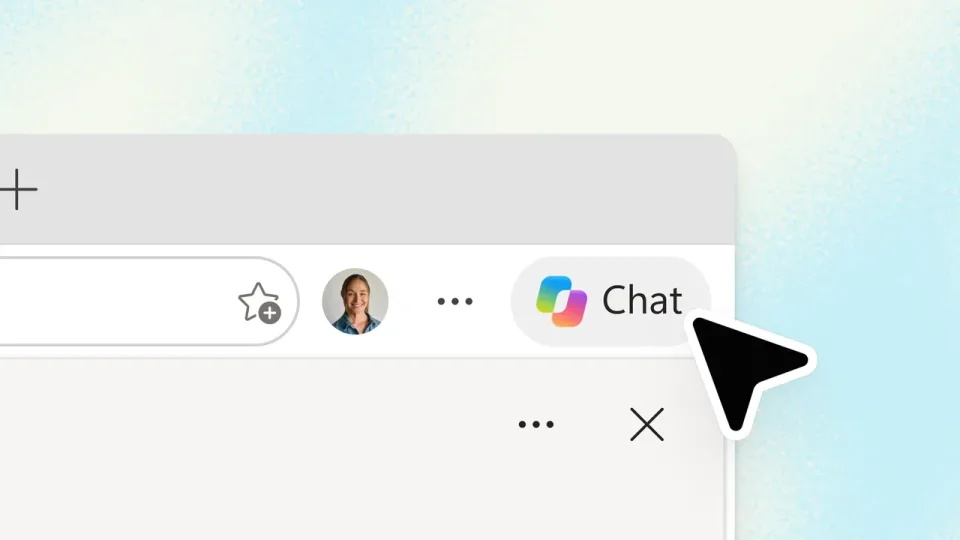
Edge 157 Stable: update to 157.0.4341.42
Microsoft shipped Edge Stable 157.0.4341.42 on November 5, 2026 with the latest Chromium security updates. How home users install, relaunch, and verify edge://version on PC and Mac.
Michael Narehood6 min read
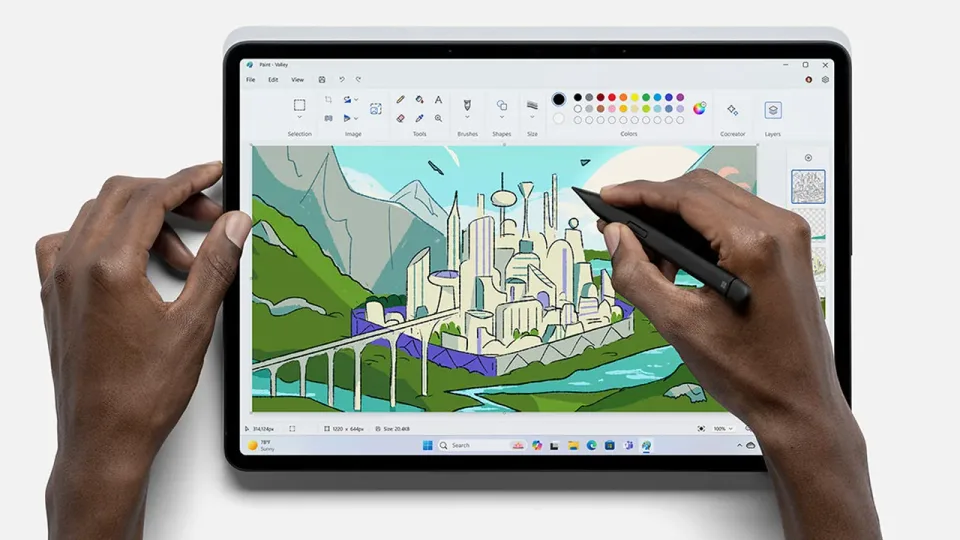
Paint CVE-2026-83844: update via Microsoft Store
A fix for CVE-2026-83844 in Microsoft Paint is in the Microsoft Store as build 11.2609.401.0. Windows Update does not deliver it. How home users update Paint and verify the version on every Windows account.
Michael Narehood5 min read
Edge 156.0.4314.56: install Thursday's Stable security update
On October 29, 2026 Microsoft shipped Edge Stable 156.0.4314.56 with the latest Chromium security updates plus bug and performance fixes. How home users update past .42 or .50 and verify edge://version.
Michael Narehood5 min read

Update Microsoft Authenticator on Android for CVE-2026-80097
Microsoft fixed CVE-2026-80097 in Authenticator for Android 6.2606.4246. Researchers showed a malicious app with no permissions could get sign-in tokens for a work or school account. How to update and check your version.
Michael Narehood6 min read

Edge 156 Stable: update, then try the new password notes
Microsoft shipped Edge Stable 156.0.4314.42 on October 22, 2026 with Chromium security ingest plus clearer site permissions, document autofill, and login notes. How home users update and verify edge://version.
Michael Narehood5 min read
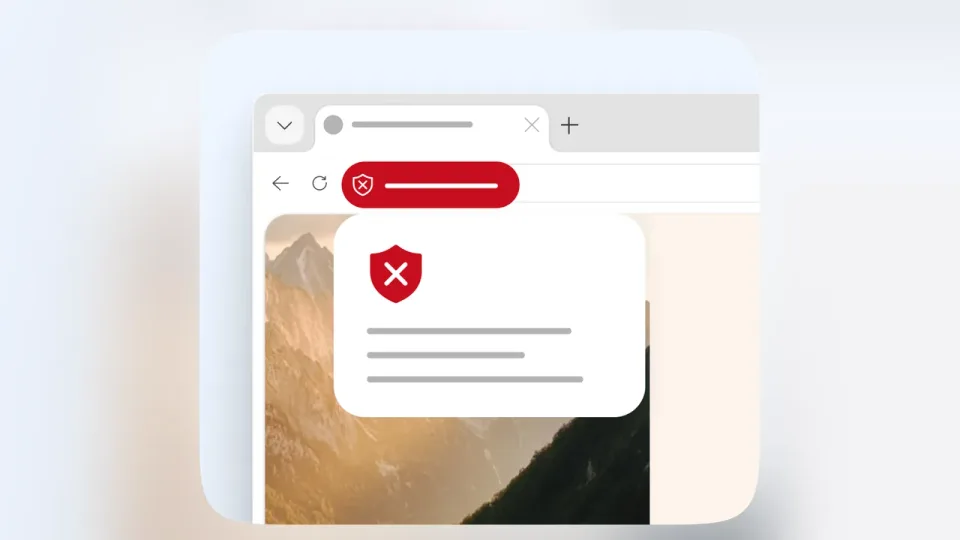
Edge 155.0.4283.62 security update: install and verify on your PC
Microsoft shipped Edge Stable 155.0.4283.62 on October 16, 2026 with the latest Chromium security updates. How home users update, relaunch, and confirm edge://version after the .60 bump.
Michael Narehood4 min read

Edge 155.0.4283.60 security update: install and verify on your PC
Microsoft shipped Edge Stable 155.0.4283.60 on October 15, 2026 with the latest Chromium security updates. How home users update, relaunch, and confirm edge://version.
Michael Narehood4 min read
Edge 155.0.4283.45 security update: install and verify on your PC
Microsoft shipped Edge Stable 155.0.4283.45 on October 8, 2026 with the latest Chromium security updates. How home users update, relaunch, and confirm edge://version.
Michael Narehood5 min read

Edge 154.0.4258.62 security update: install and verify on your PC
Microsoft shipped Edge Stable 154.0.4258.62 on October 5, 2026 with Chromium security updates. How home users update, relaunch, and confirm edge://version.
Michael Narehood5 min read

EvilTokens device-code phishing: what Microsoft account holders should do
Microsoft disrupted EvilTokens, an AI-assisted phishing kit that tricked people into entering device codes on the real Microsoft sign-in page. How it looks for Outlook.com users, what not to do, and how to check recent activity.
Michael Narehood6 min read

Sharing files from OneDrive carefully (personal and family)
How to share from personal OneDrive without leaving Anyone links lying around forever: pick the right link type, set expiry and passwords when you can, and clean up old shares.
Michael Narehood5 min read

On-prem Exchange CVE-2026-62911: patch now, ESU clock is running
Public exploit code is circulating for CVE-2026-62911, Shadowserver still sees about 22k internet-facing unpatched servers, and Exchange 2016/2019 ESU ends in October 2026.
Michael Narehood5 min read

July 2026 Patch Tuesday: when AI discovery floods the CVE queue
Microsoft's 663-CVE July 2026 release reflects AI-assisted vulnerability discovery. What MSPs and SMBs should change in triage without freezing from volume anxiety.
Michael Narehood6 min read
Windows Hello for Business vs the passkeys path
How SMBs should use Windows Hello for Business, device-bound passkeys, and synced passkeys without creating three half-finished passwordless projects.
Michael Narehood6 min read

MicrosoftTutorial
RDP gateway habits for small shops
Remote Desktop still runs small businesses. These gateway and access habits keep it off the open internet without breaking legitimate work.
Michael Narehood3 min read

Entra-only vs hybrid AD for small offices
A practical way for a 20-60 user firm to choose cloud-only identity, hybrid identity, and the right Windows device join without keeping domain controllers by habit.
Michael Narehood6 min read
Check where you are signed in
How to review and sign out of devices and sessions on personal Google, Apple, and Microsoft accounts, and what to do if a session is not yours.
Michael Narehood4 min read
MicrosoftTutorial
Intune enrollment that doesn’t strand new hires
A practical Autopilot / Intune enrollment path for small Microsoft shops so day-one laptops join the tenant instead of becoming help-desk tickets.
Michael Narehood3 min read

Turn on two-factor auth
How to turn on two-factor or two-step verification for Google, Apple, and Microsoft personal accounts, and which second step to prefer.
Michael Narehood5 min read

SecurityTutorial
BitLocker recovery keys: where they should live
A practical escrow plan for BitLocker recovery keys in small businesses — so a lost PIN does not become a full disk wipe.
Michael Narehood3 min read
