MicrosoftTutorial
Intune enrollment that doesn’t strand new hires
A practical Autopilot / Intune enrollment path for small Microsoft shops so day-one laptops join the tenant instead of becoming help-desk tickets.


Nothing burns a new hire’s first morning like a laptop that “should enroll itself” and instead sits on a setup screen with no Wi‑Fi profile, no license, and no human available. Intune and Autopilot are fine tools. The failure is usually process, not the product name on the slide deck.
1. Pick one enrollment story and stick to it
For most SMBs, choose one primary path:
- Autopilot for company-owned Windows devices you control from unboxing
- Company Portal enrollment for existing devices you are bringing under management
- Hybrid join only if you still have a real on-prem AD dependency you cannot kill yet
Document the path on one page. Mixed tribal knowledge is how two techs give three different answers.
2. Hardware and licensing before the start date
Checklist before the laptop ships to the user:
- Device registered / hashed for Autopilot (or clearly labeled for manual enroll)
- Intune / Microsoft 365 licenses assigned to the user (and device-based licensing understood if you use it)
- Autopilot profile assigned to the right device group
- ESP / Enrollment Status Page expectations set so first boot is not a mystery timeout
- Wi‑Fi or Ethernet plan for first setup (hotel captive portals are a classic trap)
If licensing lands after they open the box, you already failed the enrollment.
3. Build a thin required-apps set
First boot should install:
- Company Portal (as needed)
- Endpoint protection / your EDR agent
- Line-of-business essentials only
Everything else can be available later. A two-hour “required apps” list teaches people to hard-reboot and call you angry.
4. Pilot with real humans, not only IT
Enroll three non-IT machines end-to-end: out of box → desktop → mail → VPN or SSO apps. Fix the broken policies before the next five hires start the same week.
5. Write the day-one user script
Give HR / managers a short script:
- Connect to the named network (or dock Ethernet)
- Sign in with work credentials only
- Wait for setup to finish — do not power off
- Who to call if the device asks for a personal Microsoft account
Personal Microsoft accounts on company hardware are a recurring own-goal. Say it out loud.
6. Know the escape hatches
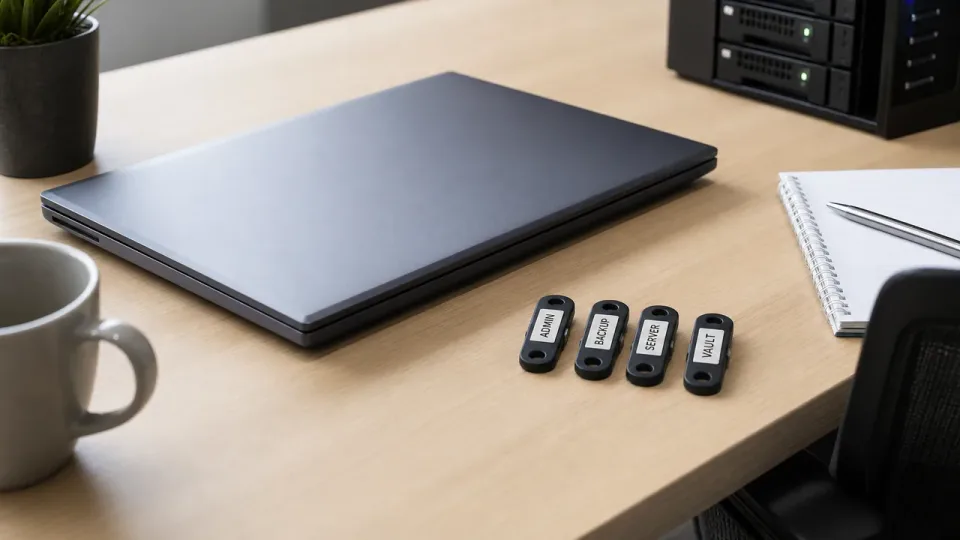
- Local admin break-glass on a sealed process (not under the keyboard)
- How to wipe and re-Autopilot a bricked first boot
- Who can move a device between Autopilot groups when Purchasing bought the “wrong” SKU
Bottom line
Intune enrollment succeeds when licensing, Autopilot assignment, network access, and a thin app set are ready before day one — and when you piloted the path on real users. The product is rarely the bottleneck; preparation is.