UniFi Network 11 is here: every new feature, explained for home networks
Ubiquiti released UniFi Network 11 on October 12, 2026 with a rebuilt telemetry engine, WiFi WAN backup, Matter and Thread visibility, AI threat explanations, and custom device icons. What each feature does and how to update.

If you run UniFi at home, this is the update worth paying attention to this fall. On October 12, 2026, Ubiquiti published Introducing UniFi Network 11 on its official blog, and the matching release is listed as UniFi Network Application 11.0.83 in the Ubiquiti Community release notes.
I have been running UniFi gear in houses for years, and this might be the best Network release Ubiquiti has shipped in a long time. Not because of one headline feature, but because so many of the changes help normal people answer the question “what is actually happening on my network right now?”
Below is every feature Ubiquiti called out, in plain English, plus what it means if your “site” is a house rather than an office.
Watch Ubiquiti’s walkthrough
Ubiquiti posted an official video tour of the release:
It is a quick way to see the new screens before you update.
A rebuilt telemetry engine
The biggest change is under the hood. Ubiquiti says it completely re-engineered the telemetry engine, the part that collects and stores traffic data, and that it scales more than 30% better than before.
That rebuild powers two features you can actually see:
- Live Traffic Flows: real-time traffic views for every device connected to a UniFi Gateway. When the internet “feels slow,” you can see which device is pulling the bandwidth instead of guessing.
- Time Machine Topology: a way to look back at how your network topology changed over time. Handy when something stopped working yesterday and you want to know what moved.
For a home, the 30% scalability number matters less than the visibility. Those two views are the ones I expect most people to use.
Gateways get more flexible
UniFi Gateways picked up several upgrades:
- Expanded VLAN capacity. More room for separate networks. Most homes need only a few (main, guest, smart home), but heavy home labs will appreciate the headroom. If you have not split your network yet, our guest and IoT WiFi guide covers why it helps.
- Network Lists with external URL support. Network Lists can now pull from an external URL, so firewall rules, Routing Policies, or VPN resources can stay current automatically from a list you do not have to edit by hand.
- Simpler Routing Policies built on those Network Lists.
- WiFi WAN. On supported gateway models, any available WiFi network, including your phone’s hotspot, can act as a primary or backup internet connection.
WiFi WAN is the one I would point most families to. If your cable or fiber line drops, a phone hotspot can keep the house online without buying a separate cellular backup box. Check Ubiquiti’s notes for which gateways support it before you count on it.
Smarter cybersecurity explanations
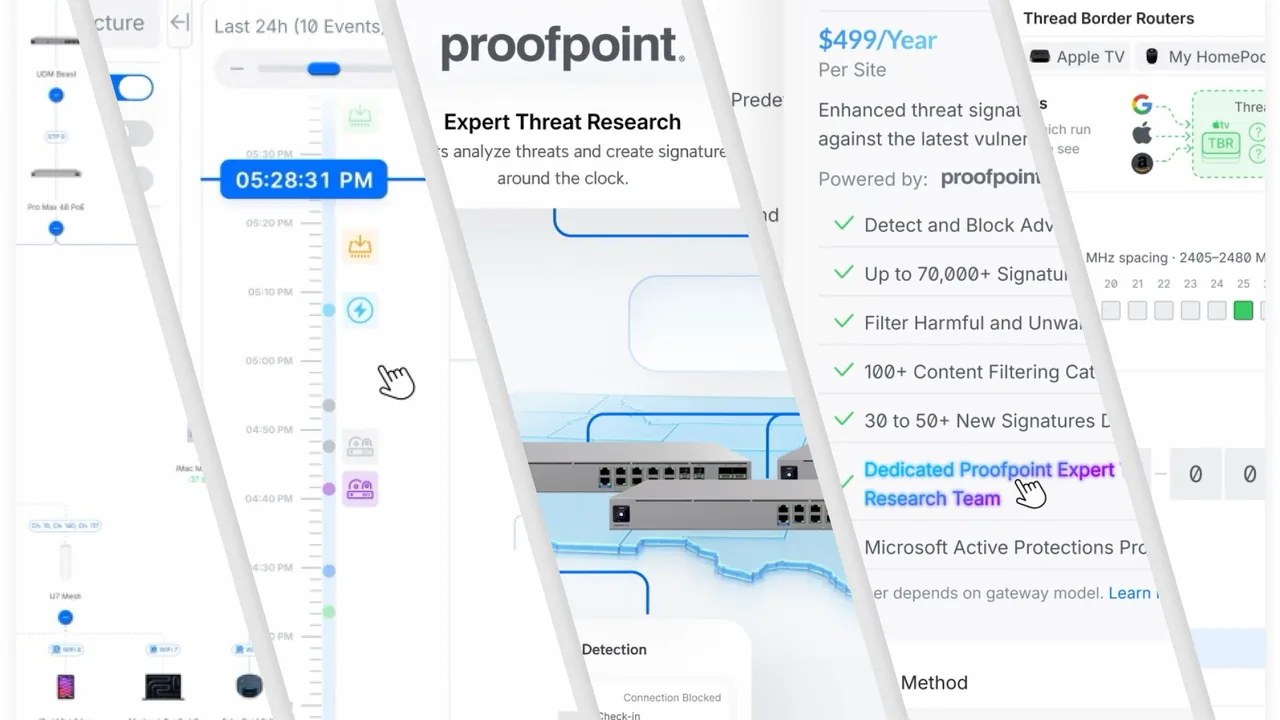
UniFi’s Cybersecure Enhanced service uses threat signatures from Proofpoint that update daily. In Network 11, detections now come with AI-assisted explanations and actionable recommendations, so an alert tells you what the threat is, how serious it looks, and what to do about it.
Note that Cybersecure Enhanced is a separate service, not something every UniFi owner has by default. If you do not subscribe, this feature will not change much for you.
Advanced SD-WAN policies
New SD-WAN policies add custom failover rules and application-based routing across multiple UniFi sites, managed from one place. This is aimed at people running several locations. If your setup is one house, you can skip it. If you manage a parent’s house or a vacation place alongside your own, it may be worth a look.
UniFi is now Matter aware
This is the feature smart home folks will love. UniFi now works alongside your existing Matter controller, the smart home system you already use to run Matter devices. You enter a device’s Matter pairing code in UniFi, and it shows deeper detail about that device, including:
- Battery level
- Firmware version
- Signal strength
- How the device connects to the Matter network
UniFi does not replace your smart home app. It gives you a network-side view of devices that used to be invisible to it.
IP and Thread devices in one topology
For the first time, UniFi Topology can show IP devices and Thread devices together. You can also set custom alerts for devices you care about on either kind of network.
Many battery smart home sensors, locks, and buttons talk over Thread instead of WiFi. When one keeps dropping offline, seeing it in the same map as everything else makes troubleshooting a lot less frustrating. If you have cameras or other gear you want alerts for, our home IoT cameras and NVRs piece has more on keeping that equipment in check.
Custom device icons
A small but satisfying one. If UniFi identifies a device wrong, you can now:
- Take a photo with your camera in the UniFi mobile app to create a custom icon, or
- Upload your own image from the browser.
No more “unknown device” icon on that one smart plug you can never find in the list.
How to update
- Back up first. In UniFi, download a backup of your Network settings before any major version jump.
- Read the 11.0.83 release notes for requirements and known issues that apply to your hardware.
- Update the Network application from your console’s settings, or wait for automatic updates if you have them turned on.
- After it finishes, open the Topology and Traffic views and confirm everything shows up as expected.
Major releases sometimes shake out bugs in the first week. If your home network is working well and you rely on it for work or school, waiting a few days for early reports is a reasonable call.
Do this / don’t do that
Do
- Back up your settings before updating.
- Try Live Traffic Flows and Time Machine Topology once you are on 11.
- Add your Matter devices with their pairing codes if you use a smart home controller.
- Set up WiFi WAN with your phone’s hotspot if your gateway supports it.
Don’t
- Do not update in the middle of a work call or a family movie night.
- Do not assume Cybersecure Enhanced features are included unless you subscribe.
- Do not skip the release notes for your specific gateway or console.
For older UniFi security fixes, see our Ubiquiti Security Bulletin 067 coverage.
Bottom line
UniFi Network 11 is a big, practical release: better visibility into traffic, a time machine for your topology, phone hotspot backup on supported gateways, and real insight into Matter and Thread smart home devices. For a home network, that is a lot of value from a free software update. Back up, read the notes, and update when you have a quiet evening.
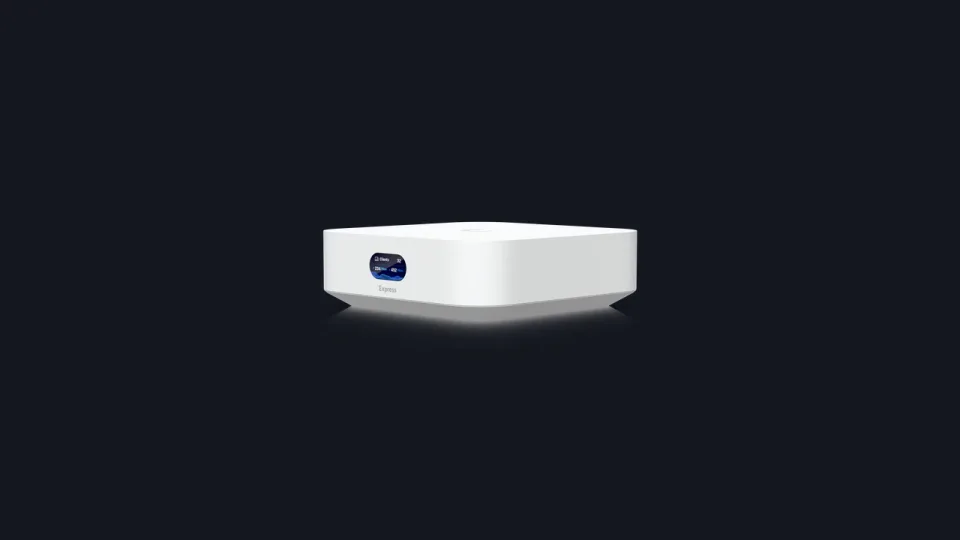
Image: UniFi Network 11 official announcement art (blog.ui.com).