NetworkingTutorial
A guest Wi-Fi setup that won’t expose the office
Build guest Wi-Fi as an internet-only security zone, with real firewall isolation, sensible access, and tests that catch leaks into business networks.

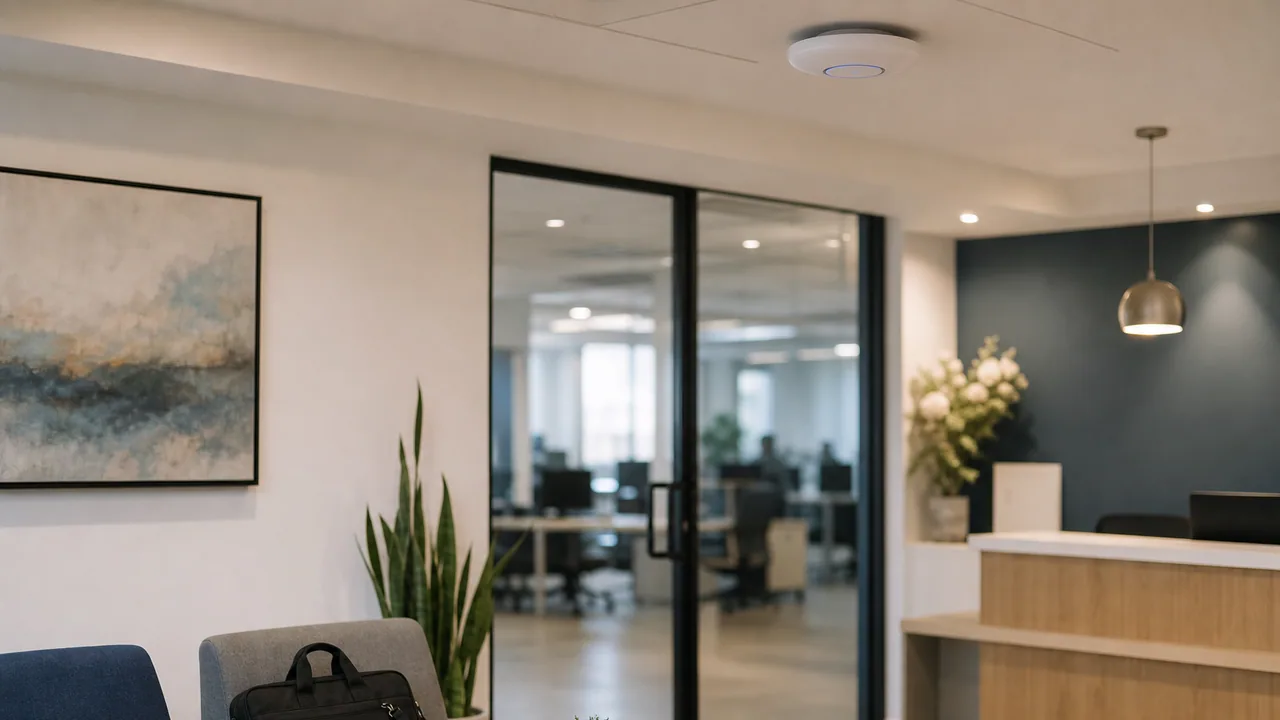
Guest Wi-Fi should provide visitors with internet access, not a temporary seat beside accounting, printers, cameras, and the backup appliance. The correct design is simple to describe: guest devices get their own security zone, can reach the services needed to get online, and are denied access to business networks.
The dangerous version is also common: create a second SSID, give it a cheerful name, and assume the checkbox labeled Guest did the rest.
NIST’s small-business guidance explicitly recommends separating visitor internet access from the business network. Here is how to make that separation real and testable.
1. Map what guests must never reach
Before touching the wireless controller, list your existing networks and address ranges:
- Staff workstations and company-managed wireless devices
- Servers, NAS, hypervisors, and backup systems
- Printers and other shared office services
- Cameras, access control, phones, and building systems
- Network-device management interfaces
- Site-to-site VPN and cloud-network routes
Include both IPv4 and IPv6. A rule that blocks only familiar private IPv4 ranges can leave IPv6 or routed internal ranges open. A current one-page network diagram makes this work much less speculative.
2. Give guest traffic its own zone
Create a guest SSID mapped to a dedicated VLAN and subnet. Then create a matching guest zone on the firewall or gateway.
A VLAN separates broadcast domains. It is not the entire security control. The routed firewall policy between guest and everything else enforces the boundary.
The guest zone normally needs to reach:
- DHCP, so devices receive network settings
- An approved DNS resolver
- The internet through your gateway
It should be denied access to:
- Every trusted, server, management, camera, voice, and IoT network
- Other locations reachable over site-to-site tunnels
- The gateway’s administrative interface
- Other guest clients, when client isolation is available
Use a default-deny rule from guest to internal destinations, then add narrow exceptions only when there is a documented business requirement. NIST’s WLAN security guidance similarly recommends keeping external WLAN traffic out of internal networks and limiting any required access to specific hosts, subnets, and protocols.
3. Do not turn one printer into a broad exception
Sooner or later someone will ask visitors to print, cast to a display, or reach a local presentation system. Do not solve that by allowing the guest VLAN to reach the entire printer or media network.
Prefer one of these:
- A staff member receives the document and prints it from a managed device.
- A dedicated presentation device exposes only the required service through a narrow rule.
- A controlled discovery gateway relays only the needed service between specific zones.
Protocols such as mDNS make nearby services convenient, but broad reflection can advertise resources across a boundary you deliberately created. Discovery and access are separate decisions; seeing a printer should not imply reaching every device beside it.
4. Choose access controls people can operate
For a small office, a strong shared guest passphrase with a documented rotation owner may be enough. Larger or public-facing spaces may benefit from vouchers or a captive portal.
A captive portal is an onboarding and policy tool, not a substitute for wireless encryption or firewall isolation. Whatever login method you choose, keep wireless infrastructure patched, use a currently supported WPA mode, and protect the controller with unique admin accounts and MFA where available.
Do not reuse the corporate Wi-Fi password. Do not print a permanent password on a lobby sign and then call it controlled access. Decide who can provide credentials and when they are rotated—for example after an event, staff departure, or unintended public disclosure.
5. Keep IoT out of the guest bucket
Guest devices and building devices are both untrusted relative to staff systems, but they have different needs. Guests require broad outbound internet access for a short time. Cameras, TVs, badge readers, and conference-room gear should have stable identities and narrowly defined destinations.
Put IoT in its own zone. That lets you restrict a camera to its NVR, a display to its management service, and a badge controller to the systems it actually uses. Throwing them all on guest makes future troubleshooting easier for ten minutes and policy enforcement worse for years.
6. Protect the workday from the guest network
Apply reasonable bandwidth controls so one visitor’s cloud restore does not flatten calls or payment traffic. If the office uses DNS security filtering, decide whether guest traffic gets the same security categories or a separate, documented policy.
Logging should answer operational questions—how many devices connected, whether the pool is exhausted, and which rules are denying unexpected internal access—without collecting data nobody has a reason to retain. Align portal terms and log retention with your organization’s actual policy and applicable requirements; a copied legal banner does not create compliance.
7. Test the boundary from both sides
Use an unmanaged phone or laptop, not the administrator’s already-trusted device.
- Join guest and confirm it receives the intended subnet, gateway, and DNS settings.
- Confirm normal web access and DNS resolution work.
- Try known internal services by DNS name, IPv4 address, and IPv6 address. They should fail.
- Try the firewall, access point, switch, and controller management addresses. They should fail.
- Connect a second guest device and test guest-to-guest access. It should fail if client isolation is part of the design.
- Confirm staff devices still reach their approved business resources.
- Repeat after firewall, wireless-controller, or network-topology changes.
Document the expected result beside each test. “Could not ping it” is weak evidence by itself because many systems ignore ping. Test the actual protocols that matter, such as HTTPS, file sharing, printing, and remote administration.
Bottom line: a guest SSID becomes a guest network only when it lands in a dedicated zone with an enforced internet-only policy. Separate it, deny access to every protected route on both IP stacks, isolate clients where practical, and prove the boundary with an unmanaged device. Hospitality is the visible feature. Segmentation is the security feature.