

Broadcom WPSplinter: what home Wi-Fi users should know
Researcher Quentin Kaiser disclosed a long-lived Broadcom WPS bug on October 16, 2026 that can let a nearby attacker take over some home gateways without the Wi-Fi password. What it means, what is confirmed, and what a household can do.
Michael Narehood6 min read
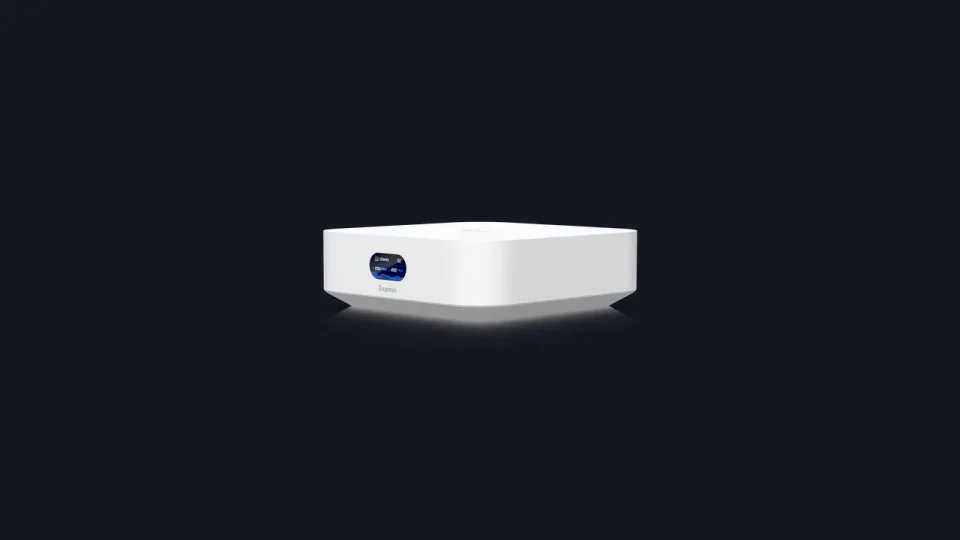
Guest and IoT Wi-Fi at home: keep visitors and gadgets off the main network
How to use your router's guest or IoT Wi-Fi so visitors, smart plugs, and cameras cannot reach the laptops, NAS, and printers on your main SSID.
Michael Narehood5 min read

Home IoT cameras and NVRs: keep them off your main Wi-Fi
A home-reader guide to doorbell cams, Wi-Fi cameras, and small NVRs: change defaults, skip UPnP port forwards, segment guest or IoT Wi-Fi, and prefer vendor apps or VPN over exposing the recorder.
Michael Narehood5 min read
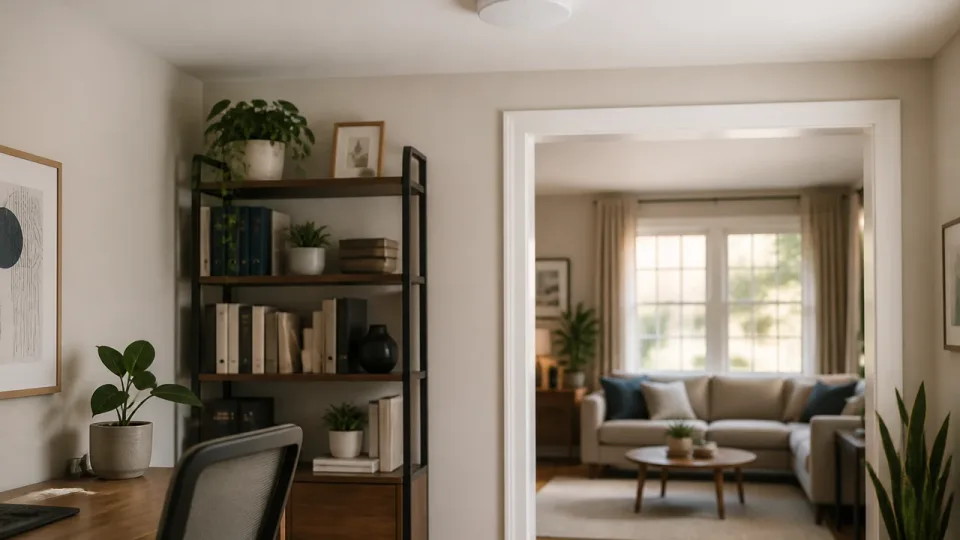
UniFi Whole-Home WiFi: when Express 7 mesh fits, and when it doesn’t
Ubiquiti’s Whole-Home WiFi pitch is Express 7 mesh for residences. Here is the homeowner cut: when the kit fits your house, when wired APs still win, and what 6 GHz actually buys you.
Michael Narehood7 min read

NetworkingTutorial
A guest Wi-Fi setup that won’t expose the office
Build guest Wi-Fi as an internet-only security zone, with real firewall isolation, sensible access, and tests that catch leaks into business networks.
Michael Narehood6 min read

Stay safer on public Wi-Fi
How to use cafe, airport, and hotel Wi-Fi with less risk: confirm the network name, prefer cellular data for sensitive tasks, and keep file sharing off.
Michael Narehood5 min read
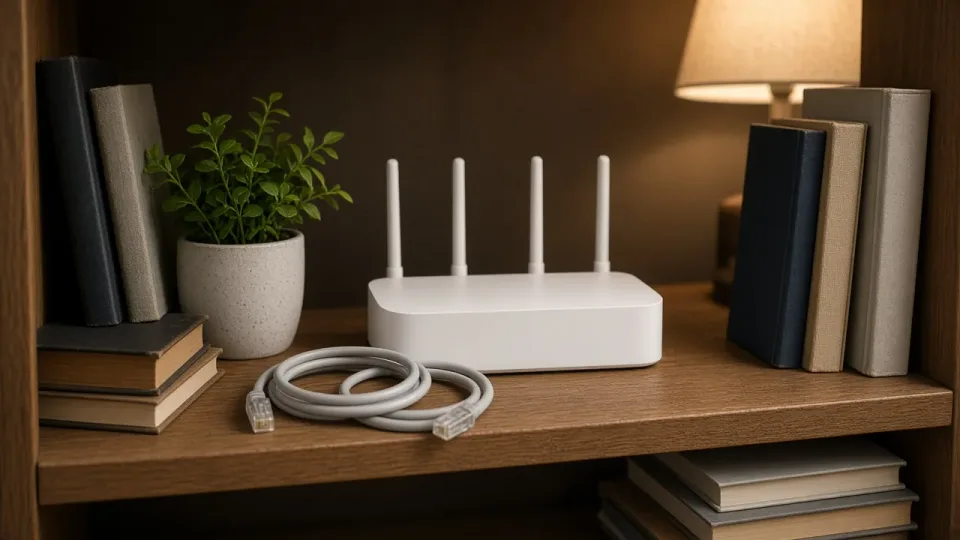
Home router security basics
A first-pass checklist for a household router: change the admin password, update firmware, use strong Wi-Fi encryption, and turn off risky defaults.
Michael Narehood5 min read
