Stay safer on public Wi-Fi
How to use cafe, airport, and hotel Wi-Fi with less risk: confirm the network name, prefer cellular data for sensitive tasks, and keep file sharing off.

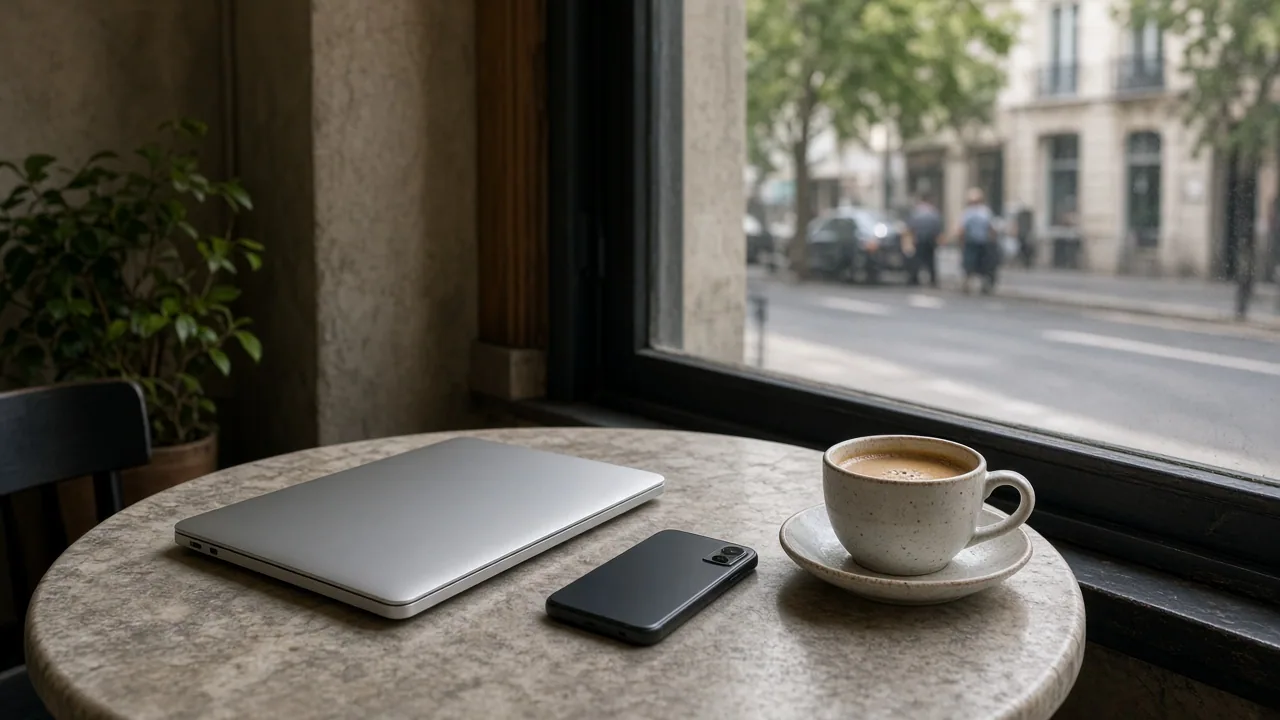
Public Wi-Fi is convenient, and it is also a shared room. The network at a cafe, airport, hotel, or library may be run carefully, or it may be open, misnamed, or watched. You do not have to avoid it entirely. You should treat it as less trusted than the home router you actually configured, and you should keep the highest-risk tasks off it when you have another option.
CISA’s Securing Wireless Networks page is the official source for the risks below. The habits that follow are the ones that page supports, written for a person with a laptop and a phone, not for a network engineer.
What can go wrong on a hotspot
CISA describes several problems that show up on public wireless:
- An “evil twin” network. Someone sets up a hotspot that looks like the cafe’s name, often with a stronger signal, and then watches the traffic of people who join it.
- Wireless sniffing. On an unsecured hotspot, traffic may travel unencrypted at the network layer. CISA’s advice is to make sure access points you join use at least WPA2 encryption when that is under your control, and to be careful when it is not.
- Unexpected file sharing. An unsecured public network plus leftover file sharing can expose folders you never meant to offer to strangers.
- Shoulder surfing and theft. Not every loss is technical. People can watch a screen or walk away with a bag.
You will not personally certify the cafe’s equipment. You can assume the network is less trusted than home and act accordingly.
Confirm the network before you join
CISA’s advice on evil twins is to confirm the name and password of a public hotspot before you use it. Ask an employee, read the name on a printed receipt or a sign at the counter, and do not guess among look-alike names such as “Airport_Free” versus “Airport-Free-WiFi.” If a network that used to need a password suddenly does not, or if two nearly identical names appear, ask before you connect.
Turn off automatic joining for public networks in your phone or laptop Wi-Fi settings so the device does not attach itself to a familiar-looking name in the next building. Forget the network when you leave if you do not plan to come back.
Keep the sensitive work off the shared network
When you can, use your phone’s cellular connection or a personal hotspot for:
- Banking and credit card sites
- Email you would not want a stranger to read
- Signing into work, tax, or medical accounts
- Any task that asks for a password, a one-time code, or a card number
If you must use the public network, stay on sites that use HTTPS, look at the real domain in the address bar, and do not treat a logo as proof. CISA also tells people to check that a site uses https before sending sensitive information. A padlock is not a full security review, but an “http only” login page on public Wi-Fi is a reason to stop.
A reputable virtual private network can add a layer of protection on a network you do not control. If you use one, install it from the vendor’s official site or app store page before you travel, not from a pop-up that appears after you join the cafe Wi-Fi.
Turn off sharing, then log out
CISA’s wireless guidance says that when you connect to public networks you should deny sharing of files and folders, and only allow sharing on recognized home or work networks when you need it. On Windows, that often means choosing the public or guest network profile when the laptop asks. On a Mac, review Sharing settings and leave them off on the road.
Sign out of sites when you are done, especially on a shared or borrowed computer. Do not check the box that says “remember this device” on a machine you do not own. When you are finished, disconnect and, if you want to be tidy, forget the network.
A short cafe checklist
- Confirm the network name with staff or a posted sign.
- Prefer cellular data for banking, email, and other sign-ins.
- If you use the Wi-Fi, stick to https sites you typed or already bookmarked.
- Decline file sharing and “trusted computer” prompts.
- Watch your screen and your bag.
- Disconnect when you leave.
None of this requires special software at the table. It does require not treating an airport hotspot like the network in your kitchen.
Bottom line
Public Wi-Fi is fine for ordinary browsing if you join the real network, keep file sharing off, and move banking or other sign-ins to cellular data or a personal hotspot when you can. Confirm the network name, beware look-alikes, and use official HTTPS sites you open yourself. The hotspot is a convenience, not a trusted line into your accounts.