Home router security basics
A first-pass checklist for a household router: change the admin password, update firmware, use strong Wi-Fi encryption, and turn off risky defaults.

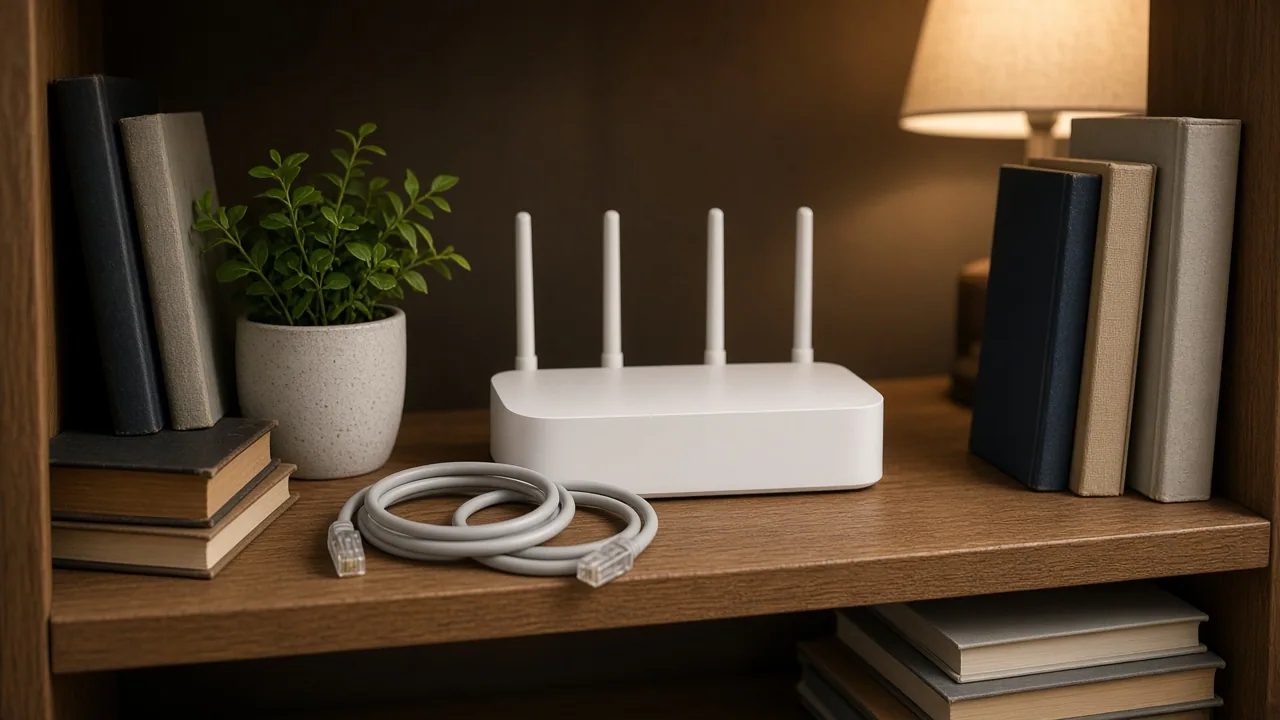
The box on the shelf that hands out Wi-Fi is also the front door to every phone, laptop, and camera in the house. Many routers still ship with a default administrator password, older encryption, and convenience features that were designed to make setup easy. CISA’s Home Network Security and Securing Wireless Networks pages are the official checklists this article follows. You can finish the important items in one sitting without buying new hardware.
This is about the main household router. It is not a deep dive into guest networks, which is a useful second project once the basics are in place.
1. Change the administrator password
CISA is direct: most network devices come with default administrator passwords that are easy to find online or even printed on the device. Leaving that default in place is an invitation.
Open the router admin page the way the manufacturer documents it, often by typing an address from the sticker or using the official app, then change the admin username if you can and set a long, unique password. Store it in your password manager. This admin password is separate from the Wi-Fi password that phones use to join the network. Change both if they are still the factory values.
2. Update the firmware
Router makers release firmware updates to fix flaws and close security holes. CISA’s advice is to check the manufacturer’s website and run the latest firmware, and to turn on automatic updates if the router offers them. If your internet provider supplied the router, their support site or app may handle the update. Either way, do not assume a box that has been quietly working since 2019 is current.
If the model is so old that it no longer receives updates, put a replacement on your list. An unpatched router is a poor place to save money.
3. Use strong Wi-Fi encryption
CISA’s wireless guidance says WPA3 is currently the strongest encryption, with WPA2 still available on older gear. Use WPA3 Personal if every device in the house supports it. If something older cannot join, WPA2 with AES is the usual fallback the manufacturer will document. Skip open networks at home, and do not go looking for older WPA or WEP options.
Set a long, unique Wi-Fi password for the main network. You do not need to change it every month. You do need one that is not the default printed on the bottom of the box, and not a password you also use for email.
4. Turn off the convenience features that weaken the box
CISA calls out several factory defaults worth disabling if you do not have a specific need for them:
- Wi-Fi Protected Setup (WPS). The PIN method has a known design weakness that can make it easier to guess access. Disable WPS unless you have a reason to keep it and no better way to add a device.
- Remote management. Many routers let you change settings from the internet. Turn that off so administration happens only from your home network.
- Universal Plug and Play (UPnP). Handy for some devices, and also a way for malware on the network to punch holes through the firewall. Disable it unless a device you trust requires it.
If you change these, test the services you care about (a work VPN, a smart TV, a printer) before you consider the job done.
5. Give the network a unique name
The default network name (SSID) often reveals the router brand and sometimes the model. CISA recommends changing it to something unique that is not your street address or family name. You are not hiding the network from a determined neighbor. You are avoiding a name that advertises exactly which default weaknesses to try.
After you rename it, you will have to rejoin phones and TVs with the new name and the Wi-Fi password.
6. Confirm the basics around the edges
A few more official items, in brief:
- Make sure the built-in firewall is on. CISA notes that some firewall features may be off by default.
- If the router offers a guest network, that is a good next step for visitors and internet-only gadgets, with a different password from the main network.
- Look at the list of connected devices in the official app or admin page, and investigate anything you do not recognize.
You do not need to hide the SSID, turn the radio off every night, or invent a complicated MAC address filter in order to finish this pass. Those ideas appear in older advice and can make household support harder than the benefit they provide. The six items above are the ones that pay off for most homes.
Bottom line
A home router should not still be running its factory admin password, factory firmware, and factory convenience features. Change the admin and Wi-Fi passwords, update firmware, use WPA3 or WPA2, and turn off WPS, remote management, and UPnP if you do not need them. Official CISA checklists are linked above, and your router’s manufacturer or internet provider can show you the exact menus for your model.