Smart home starter guide
Smart plugs, bulbs, and thermostats can make a home easier to live in. A few choices up front about standards, apps, and your Wi-Fi keep it reliable and safe for years.

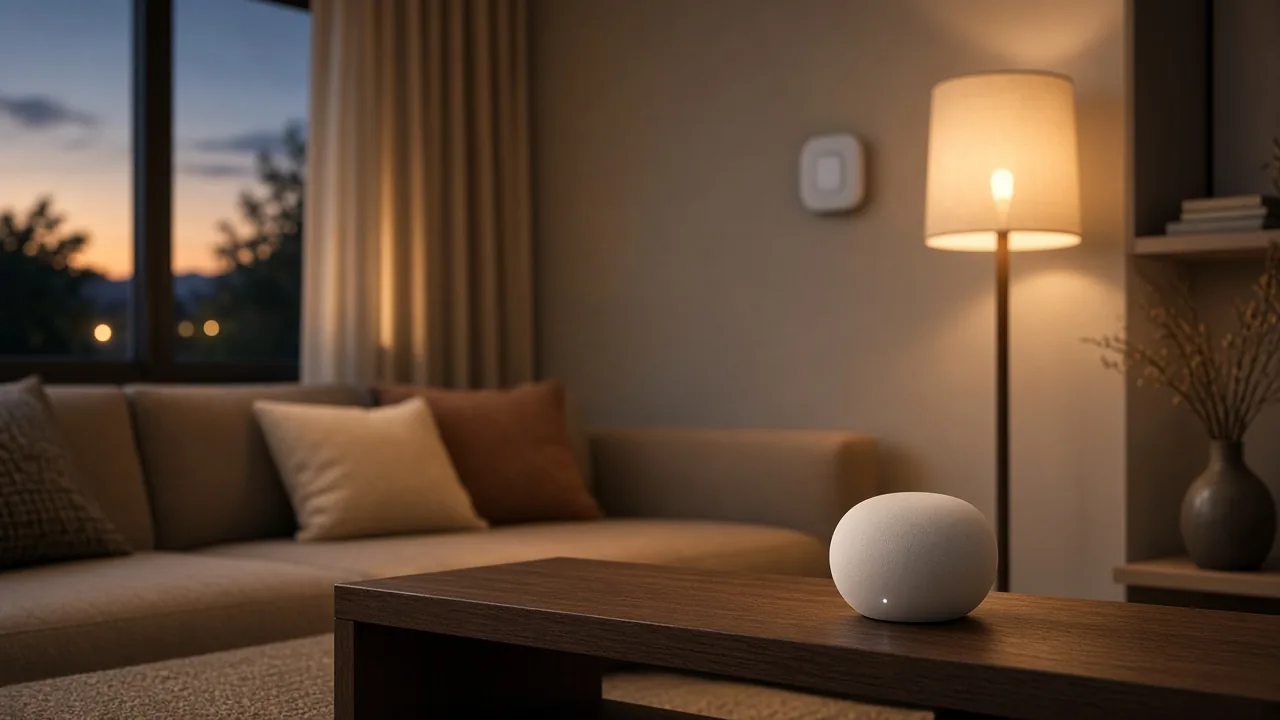
Summer is a popular time to try smart home gear. Lights that come on at sunset while you are on vacation, a thermostat that does not cool an empty house, a plug that turns off the window fan from bed. Done well, it is genuinely nice. Done in a hurry, you end up with six apps, a bulb that drops offline every week, and gadgets on your network that never get updated.
Here is how to start simple and stay sane.
Decide what problem you are solving
Start with one or two things you actually want, not a whole-house plan:
- Lights on a schedule while you are away
- A smart thermostat to save energy
- Smart plugs for lamps, fans, or holiday lights
- A video doorbell so you know who is at the door
Buying one category first lets you learn how it behaves on your Wi-Fi and in your routine before you spend more.
Pick a home “hub” app and stick with it
Most households end up centered on one of the big platforms: Apple Home, Google Home, Amazon Alexa, or Samsung SmartThings. Pick the one that matches the phones and speakers your family already uses. The goal is to control most things from one app instead of one app per brand.
Look for Matter on the box
Matter is an industry standard run by the Connectivity Standards Alliance. The CSA describes Matter as a way for devices from different brands to work together, with consistent setup, over-the-air updates, and security built in. It covers a long list of device types, from lighting and plugs to thermostats, locks, and sensors.
Why it matters to you:
- Fewer dead ends. A Matter device can work with the major home platforms instead of locking you into one.
- Multi-admin. The CSA highlights support for more than one ecosystem at a time, so one person can use Apple Home while another uses Google Home for the same lights.
- Easier setup. Matter devices pair with a code, often a QR code on the device or box.
Keep that setup code. Take a photo of it or write it in your home notes. If you ever need to reset and re-add the device, you will want it.
Some devices need a hub or border router
Some Matter devices connect over Wi-Fi. Others use a low-power mesh network called Thread, which needs a Thread border router. Many recent smart speakers, displays, and streaming boxes include one. Check the product page for what it needs before you buy, so you are not surprised when it will not connect.
Give smart gadgets their own network
Smart home devices are small computers. Many run software you never see, from companies that may not update it forever. It is good practice to keep them away from the laptops and phones that hold your banking and email.
Most home routers offer a guest network. Putting smart devices on a separate network, or on a dedicated IoT network if your router supports it, limits what a compromised gadget can reach. Check your router’s settings for a guest or IoT network option, and give it its own password.
One caution: some devices need to be on the same network as your phone to set up, and some hubs need to see everything. If something will not pair on the guest network, check the maker’s instructions rather than giving up on separation entirely.
Basic security for every device
- Change default passwords on anything that has one.
- Use a strong password and two-step verification on each smart home app account, especially the one that controls locks and cameras.
- Turn on automatic updates if the app offers them.
- Keep your router updated too. It is the front door for everything else, and if it no longer gets updates, it may be time for a new one. Our notes on when to replace an aging firewall are written for offices, but the support question applies at home too.
- Remove what you stop using. An unplugged camera that is still linked to your account is one more thing to forget about.
Plan for the internet going down
Ask what happens when Wi-Fi or the maker’s cloud service is out. Can you still turn the lights on at the wall? Does the lock have a key? Does the thermostat keep running its schedule? Good devices fail gracefully. Make sure the important ones, like locks and garage doors, still work by hand.
Do this, not that
Do
- Start with one or two device types.
- Prefer Matter devices that work with your chosen platform.
- Put smart gadgets on a separate network when you can.
Don’t
- Install five different brand apps for five bulbs.
- Leave default passwords in place.
- Buy a smart lock that has no manual backup.
Bottom line
A smart home should make life easier, not create a second job. Pick one platform, favor Matter devices, keep gadgets on their own network, and turn on updates. Start small this summer and add more once the first pieces earn their place.