Travel charging done safely
Heading out for the Fourth of July? How to pack power banks the way the FAA expects, why your own charger beats a public USB port, and how to keep devices topped up on the road.

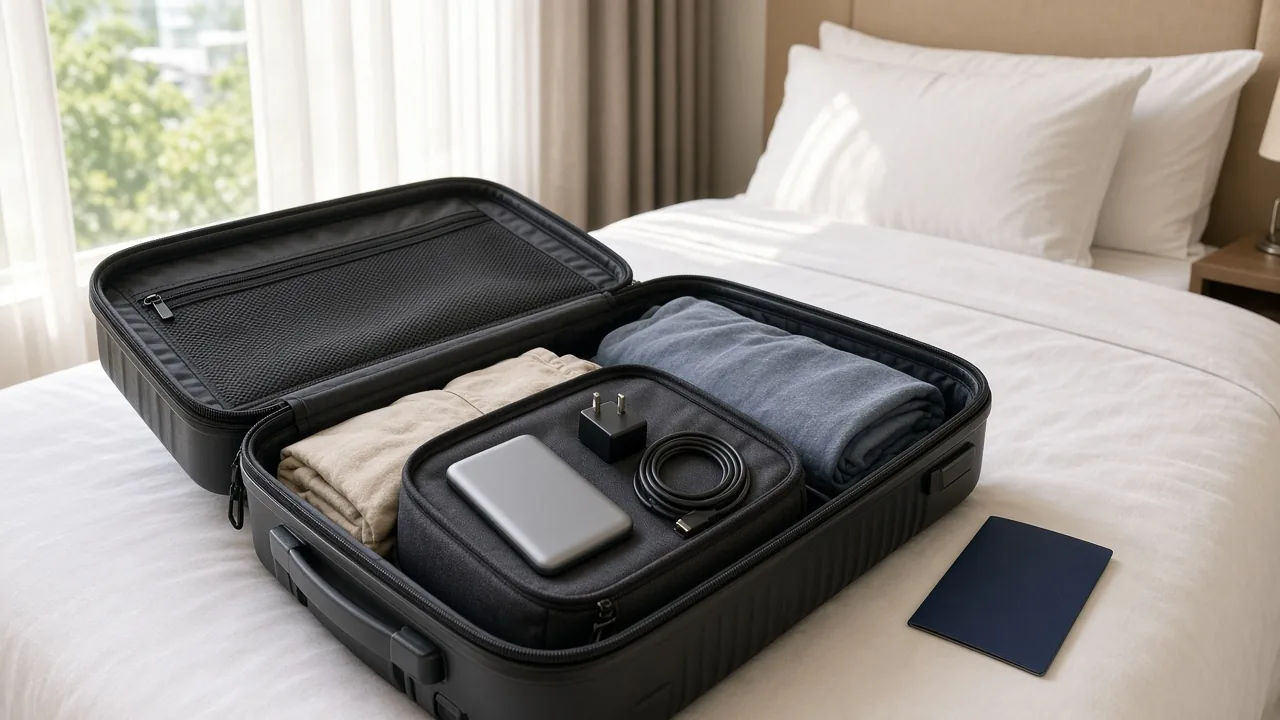
The Fourth of July weekend is one of the busiest travel stretches of the year. Between boarding passes, maps, photos, and keeping the kids entertained, your devices will work hard, and you will be hunting for outlets in airports, hotels, and rental cars.
A little packing discipline keeps you charged and out of trouble.
Power banks go in your carry-on
This is the rule people trip over most. The FAA’s PackSafe guidance on lithium batteries says spare lithium batteries, including power banks and battery charging cases, must be carried in carry-on baggage only.
A few more details from the FAA:
- If your carry-on gets checked at the gate, take the power banks and spare batteries out and keep them with you in the cabin.
- Protect the terminals from short circuits. Keep batteries in their original packaging, a case, or tape over exposed contacts.
- Size limits: rechargeable lithium ion batteries are generally limited to 100 watt hours (Wh) each. Larger ones, up to 160 Wh, need airline approval and are limited to two spares per person. Most phone power banks are well under 100 Wh, and newer ones print the rating on the case.
- No damaged or recalled batteries. If a battery is swollen, dented, or recalled, leave it home.
The FAA also says flight crews are trained to handle battery fires, and you should tell them right away if a device gets hot, swells, smokes, or burns.
Some airlines have added their own rules about using power banks during flights. Check your airline’s page before you go.
Bring your own charger and cable
Free USB charging stations in airports and hotel lobbies are convenient, but the FCC has warned about “juice jacking,” where a tampered USB port could be used to load malware or pull data from a connected device. The FCC also notes it is not aware of confirmed cases. It is a low-probability risk with an easy fix.
The FCC’s tips are simple:
- Use an AC wall outlet with your own charger and cable.
- Carry a power bank so you are not dependent on public ports.
- Consider a charge-only cable from a trusted brand, which does not pass data.
- If your phone asks whether to “share data,” “trust this computer,” or “charge only,” choose charge only.
Never use a cable you find plugged into a kiosk or left behind in a hotel room. You do not know where it came from.
Pack a small charging kit
A simple kit covers most trips:
- A wall charger with two or more ports, so one outlet can charge a phone and a watch
- One cable per device, plus a spare
- A power bank you have charged before leaving home
- A car charger if you are driving or renting a car
Label or color code cables if the whole family travels together. It saves arguments at 11 p.m. in the hotel room.
Charge smart on the road
- Top off overnight at the hotel, not at the gate.
- Use low power mode on travel days, especially if you are using maps or taking a lot of photos.
- Do not leave devices charging in a hot car. Heat is hard on batteries, and parked cars get very hot.
- Keep a paper backup of important details, like your hotel address and a family member’s phone number, in case your phone dies anyway.
A quick word on hotel and airport Wi-Fi
Public Wi-Fi is the other travel habit worth thinking about. Stick to sites that use HTTPS, skip banking on networks you do not trust, and use your phone’s hotspot when it matters. And before you leave, make sure your phone photos are backing up, so a lost or broken phone on the trip does not take the pictures with it.
Do this, not that
Do
- Pack power banks and spare batteries in your carry-on.
- Charge from wall outlets with your own charger and cable.
- Choose “charge only” if your device asks.
Don’t
- Put power banks in checked bags.
- Use a found cable or a sketchy kiosk.
- Fly with a swollen or damaged battery.
Bottom line
Keep batteries with you in the cabin, bring your own charger and cable, and carry a power bank so public USB ports are a last resort. Then enjoy the fireworks without watching your battery icon.