Keep gadgets safe in the heat
Phones and laptops have temperature limits, and a parked car blows past them fast. What the official ranges are, what overheating looks like, and simple habits for the hottest weeks of summer.

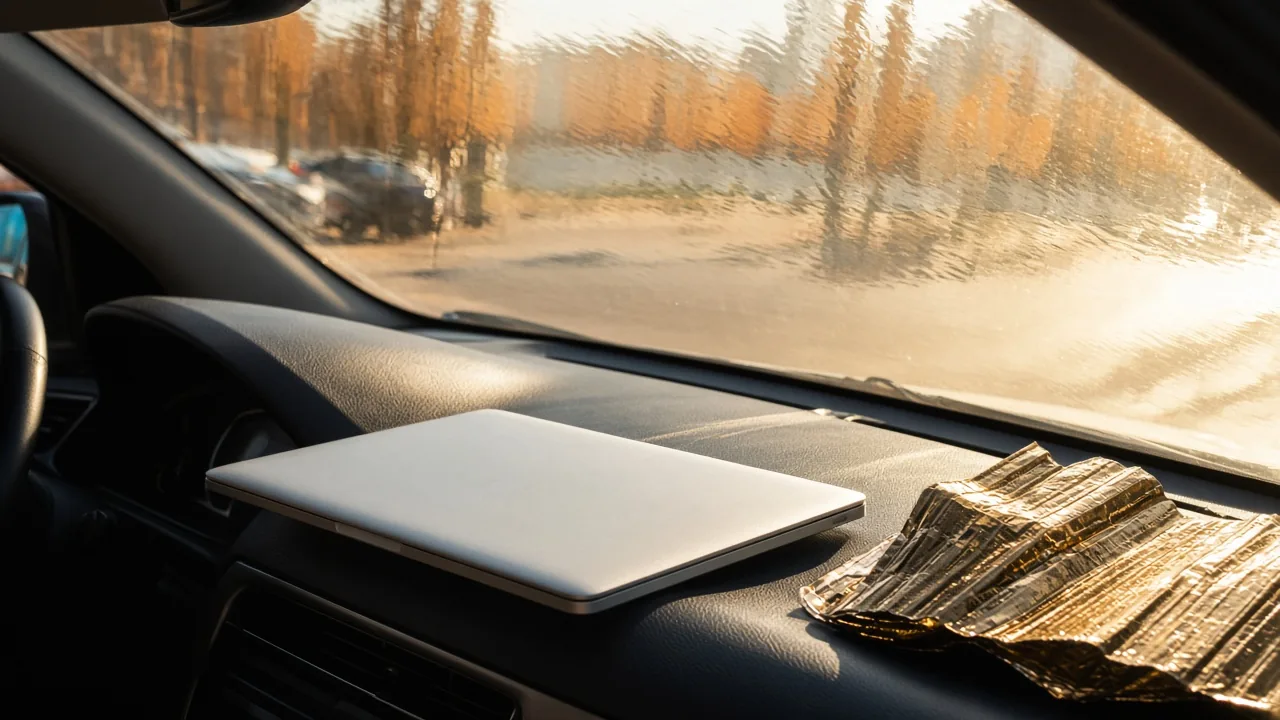
Mid-July is when heat starts hurting electronics. Phones go dim on the dashboard, laptops left in the car refuse to wake up, and batteries that seemed fine in spring start to fade. Heat is one of the quietest ways to shorten the life of a device, and most of the damage is avoidable.
The numbers worth knowing
Apple publishes plain temperature guidance, and it is a useful rule of thumb for most phones and laptops:
- iPhone and iPad: Apple says they are designed for use in ambient temperatures between 32° and 95° F (0° and 35° C), and should be stored between -4° and 113° F (-20° and 45° C).
- Mac laptops: Apple says to use them where the ambient temperature is between 50° and 95° F (10° and 35° C).
Notice the top of the range. A 95° F afternoon is already at the limit, and Apple warns specifically that temperatures in parked cars can exceed the safe range. It also says that using a device in very hot conditions can permanently shorten battery life.
Other manufacturers publish similar ranges. When in doubt, check the support site for your device.
What overheating looks like
Modern devices protect themselves. Apple lists what you may notice on an iPhone or iPad that gets too warm:
- Charging, including wireless charging, slows or stops
- The display dims or goes black
- Cellular signal weakens as radios save power
- Camera flash or features are temporarily disabled
- Apps run slower
You might see Charging On Hold on the Lock Screen, or a full temperature warning. If navigation is running, the screen may turn off while spoken directions continue.
If a temperature warning appears, Apple’s advice is simple: turn the device off, move it somewhere cooler and out of direct sunlight, and let it cool down.
The car is the biggest risk
Most heat damage happens in vehicles. A few habits help:
- Do not leave phones, laptops, tablets, or cameras in a parked car. Take them with you, even for a quick stop.
- If you must leave something, put it out of direct sun, like under a seat. Better yet, do not leave it.
- Mount your phone away from the windshield if you use it for maps. A vent mount with the air conditioning on is easier on the phone than a dashboard in full sun.
- Unplug from car charging if the phone is already hot. Charging adds heat.
Charging smarter in summer
Batteries and heat do not mix, and charging generates heat on its own.
- Charge on a hard surface, not on a bed, pillow, or couch.
- Take a thick case off if the phone gets hot while charging.
- Avoid running heavy apps, games, or video recording while charging in the sun.
- Keep power banks out of hot cars too. The same lithium chemistry is inside.
We covered packing and charging on the go in travel charging done safely.
Laptops need airflow
Apple’s laptop guidance is good advice for any brand:
- Use a laptop on a stable surface that lets air flow. Not on your bed or under bedding.
- Do not cover the keyboard or block vents.
- Keep the software updated. Apple lists that as its first tip for managing laptop temperature.
If a laptop runs hot while doing very little, check for a runaway app using Activity Monitor on a Mac or Task Manager on Windows.
Home office and network gear
Routers, modems, and small servers also dislike heat. If your internet drops on hot afternoons, check where the equipment lives:
- Give the router and modem open air, not the inside of a closed cabinet.
- Keep them off the top of other warm devices.
- Clear dust from vents.
Storms and heat often arrive together in summer. Our guide to surge protection for storms covers the power side.
If a device took a hit
If a phone or laptop overheated badly, watch for a battery that drains much faster than before, a case that bulges, or a screen lifting at the edge. A swollen battery is a safety issue. Stop using and charging the device and get it serviced.
Bottom line
Keep devices out of hot cars, charge them in cool open spaces, give laptops and routers room to breathe, and let overheated gear cool down before using it. Your batteries will last longer, and you will not be the person with a dead phone at the beach.