Surge protection for storms
Summer thunderstorms are here. What a surge protector can and cannot do, why whole-house protection exists, and the safe way to protect your computer and router this season.

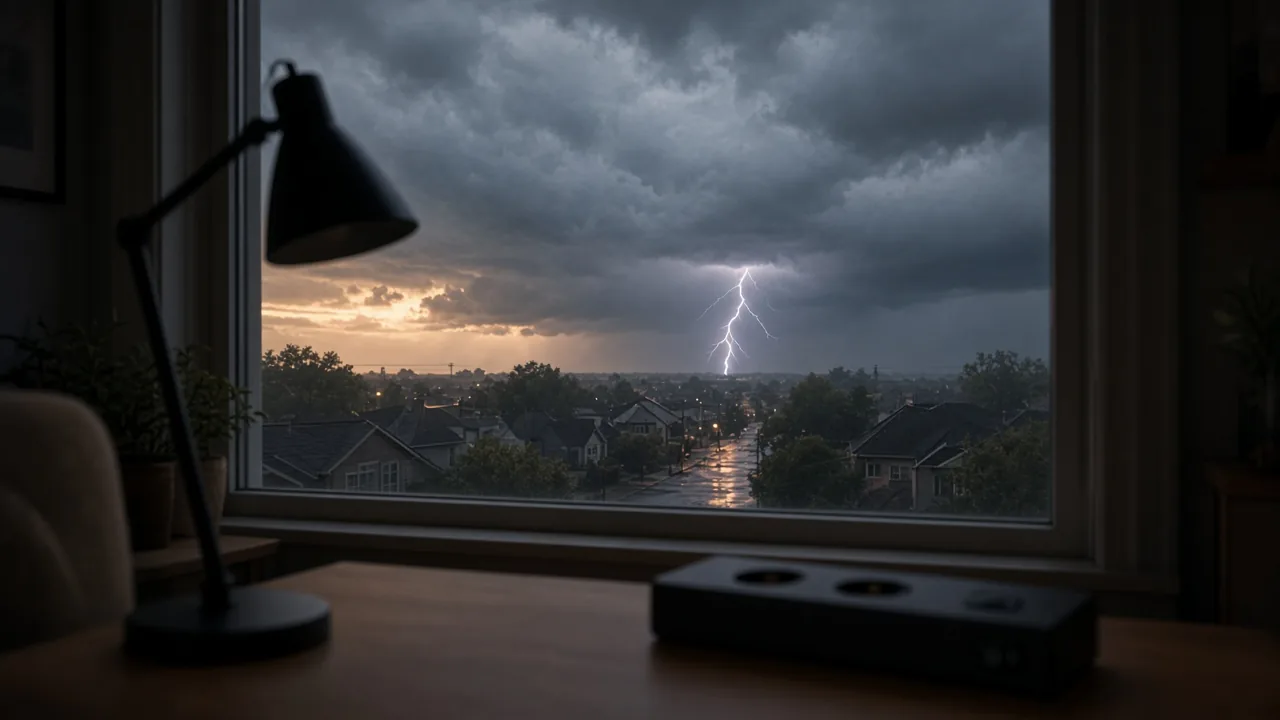
Summer officially began this morning, and in much of the country that means afternoon thunderstorms. Storms are hard on electronics. Power flickers, comes back with a jolt, and the router that was fine yesterday never lights up again.
A little planning goes a long way. It also helps to be clear about what surge protection can and cannot do, because the marketing on the box does not always match reality.
Safety first: what not to do during a storm
The National Weather Service has blunt indoor lightning safety advice:
- Stay off corded phones. Cell phones and cordless phones are fine.
- Do not touch electrical equipment like computers, TVs, or cords during the storm.
- Avoid plumbing. Skip the shower and the dishes until it passes.
It also says something many people do not expect: do not unplug equipment during a thunderstorm, because you could be struck. If you want things unplugged, do it before the storm arrives.
What a surge protector actually does
A plug-in surge protector is designed to absorb or divert short voltage spikes so they do not reach your devices. Those smaller surges happen more often than you might think, from utility switching, large appliances, and storms in the area.
The Weather Service is just as clear on the limits: typical surge protectors will not protect equipment from a lightning strike. A nearby strike carries far more energy than a power strip can handle.
So think of a surge protector as protection against everyday spikes, not a lightning shield.
How to pick a decent one
- Look for a UL 1449 listing. That is the safety standard surge protective devices are tested against, from UL Solutions. A cheap power strip with no surge rating is just an extension cord with extra outlets.
- Prefer a model with a “protected” indicator light. Many surge protectors wear out after absorbing surges. An indicator tells you when protection is gone and it is time to replace it.
- Protect every path in. Lightning surges can arrive through power, cable, and phone lines. Some surge protectors include coaxial or phone jacks for that reason.
And do not daisy chain. The Office of Congressional Workplace Rights puts it simply in its guidance on power strips and daisy chains: plugging power strips into each other can overload circuits and create a fire hazard. One surge protector per wall outlet.
Whole-house surge protection
The Weather Service’s lightning safety materials describe a layered approach: a whole-house surge protection device at the electric meter or panel, plus point-of-use surge protectors at the equipment you care about. Together they can protect against all but the most severe surges or direct strikes.
Whole-house protection is installed by an electrician or offered by some utilities. If you work from home or run a small office with expensive equipment, it is worth a call to ask about cost.
Add a UPS for the computer and router
A surge protector handles spikes. A UPS (uninterruptible power supply) adds a battery, so short outages and flickers do not crash your computer or reboot your internet. For a home office, a modest UPS for the computer, modem, and router keeps you working through blips and gives you time to save and shut down during a longer outage.
Size it for the devices you actually need to keep running, and test it once by unplugging it from the wall. If your small business cannot afford to be offline at all, pair the UPS with an ISP failover plan so a storm that takes out one connection does not take out both.
A storm-season checklist
- Before storm season: Put your computer, modem, router, and TV on a UL-listed surge protector or UPS. Replace old strips with dead indicator lights.
- When a big storm is forecast: Save your work and unplug sensitive equipment you do not need, before the storm arrives.
- During the storm: Stay off corded electronics and away from plumbing. Leave plugs alone.
- After the power returns: Ready.gov’s power outage guidance recommends disconnecting appliances and electronics during an outage to avoid damage from surges when power comes back. Plug things in one at a time once power is stable.
Remember the data
Hardware can be replaced. Files cannot. Surge damage is one more reason to keep a current backup that does not live on the same desk as your computer. If a storm takes out the PC, a backup drive that was unplugged in a drawer, or a cloud backup, turns a disaster into an errand.
Bottom line
Use real, UL-listed surge protectors, add a UPS for the gear that keeps you online, unplug before storms rather than during them, and keep a backup somewhere else. That covers the storms most of us actually see.