Quick Share: auto-back up Android photos to your PC
Google Play services 26.43 adds automatic Android photo and video backups to a Windows PC through Quick Share. What Google confirmed, what is still unclear, and how home users should set expectations.

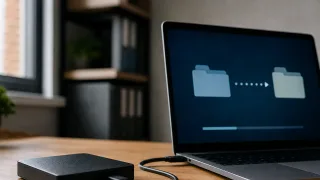
If you keep an Android phone and a Windows PC in the same house, Google just confirmed a feature many people already wanted: automatic local copies of photos and videos on the PC, without spending Google Photos cloud quota.
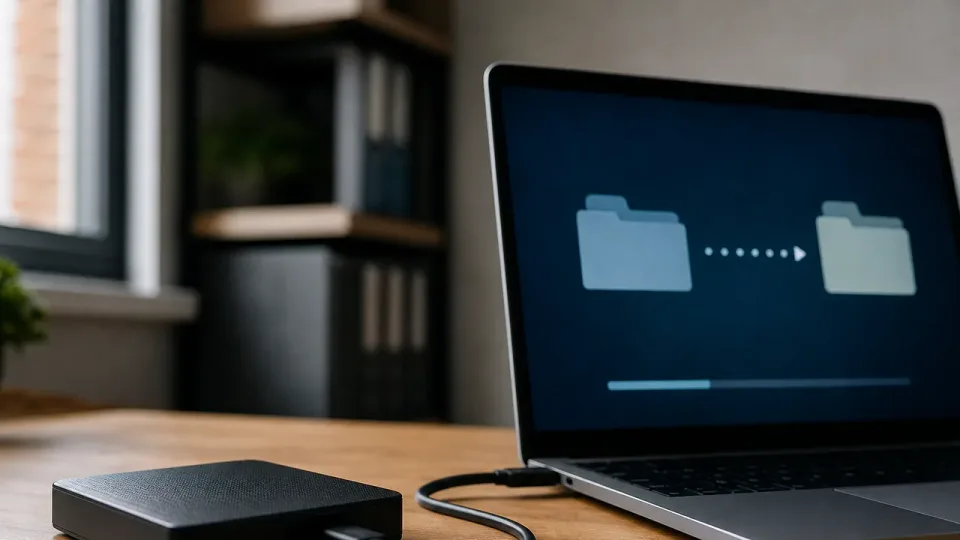
In the Google system services release notes for November 2026, under Google Play services v26.43 (2026-11-02), Google lists this Device Connectivity item for PC and Phone: automatic backing up of photos and videos from an Android device to Windows using Quick Share.
That one line is the official confirmation. The rest of the how-to details are still thinner than a finished product page, so separate what Google said from what secondary reports expect.
What Google confirmed
From Google’s own system services notes for Play services 26.43:
- The feature is about automatic photo and video backup from Android to Windows.
- It uses Quick Share.
- It is tagged for PC and Phone.
- It sits in the November 2026 Play services notes dated November 2, 2026.
That is enough to treat the feature as real, not a rumor. Google did not publish a full setup guide, device matrix, or rollout calendar in that note.
What secondary reports add (and what is still unclear)
Coverage such as Android Authority’s November 2 write-up fills in expected setup habits based on earlier Quick Share strings and teardowns:
- Start setup from the Quick Share for Windows app.
- Keep the Android phone nearby and powered on.
- Sign both devices into the same Google account.
- Expect a local PC copy rather than another cloud upload that burns Photos storage.
Reports also describe habits that sound likely for a home network backup tool, such as both devices on the same Wi-Fi, a daily camera-roll style schedule, and a Back up now control. Treat those as expected UX from earlier app strings and secondary reporting, not as a finished Google support article. Exact menus can still change while the feature rolls out.
Also keep the rollout reality in mind: Play services updates arrive gradually. Having version 26.43 installed does not guarantee the backup toggle appears the same day. Keep the Windows Quick Share app updated too.
Availability may be limited at first
Earlier app-code reporting suggested some devices might be left out of the first wave. Google’s release notes do not confirm any brand exclusion.
For this article, stick to the cautious line:
- Availability may roll out gradually.
- Availability may be limited at first.
- Do not treat a rumor about a specific phone brand as a confirmed Google policy unless Google or the Quick Share for Windows UI says so on your own devices.
If the option is missing after Play services and Quick Share for Windows are current, wait a few days and check again before you assume your phone is permanently unsupported.
Who this is for
This is for people who:
- Use an Android phone as their main camera roll.
- Already have a Windows PC at home.
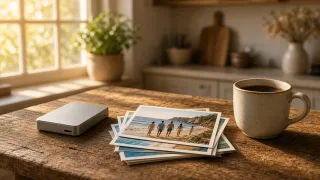
- Want a second local copy of photos and videos without paying for more Google Photos storage.
- Prefer a wireless habit over remembering USB cable days.
It is not a full replacement for every backup plan. A PC can fail, get stolen, or fill up. Pair local Quick Share copies with whatever cloud or external-drive habit you already trust. Our older note that cloud sync is not a backup by itself still applies in reverse: a PC folder copy is useful, but one copy on one machine is still only one copy.
Practical setup checklist (when the option appears)
- Update Google Play services on the phone (system updates / Play services channel, depending on your device).
- Install or update Quick Share for Windows on the PC, then sign in with the same Google account you use on the phone.
- Put the phone nearby, unlocked or awake enough to stay reachable, on the home Wi-Fi you actually use.
- Start from the Windows Quick Share app if the UI asks you to begin there.
- Turn on automatic photo and video backup when the control appears, then run a Back up now once if that button exists.
- Confirm new files land in the folder Quick Share chooses on the PC before you trust the schedule.
If nothing appears yet, do not chase random APKs. Wait for Google’s staged Play services / feature flag rollout.
Do this / don’t do that
Do
- Treat Google’s Play services 26.43 note as the confirmation that Android-to-Windows Quick Share auto backup is shipping.
- Keep both Quick Share for Windows and Play services current.
- Verify the first transfer yourself before you stop making manual copies.
Don’t
- Do not assume every Android phone and every Windows PC gets the toggle on day one.
- Do not state a brand exclusion as fact when Google’s notes do not say it.
- Do not delete the only phone copy until you have opened the files on the PC and confirmed they play.
Bottom line
Google’s November 2026 system services notes for Play services 26.43 confirm automatic photo and video backups from Android to a Windows PC through Quick Share. For home users, that means a local PC copy without spending Google Photos cloud quota, once the UI reaches your devices. Start from Quick Share for Windows with the same Google account and a nearby phone, expect a gradual rollout, and verify the first backup yourself. Secondary reports describe likely setup details; Google’s short release note is still the official confirmation.
Image: Official Android brand artwork from android.com.