Spotify Home gets more control
On November 12, 2026 Spotify added ways to remove Home tiles and Recents items, plus broader Not interested controls for shows and authors on the Home feed.

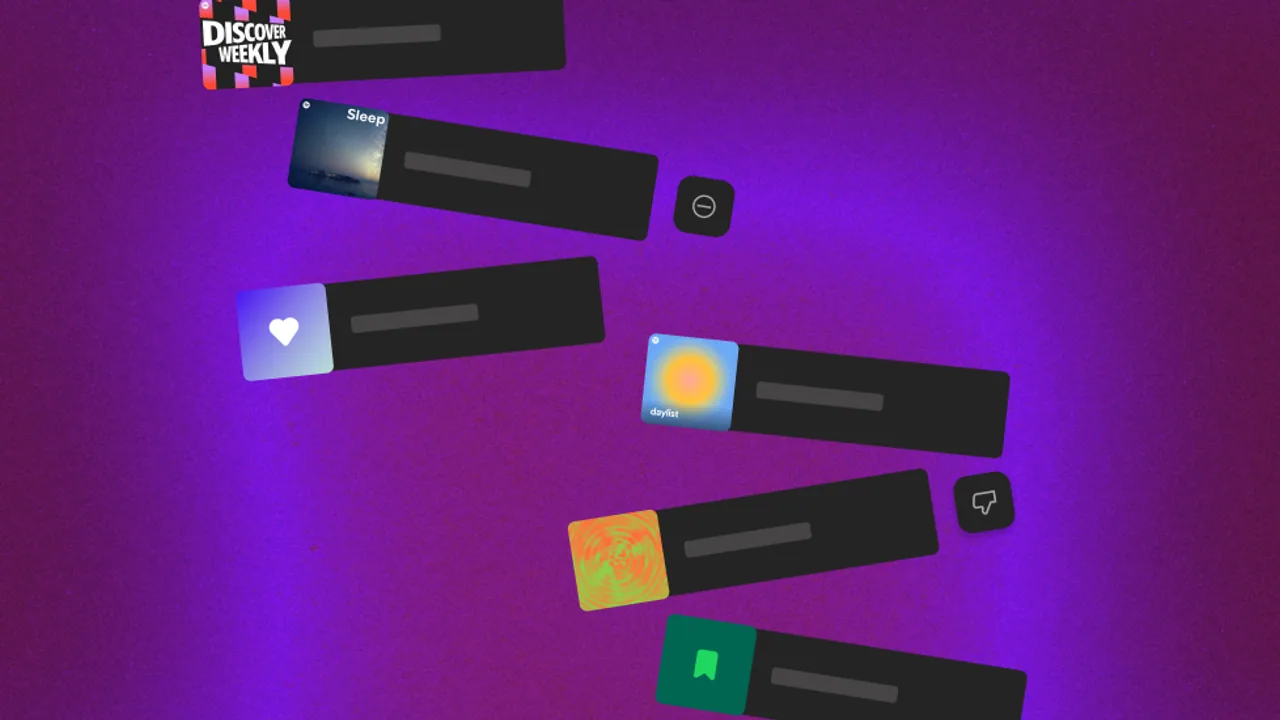
Home screens get noisy when last week’s podcast binge will not leave. On November 12, 2026, Spotify announced new Home feed controls so listeners can clean up what sits on Home without pretending every hide is a taste change.
Small product news, useful every day if you live in the Spotify app.
What Spotify changed
From Spotify’s Newsroom post:
- Remove a tile from the top of Homepage: press and hold music, a podcast, or an audiobook you no longer want at the top of Home, then choose “Remove from this section.”
- Remove from Recents: the same press-and-hold path can hide individual items from the Recents shelf.
- “Not interested” across Home: Spotify expanded Not interested so you can ask to hear less from specific shows or authors on Home.
- These sit alongside Taste Profile (beta in the U.S. and New Zealand), which lets eligible Premium listeners say what they want more or less of.
Spotify draws a clear line between the tools:
- Removing something from a section is a cleanup. It does not change future recommendations.
- Not interested and Taste Profile are the knobs that help shape what Spotify recommends next.
That distinction matters. People have been hiding clutter and accidentally training the algorithm for years. Spotify is finally saying those jobs are different.
Why everyday listeners should care
If your Home still pushes a finished podcast season, a one-off workout playlist, or an audiobook you returned, a long-press cleanup is happier than hunting settings. Parents sharing a living-room account, roommates on one TV login, and anyone who samples a lot of shows get a quieter start screen.
This is not a new streaming catalog. It is control over the shelf you see first. For comparison, browser makers keep shipping small workflow wins in the same spirit as our Firefox 160 Mini Window and Picture-in-Picture note: everyday friction drops without a new gadget.
Taste Profile remains limited. Spotify says the beta is for eligible Premium listeners in the U.S. and New Zealand. Free-tier and other-country behavior may differ, so treat that piece as optional, not promised for every account.
How to tidy Home on your own devices
- Update the Spotify app from the official store listing.
- Open Home. Press and hold a top tile you are done with, then choose Remove from this section.
- On the Recents shelf, press and hold an item and remove it the same way when you only want a cleaner recent list.
- When a show or author keeps coming back and you want fewer recommendations, use Not interested instead of only removing the tile.
- If you are Premium in the U.S. or New Zealand and see Taste Profile, use it for longer-term “more of this / less of that” guidance.
After a cleanup, play something you actually want. Confirm the tile stayed gone and that Not interested did not wipe a show you still like.
Do this / don’t do that
Do
- Use Remove from this section when you only want a tidier Home.
- Use Not interested when you want Spotify to recommend that show or author less often.
- Recheck Spotify’s Home feed post if a control is missing after an app update.
Don’t
- Do not assume removing a tile rewires your whole recommendation model.
- Do not invent Taste Profile availability outside the U.S. and New Zealand Premium beta Spotify named.
- Do not download sideloaded “Spotify cleaner” apps. Use the official client.
Bottom line
On November 12, 2026, Spotify gave Home clearer cleanup and Not interested controls, and separated those from Taste Profile recommendation tuning. On your own devices: update the app, long-press to remove stale tiles and Recents, and reserve Not interested for shows or authors you truly want less of.
Image: Official art from Spotify’s Home feed updates Newsroom post.