Update Chrome to 157.0.8103.50
Google shipped a mid-cycle Chrome 157 Stable update on November 9, 2026 that fixes an in-the-wild XML use-after-free, CVE-2026-125350. Desktop, Android, and Extended Stable builds, and how to verify yours.

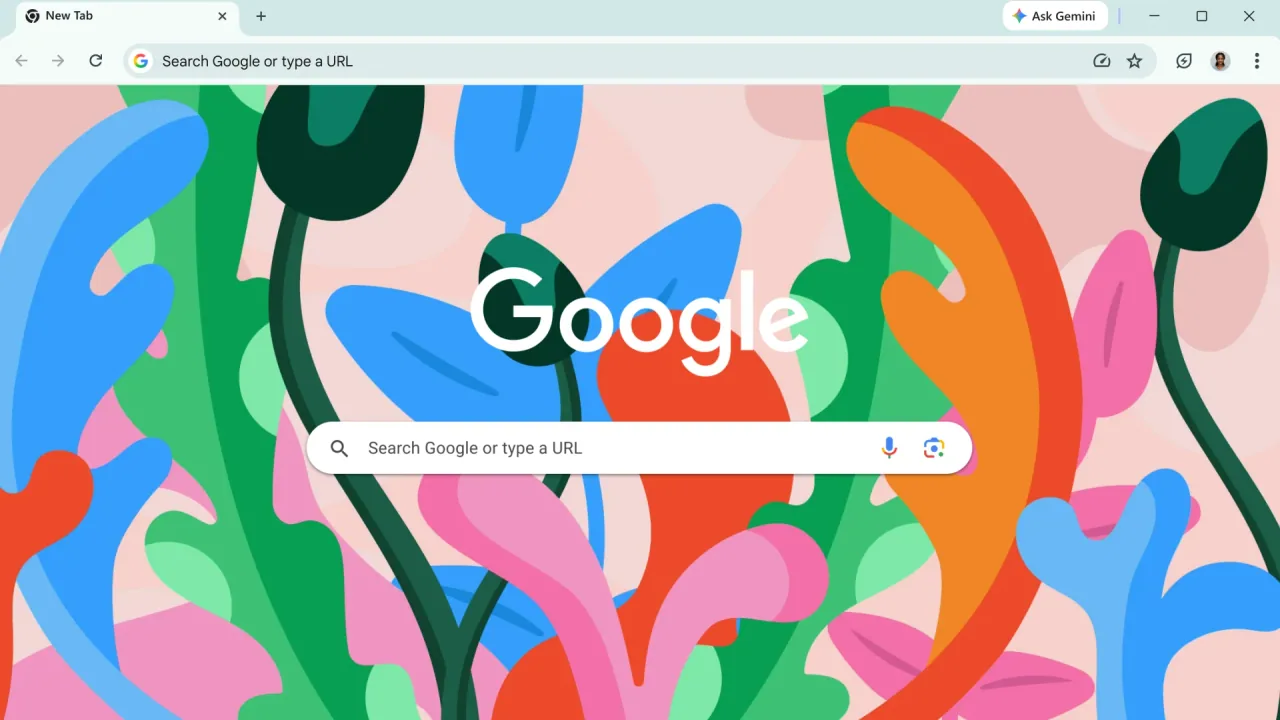
This is not the Chrome 157 Stable promotion from November 3. On Monday, November 9, 2026, Google issued a mid-cycle Stable Channel Update for Desktop because one of the fixes is already being exploited.
The build to look for is:
- Windows and Mac: 157.0.8103.50 or 157.0.8103.51
- Linux: 157.0.8103.50
If chrome://version still shows 157.0.8103.38 or 157.0.8103.39, or anything older, you are not on this fix yet. Updating Microsoft Edge or Firefox does not update Chrome.
The in-the-wild bug
Google’s desktop note says this update includes 9 security fixes. The one to treat as urgent is CVE-2026-125350, a High use after free in XML, reported anonymously on November 6, 2026. Google writes that it is aware an exploit for CVE-2026-125350 exists in the wild.
The same post lists eight other CVE IDs, including another High XML use-after-free (CVE-2026-125346) that is not the in-the-wild item. Google also notes that bug details may stay restricted until most users have the fix.
Android, Extended Stable, and what this is not
Google’s Chrome for Android update the same day ships Chrome 157 (157.0.8103.50) for Android. That post says Android releases contain the same security fixes as the corresponding desktop builds (Windows and Mac 157.0.8103.50/.51, Linux 157.0.8103.50) unless otherwise noted. No exception is listed there for this update.
If you are on Chrome’s Extended Stable channel, Google’s Extended Stable Update for Desktop moves that channel to 156.0.8078.96. That post includes CVE-2026-125350 among 11 listed CVE IDs.
These November 9 Chrome posts are for desktop and Android. They do not apply to Chrome on iOS. Do not read 157.0.8103.50 as an iPhone or iPad Chrome version from these notes.
Microsoft Edge is also based on Chromium, but it is not patched by installing Chrome. Microsoft’s Edge security release notes on November 9, 2026 say Microsoft is aware of recent exploits existing in the wild and is actively working on releasing a security fix. The current Edge 157.0.4341.42 builds listed there (desktop from November 5, and the November 9 mobile note) are not that fix. Watch Microsoft’s notes, and see our earlier Edge 157.0.4341.42 article for that prior release.
How to update and verify
On a Windows, Mac, or Linux PC, open Chrome and go to chrome://settings/help (or Menu, Help, About Google Chrome). Let it finish downloading, then fully quit Chrome and reopen it. Do not leave old windows running in the background.
Confirm the build at chrome://version. You want 157.0.8103.50 or 157.0.8103.51 on Windows or Mac, and 157.0.8103.50 on Linux. Extended Stable users should see 156.0.8078.96.
On Android, update Chrome from the Google Play Store, then open Chrome and check Settings, About Chrome for 157.0.8103.50.
Google says the desktop update will roll out over the coming days and weeks. If About Chrome has not offered it yet, check again later the same day. Once it is offered, install it, relaunch, and prove the version.