Update ChromeOS to 16836.32.0
ChromeOS Stable 16836.32.0 (browser 156.0.8078.93) landed November 6, 2026 with ten browser security fixes. How Chromebook owners update and verify.

Updating Chrome on a Windows or Mac PC still does not patch a Chromebook. Chromebooks run ChromeOS, and Google ships that OS on its own Stable train. On Friday, November 6, 2026, Google moved ChromeOS Stable to OS version 16836.32.0, with browser build 156.0.8078.93.
If your daily machine is a Chromebook or a ChromeOS Flex PC, this is the package to install. It is newer than our earlier ChromeOS 16836.19.0 Stable note, and it is a different story from desktop Chrome 157.
What Google shipped
Google’s Stable Channel Update for ChromeOS / ChromeOS Flex (Friday, November 6, 2026) says M-156, ChromeOS version 16836.32.0 (browser version 156.0.8078.93), has rolled out to ChromeOS devices on the Stable channel.
The same post lists ten Chrome browser security fixes. Counting the labels in Google’s table, that is seven High, two Medium, and one Low:
| Severity | CVE | Plain description from Google |
|---|---|---|
| High | CVE-2026-121076 | Use after free in WebXR |
| High | CVE-2026-121208 | Out of bounds read in Media |
| High | CVE-2026-79235 | Use after free in WebGL |
| High | CVE-2026-121233 | Type confusion in CacheStorage |
| High | CVE-2026-121213 | Uninitialized resource in Images |
| High | CVE-2026-121241 | Use after free in Navigation |
| High | CVE-2026-121201 | Use after free in Animation |
| Medium | CVE-2026-121184 | Out of bounds read in Media |
| Medium | CVE-2026-121135 | Security issue in Platform |
| Low | CVE-2026-121141 | Improper input validation in Editing |
Google’s post does not list new ChromeOS platform or third-party component fixes in this drop. It also does not say these browser bugs are being exploited in the wild. Seven High browser fixes are still enough reason to restart when the update is ready.
Why this is not “I already updated Chrome”
Home readers mix these up constantly:
- Desktop Chrome on Windows, Mac, or Linux is already on the Chrome 157 Stable track for many PCs.
- ChromeOS is the operating system on the Chromebook. This Stable drop still carries a Chrome 156 browser build inside the OS image: 156.0.8078.93.
Do not expect the Chromebook’s browser version to match the Windows or Mac Chrome number. Check the Chromebook itself.
If someone in the house updates Chrome on a Windows laptop, the Chromebook on the kitchen table does not follow.
Which version you should see
Aim for:
- ChromeOS: 16836.32.0
- Browser: 156.0.8078.93 (or newer on that Stable train)
If About ChromeOS still shows 16836.19.0, 16836.30.0, or an older 156.0.8078.x browser line, you are behind this Friday drop. Install, restart, then re-read the version lines.
ChromeOS Flex PCs use the same About ChromeOS update path. School or work Chromebooks may show that updates are managed by an administrator. This article is for a personal Chromebook you control.
How to update and verify on your Chromebook
Google’s help page Update your Chromebook’s operating system is the checklist. In plain steps:
- Turn the Chromebook on and connect it to Wi-Fi (plugged into power is better for a big download).
- At the bottom right, open the time area, then open Settings.
- Open About ChromeOS.
- Under Google ChromeOS, read the current version. Select Check for updates if the button is there.
- Let the download finish. When ChromeOS offers a restart (or you see an Update device notification), Restart so the new OS actually runs.
- After reboot, return to About ChromeOS and confirm you are on 16836.32.0 (browser 156.0.8078.93) or newer on that Stable train.
Downloaded is not enough. The restart is the install. If Settings says you are up to date but the version is still older than 16836.32.0, wait for the staged rollout and check again later the same day or the next. Google rolls Stable over days.
If something looks wrong after the update and normal troubleshooting fails, Google’s post points people to Chromebook Help Community feedback paths and the usual Settings > About ChromeOS > Send feedback route (or Alt + Shift + I).
Do this / don’t do that
Do
- Open About ChromeOS, check for updates, and restart when offered.
- Confirm the OS line shows 16836.32.0 (browser 156.0.8078.93) after reboot.
- Treat High browser fixes as “restart today,” not “maybe this weekend.”
- If the device is old, also check Additional details → Update schedule so you know when automatic updates end (Google’s update help).
Don’t
- Do not assume a Windows or Mac Chrome 157 update covered the Chromebook.
- Do not leave the “update ready” notification sitting for days without restarting.
- Do not chase every CVE number on Google’s list. Install the OS build and verify the version.
- Do not wait for exploit headlines. Google’s note does not claim active exploitation, and patching is still the job.
Bottom line
Google’s November 6, 2026 ChromeOS Stable update moves devices to OS 16836.32.0 with browser 156.0.8078.93, including ten browser security fixes (seven High) (official ChromeOS Stable note). On your own Chromebook: Settings → About ChromeOS → Check for updates, restart, then confirm the version. That is the whole job.
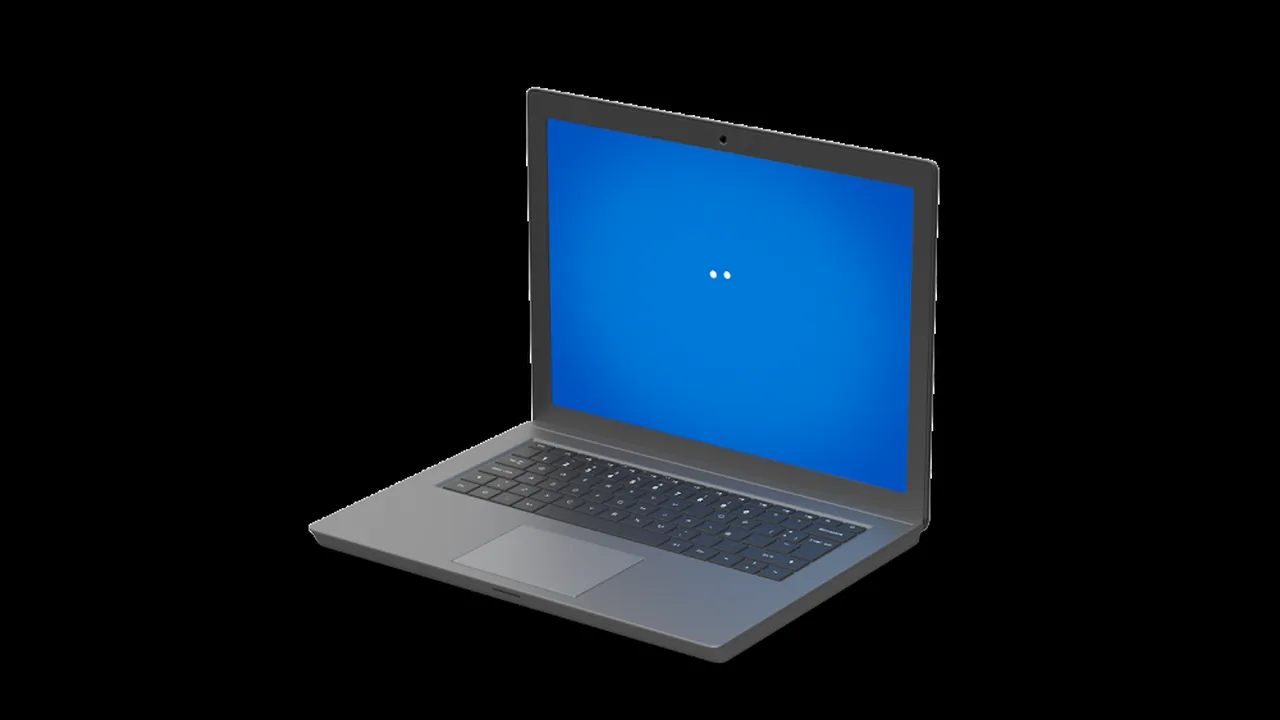
Image: Official Chromebook product photo from google.com/chromebook.