Firefox 160: Mini Window and PiP
Mozilla released Firefox 160 on November 10, 2026 with Mini Window, Picture-in-Picture playback speeds, MKV audio support, PDF MathML accessibility, and on-device speech recognition.

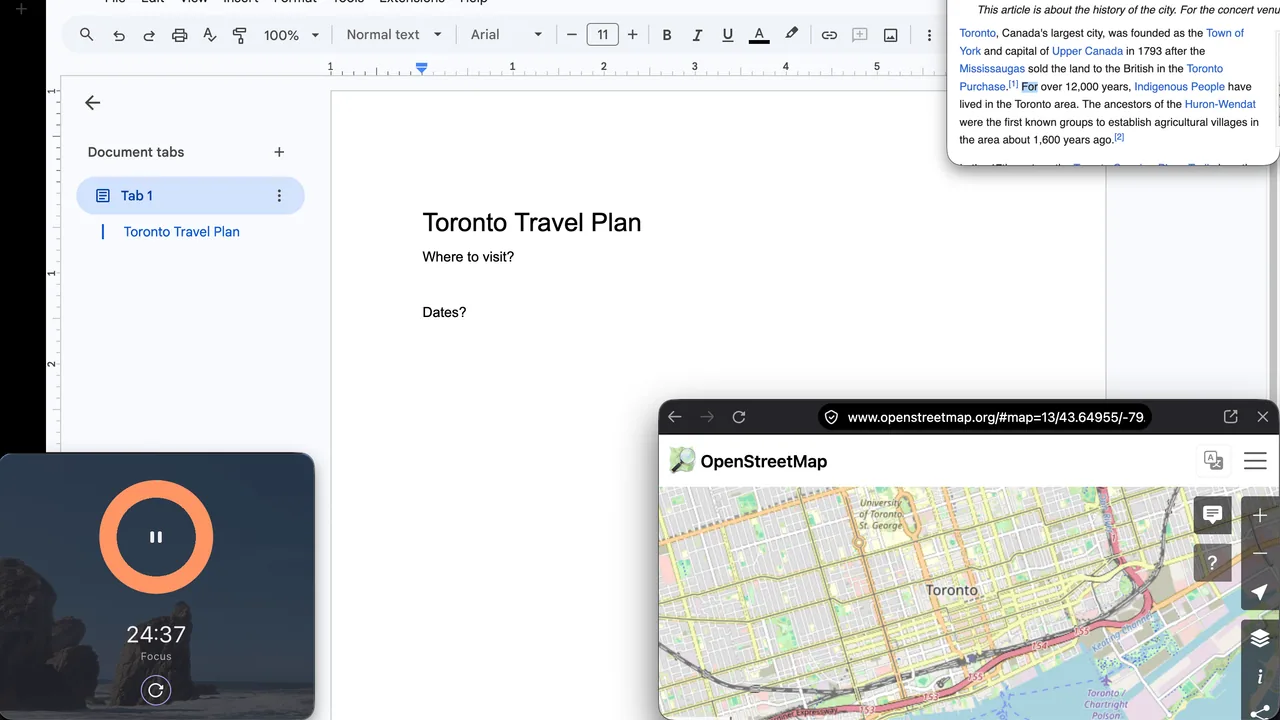
Firefox’s biweekly train just dropped a release that is more than another “restart to finish updating” chore. On November 10, 2026, Mozilla shipped Firefox 160.0 to Release users with everyday features: an always-on-top Mini Window, Picture-in-Picture playback speeds, better PDF math for screen readers, and on-device speech-to-text for websites that use the Web Speech API.
If 159.0.1 was the security point release, 160 is the “try the new toys” build. Still update. Just enjoy it too.
What Mozilla put in 160
From the Firefox 160.0 release notes:
- Picture-in-Picture gains a playback speed control from 0.25x to 2.0x. It shows when the PiP window is medium-sized or larger.
- Mini Window peels a tab, or a selected part of a page, into an always-on-top window while you keep browsing. Mozilla calls this an early version and wants feedback on Mozilla Connect.
- You can drag history entries from the sidebar onto the tab strip to open them.
- Saved PDF pages now expose MathML to assistive technology such as screen readers.
- Sites that keep asking to handle
mailto:and other links get a Never allow button, with blocked sites managed in Settings. - Firefox can play Matroska (MKV) files that use FLAC, MP3, or PCM audio.
- On macOS, WebGL can use Apple’s Metal path, which may help performance on some sites.
Under Web Platform, the notes also say the SpeechRecognition interface is supported for on-device, real-time speech-to-text in 40 languages. That is for sites and web apps that use the API. It is not a promise that every Google Docs clone suddenly grew a microphone button overnight.
The same notes list ordinary bug fixes, including lost first keystrokes in the address bar, intranet auth freezes, macOS download and PDF save quirks, and stronger contrast between the domain and the rest of the URL so it is easier to see which site you are on, plus the usual security fixes that ride along every Release train. This article is about the feature side. Install for both.
Why home users should care
Mini Window is the kind of small browser idea that changes a homework night: keep a recipe, a chat, or a reference paragraph parked on top while the main window does the rest. PiP speed control is the same idea for video. PDF MathML accessibility matters if someone in the house uses a screen reader for school worksheets or scientific PDFs. MKV playback removes one more “why won’t this file open in the browser” detour.
None of that requires an IT ticket. It is your own computer, your own browser, your own update.
How to update and verify
- Open Firefox on the computer you browse with.
- Check for updates.
- Windows / Linux: Menu (three lines) > Help > About Firefox.
- macOS: Firefox menu > About Firefox.
- Stay on the About window until the download finishes, then Restart to update.
- Fully quit leftover Firefox windows if the version still looks old, then reopen.
- Type
about:supportin the address bar and confirm Version shows 160.0 (or a newer 160.0.x if a point release lands after this article). - Optional smoke test: open a video, pop out Picture-in-Picture, and look for the speed control on a medium or larger PiP window. Try Mini Window from the early UI Mozilla shipped and send feedback if it feels rough.
If About Firefox has not offered 160 yet, wait for the rollout and check again, or download from Mozilla’s Firefox site. Linux package, Flatpak, and Snap users should update through those channels toward 160.0.
Phone Firefox (iOS / Android) updates separately through the App Store or Google Play. Desktop 160 does not patch the phone apps.
Do this / don’t do that
Do
- Update from About Firefox or the official 160.0 notes, then verify
about:support. - Try PiP speed and Mini Window on something low stakes before you depend on them in a meeting or class.
- Keep extensions lean after a major jump; disable one if a site acts weird, then retest.
Don’t
- Do not stop at 159.0.1 and assume you already “did Firefox this month.” 160 is a new train.
- Do not download Firefox installers from random mirror sites.
- Do not expect on-device speech recognition to appear as a global Firefox toolbar mic. It is a web platform capability for sites that call it.
Bottom line
On November 10, 2026, Mozilla released Firefox 160.0 with Mini Window, Picture-in-Picture speeds, MKV audio support, PDF MathML accessibility, and on-device Web Speech recognition in 40 languages. On your own PC or Mac: install, relaunch, confirm about:support, then try the features that actually change how you watch, read, and park a page on top.
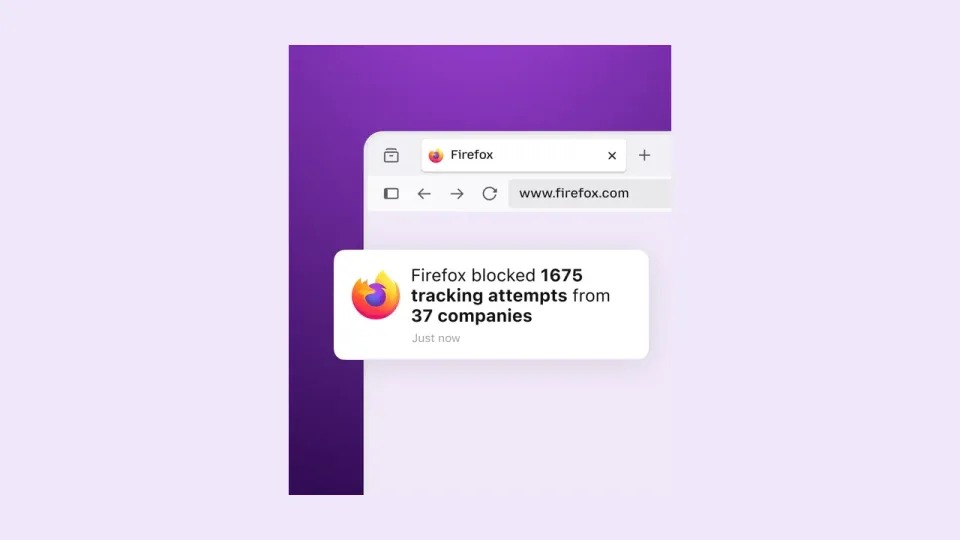
Image: Official Mozilla Firefox 160 release-notes artwork for Mini Window.