T3 Code: what Theo's open-source coding-agent app actually is
T3 Code is a free, MIT-licensed control surface for coding-agent harnesses you already pay for, not a harness itself. What it is, how it relates to Theo's separate tstack skills, how to install it, and what the official docs and Theo's videos support.

I’ve been using T3 Code for basically all my projects for a while now. It has made everything much easier and faster, and my day-to-day workflows feel like a thousand times better. That is me talking as someone who lives in this tooling, not a stopwatch claim.
If you write code with AI agents at home, you have probably bounced between a few desktop apps and terminals already. T3 Code is a different kind of option: it is not selling you model access, and it is not itself an agent harness. It is an open-source control surface for the coding-agent tools and harnesses you already subscribe to.
This note sticks to what the official site, the GitHub repository, the project’s FAQ, Theo’s tstack skill repo, and three Theo videos actually support: T3 Code broke me, These 3 skills changed my life, and Agents Sucked At UI (Until Today). If a claim is only marketing color, I leave it out.
What it is
From the project README, t3.codes, and the FAQ:
- The README calls T3 Code an agent harness control surface. The site pitches it as an open-source control plane for coding agents. Both point the same way: T3 Code is the place you drive agents from, not the harness underneath them.
- That distinction matters. In the project’s own FAQ language, a harness is what turns a language model into an agent: it gives the model tools, a way to call them, runs them, and hands the results back. Claude Code and Codex are examples of that stack. T3 Code is not a harness. It talks to those harnesses and tools. Without at least one of them installed and signed in, it has nothing to drive.
- In plain terms: you get a GUI and a server that sit in front of coding-agent CLIs and apps already on your machine. You still bring the agent runtime. T3 Code gives you one place to steer it.
- You control those agents from a desktop app (Electron), a web app (including app.t3.codes and a locally hosted UI), and a mobile app on iOS and Android.
- It is built so you can run agents on one machine and steer them from another device. The README and docs describe remote access, a background service, and mobile pairing.
Theo’s overview video T3 Code broke me frames the same idea as an open-source way to work with the models, harnesses, and subscriptions you already have, including remote control over a WebSocket server. The project’s FAQ is the clearest written “not a harness” answer. I am summarizing that project wording here rather than inventing a spoken quote.
Who makes it
The public GitHub org is pingdotgg/t3code. The product site is t3.codes. In the overview video Theo says it was built by Julius, Maria, and himself, and the in-repo AGENTS.md names Theo, Julius, and the people building T3 Code as maintainers. The site footer lists T3 Tools Inc. The README says the project is still early and to expect bugs.
Price and licensing
- License: MIT (stated on the GitHub repo).
- Price: the project says it is selling nothing. You bring your own provider subscriptions. The site’s pitch is “bring your own sub” and “no keys resold.” In both the overview video and Agents Sucked At UI (Until Today), Theo repeats that you cannot pay T3 Code for model access.
- Forkable: the README encourages you to fork it and build the editor you want, and the MIT license allows that.
Do not confuse T3 Code with T3 Chat. Theo’s overview video calls that out explicitly: T3 Chat is a different product. T3 Code does not sell AI tokens.
What agents it can drive
The README’s supported-provider list (verify there before you install) currently includes:
- Codex CLI (
codex login) - Claude Code (
claude auth login) - Cursor CLI (
agent login) - Grok Build CLI (
grok login) - OpenCode (
opencode auth login) - Google Antigravity (settings flow with Google sign-in; no separate CLI required in the README)
- fx (
fx loginon the machine running the T3 Code server)
You need at least one of those installed and signed in on the machine where agents will run. T3 Code is the control surface for those harnesses and tools, not a replacement for those subscriptions and not a harness of its own.
Theo’s overview video also demos multi-agent orchestration and remote machine routing, with agents running on their official harnesses and existing subscriptions. Treat demos as product direction shown by the maintainer. For install and support claims, prefer the README and install docs.
How to install (official paths)
Pick one path. These come from the README and install docs.
Try once without installing
npx t3@latestInstall the CLI
curl -fsSL https://t3.codes/install.sh | shOn Windows PowerShell:
irm https://t3.codes/install.ps1 | iexThen run t3 to start the server and open the local web UI. The README also documents t3 service install, t3 update, and t3 --help.
Desktop app
- Windows:
winget install T3Tools.T3Codeor Scoop (scoop install extras/t3code) - macOS:
brew install --cask t3-code - Debian/Ubuntu: install the
.debfrom GitHub Releases - Arch: AUR packages
t3code-bin/t3code-nightly-bin - Nix:
nix profile add github:NixOS/nixpkgs/nixos-unstable#t3code
Mobile
Install from the App Store or Google Play, then connect to a server on another machine. The install docs point at remote access and pairing flows (including T3 Connect). Store links also appear under Settings > About > Mobile app on web and desktop.
What to expect in practice
For me, that control-surface model is why T3 Code stuck. I still pick and pay for the agent tools I want. T3 Code is the cockpit. Once that clicked, day-to-day work got much easier and a lot faster.
Useful mental model for a home or personal-dev setup:
- Install and authenticate at least one provider on a computer you trust.
- Install T3 Code (desktop or CLI) on that same computer.
- Open a project, start a thread, and keep an eye on what the agent is changing.
- Only then connect a phone or second machine for remote steering.
The README is blunt about early bugs. That matches Theo’s overview-video history of the project: it started rough and improved. Treat it like any young open-source tool. Update deliberately, keep backups of work you care about, and do not hand an agent production secrets without reviewing the session.
Theo’s tstack skills (related, not T3 Code itself)
T3 Code is the control surface. Separately, Theo publishes tstack: a small MIT set of agent skills that work in Claude Code and Codex. The tstack README says some skills use T3 Code features when those are available, and fall back to native tools when they are not. Installing tstack is not the same as installing T3 Code, and T3 Code does not require tstack.
Theo’s video These 3 skills changed my life walks through the three skills he says show up in a large share of his T3 Code threads: sol-loop, full-send, and full-stop. Auto-captions often garble Sol as “soul” or “sole.” The official skill name in the repo is sol-loop, for OpenAI’s GPT Sol.
Names and trigger phrases below follow the official tstack README and skill files. The skills video matches that story in plain language:
full-send(say “full send”): end-to-end ownership of a change when nobody is watching the thread. The full-send skill says the agent finishes the work, proves it, runs review, files a PR, babysits CI and review feedback, and merges once a merge gate passes. It also says not to assume that autonomy unless the user clearly asked for full send. A sibling skill,full-stop, follows the same path but stops when the PR is ready for a human to merge. In the skills video, Theo describes full stop as the same flow without the merge.sol-loop(say “sol loop”): a review loop with OpenAI’s GPT Sol. The sol-loop skill has the working agent and Sol go back and forth until they agree on the change, with a small default budget of review rounds. In T3 Code it usesdelegate_taskto run Sol as a reviewer. Outside T3 Code it needs a harness that can run Sol. That is a review pairing, not a promise that two peer workers will independently finish the same job.babysit-pr(say “babysit”): watch an open PR through CI and review bots, fix real findings, and keep quiet while nothing needs action. The babysit-pr skill prefers T3 Code’swatch_pull_requestwhen that tool exists, or apr-waitscript elsewhere. It merges only when the user explicitly asked for a merge; otherwise it reports that the PR is ready. The overview video also mentions built-in PR monitoring in T3 Code so agents are not reinventing babysitting every time.
full-send chains those pieces: it calls sol-loop, then file-pr (short PR that leads with the problem), then babysit-pr. The tstack README also lists takeover and modernize for finishing or rebasing other people’s work. Useful if you live in that workflow. Not required to understand or install T3 Code itself.
Treat the skills like any other agent playbook: they encode a preferred process, they still need a working harness and provider login underneath, and they do not remove the need to review what lands on your machine.
Council skill
council (say “council”) is another tstack skill. The council skill brings in three delegates, one strong model from each of three different providers, usually for review or feedback. In T3 Code it resolves models with orchestrator_capabilities, then starts one delegate_task per model in parallel. Elsewhere it uses the harness’s own subagent tools. If three providers cannot be reached, the skill says to report that instead of substituting another model.
For review work, delegates stay read-only. For code review, each gives a score out of 10. One full review pass is a round. After fixes, a fresh review starts a new round. The working agent summarizes findings, fights scope creep, and can keep looping until the delegates are satisfied. If a PR exists, the skill puts a council score table in the PR description.
Theo’s video Agents Sucked At UI (Until Today) shows that skill in a real T3 Code workflow: a multi-round council review used while hill-climbing the app’s own UI. Accessible captions match the repo idea (three providers, scored rounds, driven from T3 Code). Auto-captions again garble Sol as “Soul.” Stick to the official spelling.
Do this / don’t do that
Do
- Read t3.codes, the GitHub README, and the FAQ on harnesses before installing.
- Bring your own provider login. Confirm the provider still appears in the README’s support list.
- Prefer official installers, Homebrew, winget, or GitHub Releases over random third-party mirrors.
- Watch T3 Code broke me for the product walkthrough, These 3 skills changed my life for full-send / sol-loop / full-stop, and Agents Sucked At UI (Until Today) for the council skill in practice.
- If you want Theo’s skill playbooks too, read tstack on its own. Install those skills into Claude Code or Codex only if you want that workflow.
Don’t
- Do not treat T3 Code as its own agent harness. Install and authenticate a supported provider first.
- Do not confuse T3 Code with tstack. One is the control surface. The other is a set of skills that can use it.
- Do not assume “full send” autonomy unless you clearly asked for it. The skill says the same thing.
- Do not assume T3 Code includes model credits. It does not sell tokens.
- Do not confuse it with T3 Chat.
- Do not paste API keys into chats or shared notes. Use the provider login flows the docs name.
- Do not grant remote access from a phone until you understand which machine is running the agents and what they can touch.
Bottom line
T3 Code is a free, MIT-licensed control surface for coding-agent harnesses you already use, made in the open under pingdotgg/t3code and documented at t3.codes. It is not the harness itself. It orchestrates providers you already pay for (Codex, Claude Code, Cursor, Grok Build, OpenCode, Antigravity, fx, and whatever the README lists next) across desktop, web, and mobile clients. Theo’s separate tstack skills (full-send, sol-loop, babysit-pr, council, and friends) are optional playbooks that can lean on T3 Code features when present. I’ve been living in T3 Code for basically all my projects, and it has made that work feel dramatically easier. Install from the official scripts or package managers, sign into a provider first, and use the videos above as guided tours, not as substitutes for the current install docs.
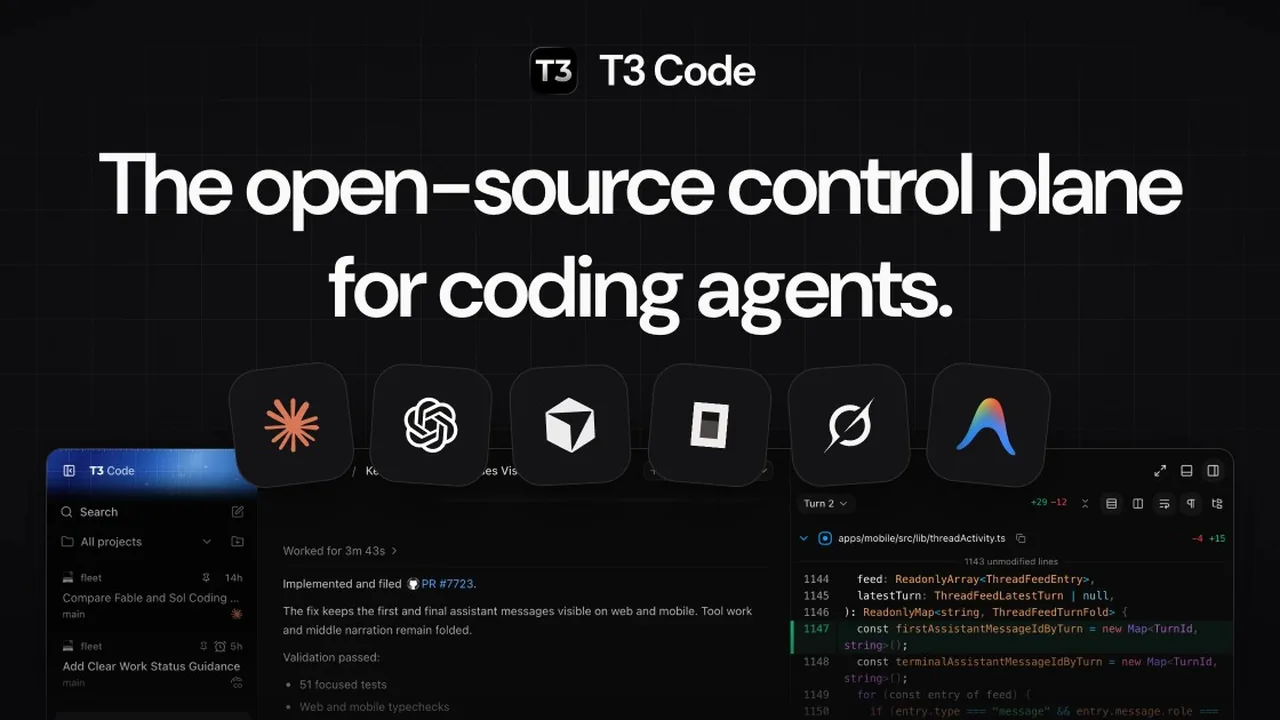
Image: Official T3 Code social card from t3.codes.