Retiring leftover on-prem Exchange after you move to Microsoft 365
Hybrid connectors, old MX records, and ghost servers still cost you money and attack surface long after mail lives in the cloud.

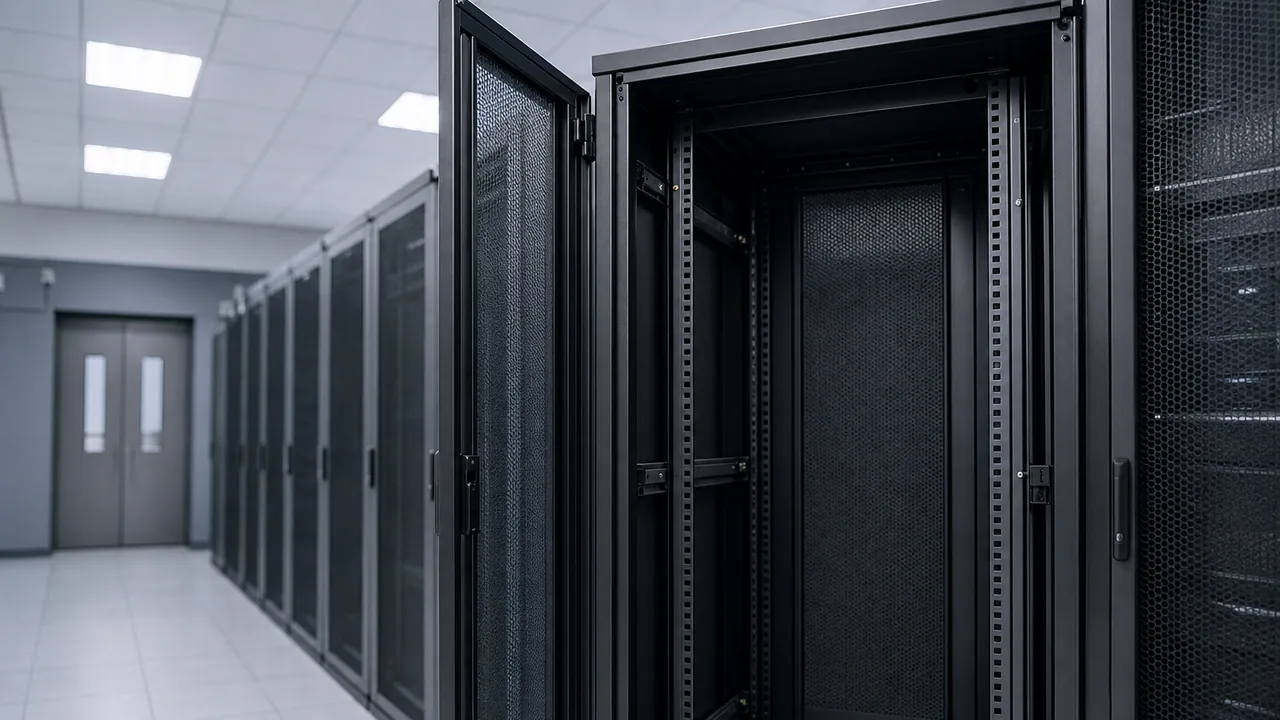
Moving mailboxes to Microsoft 365 feels like the finish line. Often it is only halftime. The on-prem Exchange VM still humming in the rack—or the “temporary” hybrid server someone swore would be gone in six months—is not harmless nostalgia. It is patching debt, certificate renewals, and an authentication path attackers know how to probe.
If production mail already lives in Exchange Online, leftover Exchange infrastructure is a cleanup project, not a migration. Treat it that way.
Signs you are paying for ghosts
You probably have Exchange leftovers if:
- MX still points at a hybrid or relay you no longer need
- Autodiscover DNS records aim at an old on-prem name “just in case”
- A connector or application still sends SMTP through the legacy server instead of Microsoft 365
- Hybrid Configuration Wizard ran years ago and nobody removed the relationship
- The VM is “off” but the disk, backup job, and firewall rules remain
Each item is small alone. Together they recreate confusion the next time someone asks why mail bounced or why February’s CVE applies to a server that should not exist.
What to verify before you pull the plug
Mail flow: Confirm inbound and outbound mail uses Exchange Online Protection / Microsoft 365 directly. Inventory scanners, copiers, LOB apps, and cron jobs that send mail—they need SMTP AUTH via Microsoft 365, a relay you actually support, or a dedicated transactional provider.
Clients: Outlook should resolve Autodiscover to Microsoft 365. Mobile profiles should not reference the old hostname. Shared calendars and public folders either migrated or were consciously abandoned.
Identity: If you used hybrid for directory sync only, Azure AD Connect (or cloud-only identity) should be the source of truth—not Exchange as an anchor for objects you forgot to sync.
Backups and legal hold: Export or migrate anything still on old databases before decommission. “We might need that PST from 2019” is a decision, not a reason to keep hardware powered on.
Document what you checked. Future you will not remember which app still pointed at mail.oldcompany.local.
Decommission in order, not in one angry weekend
- Stop new dependencies—no new connectors, no new relays through the old box
- Repoint or retire SMTP-sending apps one by one; fix failures before the next step
- Remove hybrid configuration and unnecessary DNS (internal and public) once traffic is clean
- Power down the VM, then wait a monitoring period before deleting storage
- Remove firewall NAT, backup jobs, and license spend tied to the host
Skipping step 2 is how invoice scanners silently queue mail on a disk you format a week later.
When a small on-prem footprint still makes sense
Rare cases exist: application that requires a local relay you cannot replace yet, legal requirement to journal to a system you operate, or a staged migration with a written end date. Those are exceptions with owners and expiry dates—not “we will get to it.”
If the only reason the server remains is fear, schedule the cutover and keep a read-only backup of the old databases in cold storage. Fear is cheaper than annual Exchange patching.
Bottom line
After Microsoft 365 owns production mail, on-prem Exchange is liability without benefit. Inventory SMTP dependencies, fix Autodiscover and DNS, tear down hybrid cleanly, and decommission the VM with the same discipline you used to migrate. The goal is zero surprise mail paths and zero servers patching for a workload that already left the building.