Siri AI for older Apple TVs
On November 13, 2026 Apple released tvOS 27.2.1, bringing Siri AI (beta) to Apple TV 4K models from the 2nd generation onward when a paired Apple Intelligence device already uses Siri AI.

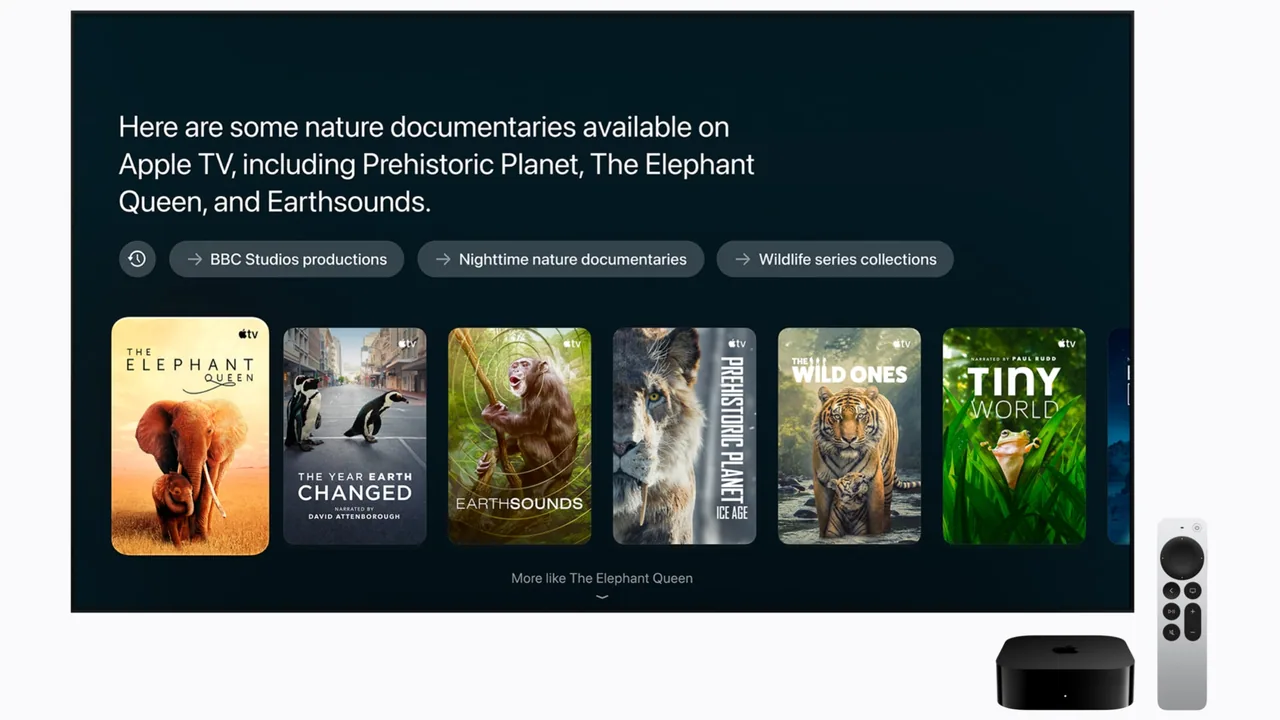
Buying a brand-new set-top box just to talk to the TV is a hard sell. On November 13, 2026, Apple published tvOS 27.2.1 release notes that bring a more conversational Siri AI experience to Apple TV 4K, including older boxes, instead of locking the pitch to the newest hardware alone.
If you already own a recent Apple TV 4K and a supported iPhone or iPad, this is a software path, not a shopping trip.
What tvOS 27.2.1 adds
From Apple’s Apple TV software update page for tvOS 27.2.1:
- A more capable, conversational Siri AI on Apple TV 4K.
- Improved search for movies and shows in the Apple TV app with a richer full-screen experience.
- Personal context drawn from an Apple Intelligence-enabled iPhone (for example, finding a show someone recommended).
- Broader world-knowledge answers, plus on-screen awareness so you can ask about what you are watching.
- Siri AI on Apple TV 4K is available in English and requires an Apple Intelligence-enabled iPhone or iPad to set up.
- Separately, home-theater surround with up to four HomePod speakers is listed for Apple TV 4K (4th generation) with matching front and rear pairs of HomePod mini 2 or HomePod (2nd generation). That speaker path is not the same as Siri AI on older boxes.
Apple’s Use Siri on your Apple TV page (published date November 12, 2026) fills in the beta rules:
- Siri AI (Beta) needs tvOS 27.2.1 on Apple TV 4K (2nd generation and later).
- A paired device must already use Siri AI.
- Device language and Siri language must be English, and the Apple Account must be in an eligible region.
- Turn Siri AI on under Settings → General. You can switch back to a previous Siri version later.
- If the paired device is not using Siri AI, the Apple TV falls back to the older Siri.
Why living-room owners should care
Apple marketed Siri AI hard when the newest Apple TV 4K arrived. Extending the beta to 2nd generation and later via a free update is the useful part for households that already paid for a box. You still need a paired phone or tablet that can run Siri AI. The TV is not a standalone brain.
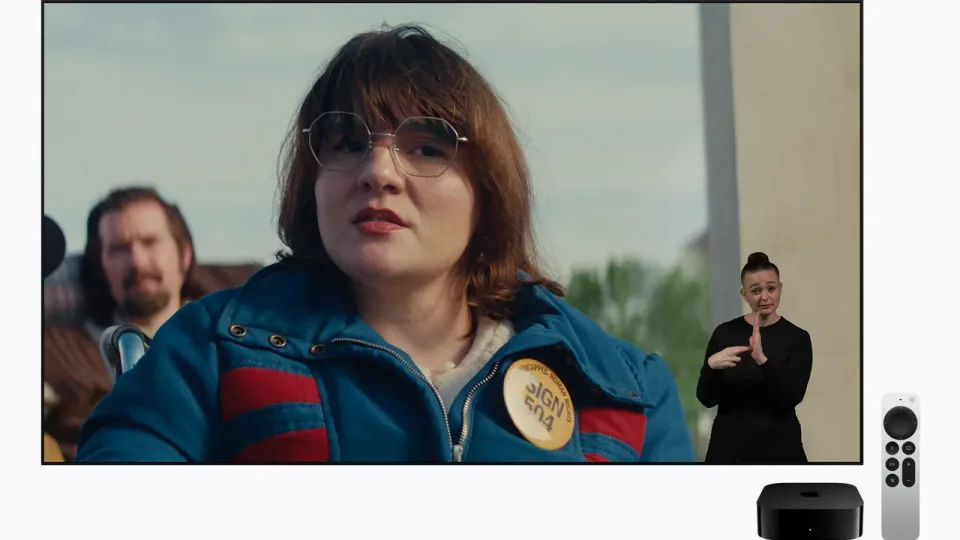
That is different from the accessibility story in Apple TV Sign Language. Apple already said, in its October 13 Apple TV 4K announcement, that Siri AI would be available as a beta on Apple TV 4K (2nd generation or later). tvOS 27.2.1 is that software path landing, on the same day the new 4th-generation box arrived in stores. The October post also named launch availability in the United States, Australia, Canada, India, New Zealand, Singapore, South Africa, and the UK, in English. The current Siri on Apple TV page just says your Apple Account must be in an eligible region, so confirm on your own box rather than assuming the October list still covers every case.
Limits stay real: English only for Siri AI on TV, an eligible region, a paired-device dependency, and a beta label. Apple’s wording limits Siri AI to Apple TV 4K (2nd generation and later), so first-generation Apple TV 4K and Apple TV HD are not in that list.
How to try it on your own Apple TV
- Confirm your box is Apple TV 4K (2nd generation or later).
- On the Apple TV, open Settings → System → Software Update and install tvOS 27.2.1 (or later).
- On your paired iPhone or iPad, confirm Siri AI is enabled on an Apple Intelligence-capable device with English language settings.
- Keep that paired iPhone or iPad available, since Siri AI on Apple TV requires an Apple Intelligence-enabled iPhone or iPad to set up.
- On the Apple TV, open Settings → General, enable Siri AI, then hold the Siri button and ask for a show, a follow-up about what is on screen, or a simple world-knowledge question.
- If Siri AI never appears, recheck tvOS version, paired-device Siri AI, English language settings, and account region before you blame the remote.
Do this / don’t do that
Do
- Read Apple’s tvOS 27.2.1 notes and Siri on Apple TV pages for the official floors.
- Update the paired iPhone or iPad first so the TV has something eligible to lean on.
- Treat Siri AI answers about medical, legal, or money topics as starting points, not final authority.
Don’t
- Do not buy a 4th-generation box only for Siri AI if your 2nd- or 3rd-generation unit can update.
- Do not invent non-English Siri AI on Apple TV. Apple lists English for this beta.
- Do not confuse the four-HomePod surround feature (4th generation) with Siri AI availability on older 4K models.
Bottom line
On November 13, 2026, tvOS 27.2.1 brought Siri AI (beta) to Apple TV 4K from the 2nd generation onward when a paired Apple Intelligence device already uses Siri AI in English. On your own gear: update the Apple TV, confirm the paired phone or tablet, enable Siri AI under General, and keep the beta limits in mind.
Image: Official Apple Newsroom art of Siri AI suggestions on Apple TV 4K, from Apple’s October 13, 2026, Apple TV 4K announcement.