Air-gap vs immutable cloud backups in plain English
Two ways to keep ransomware from wiping your last good copy—and how to choose without overbuying.


Ransomware crews are not satisfied encrypting your file server. They hunt backup consoles, delete cloud retention, and disable agents if those accounts look like everyday admin work. “We have backups” and “we can recover after an attack” are different claims. Air-gap and immutability are two ways to make the second claim true—but they solve different problems and cost different amounts of hassle.
Air-gap: physically or logically out of reach
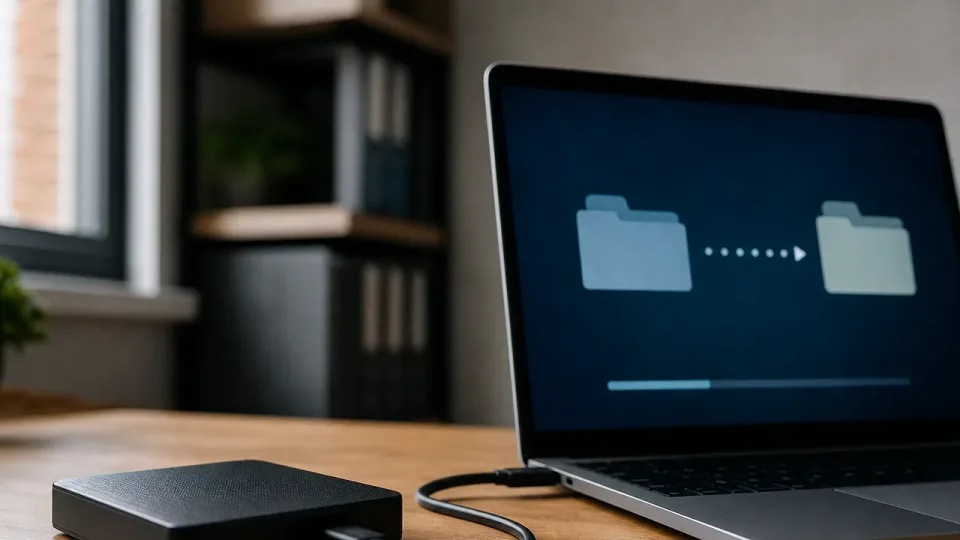
Air-gapped (or air-gapped-ish) backups are not online and mounted for daily admin. Classic form: rotated external drives, tape, or a repository that only connects during scheduled backup windows and then disconnects.
Strengths:
- Attacker with stolen Domain Admin creds cannot delete what is not attached
- Simple story for owners: “yesterday’s copy lives on a shelf”
- Works even when cloud is down or credentials are fully compromised
Tradeoffs:
- Restore is slower—someone must fetch media, plug it in, and run a recovery
- Rotation discipline matters; a drive that stays plugged in “because backups are running” is not air-gapped
- Offsite custody and encryption still matter; theft is a risk too
Air-gap fits critical small datasets: accounting exports, domain controller system state, “if we lose this we close for a week” volumes. It is a poor sole strategy for forty laptops and Microsoft 365 mail you need hourly.
Immutable cloud: online but locked
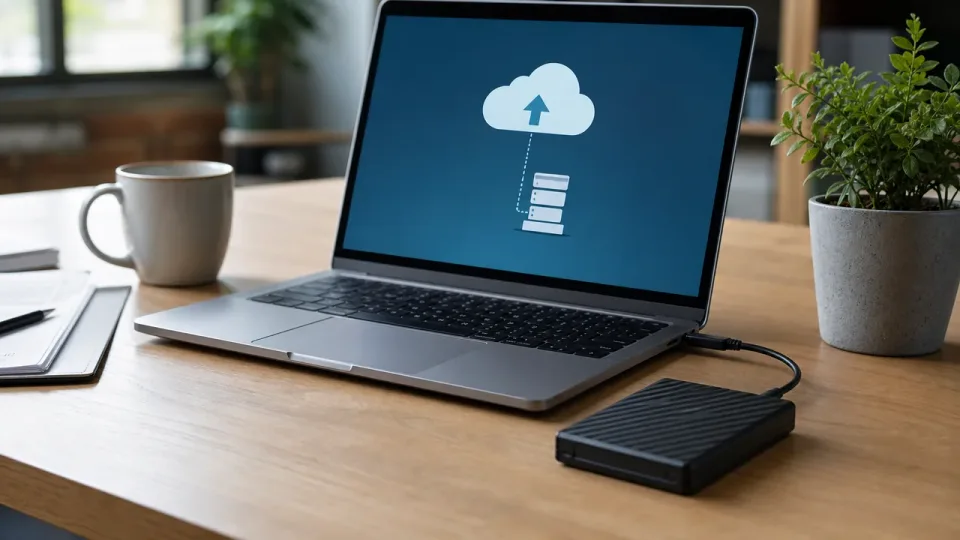
Immutable (or object-locked) cloud backups stay in a repository attackers should not be able to erase during the retention window—even if they guess the backup admin password. The data is online for restore speed; deletion and modification are blocked by policy at the storage layer.
Strengths:
- Faster recovery than shipping a drive from a closet
- Scales to many endpoints and SaaS workloads
- Retention is enforceable by policy, not by hoping nobody clicks Delete
Tradeoffs:
- Backup admin accounts become high-value targets; separate them from daily Microsoft 365 Global Admin
- Immutability must be configured correctly—default buckets are not magically safe
- You still need restore drills; locked backups you cannot actually mount are theater
Immutable cloud fits the daily workhorse: endpoint backups, virtual machines, Microsoft 365 retention to a third-party or locked repository. Pair with MFA, least privilege, and monitoring on the backup platform.
How to choose (most SMBs need both ideas, not one product)
| Question | Lean air-gap | Lean immutable cloud |
|---|---|---|
| How fast must full restore be? | Hours/days OK | Hours or less |
| What are you protecting? | Small crown jewels | Fleet + SaaS |
| Can staff rotate media reliably? | Yes | N/A |
| Is internet restore required? | No | Yes |
Practical split: immutable cloud for routine recovery volume; air-gapped or offline rotate for the smallest set of “company survives” data. Do not air-gap everything—you will stop rotating. Do not rely on immutable cloud alone without isolating backup admin and testing restores.
Do not:
- Treat sync tools (Dropbox, OneDrive folder sync) as backup immutability
- Give backup admins the same password as domain admins
- Skip test restores because “the dashboard is green”
Bottom line
Air-gap trades convenience for separation; immutable cloud trades a bit of complexity for speed at scale. Most SMBs should use locked cloud retention for daily operations and keep an offline copy for the data that truly ends the business if it is gone. Neither replaces restore testing—and neither helps if nobody owns the backup account except the attacker.