
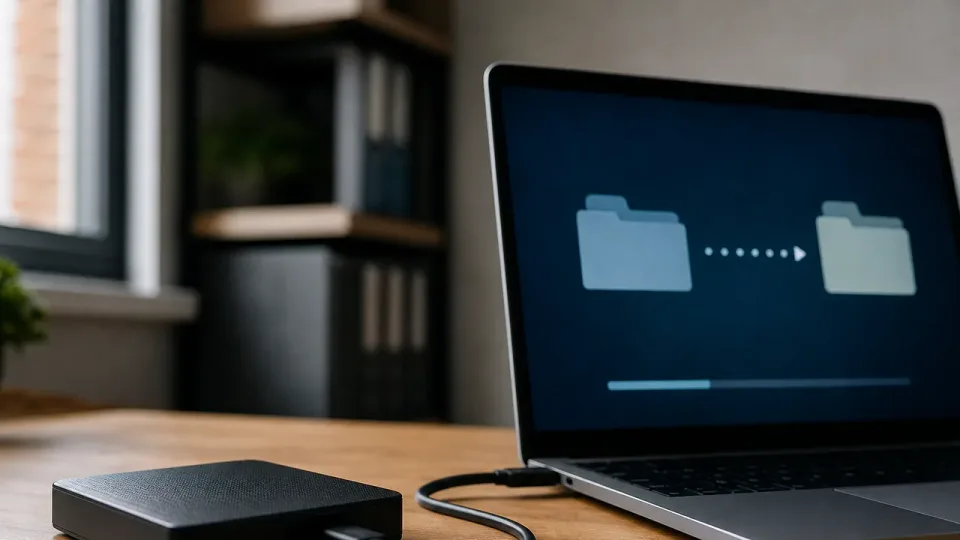
Cloud storage sync is not a backup
iCloud, Google Drive, Dropbox, and OneDrive keep the same files everywhere. That is sync. Home backups need older copies you can restore after a bad delete or ransomware.
Michael Narehood6 min read
Patching & VulnerabilitiesTutorial
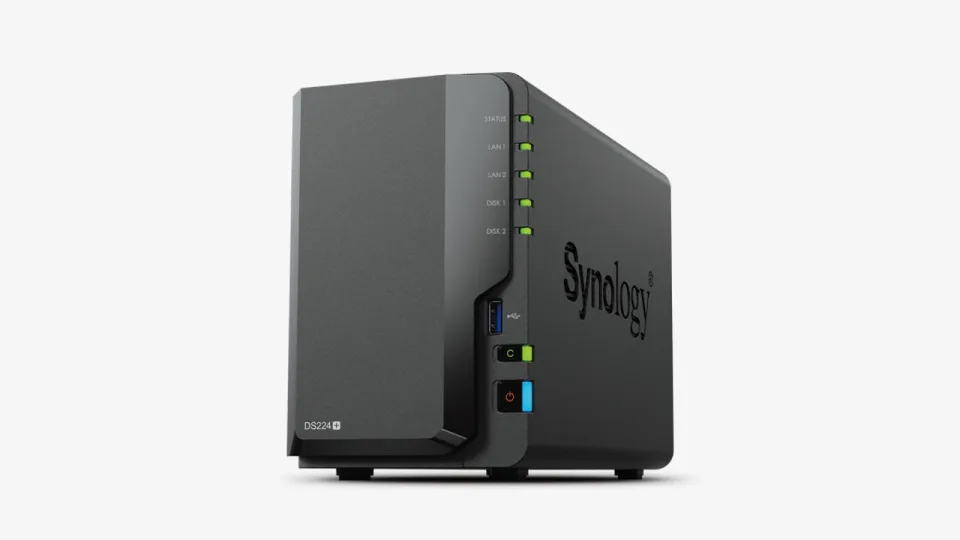
Patching a home NAS before ransomware finds the share
How to keep a Synology, QNAP, TrueNAS, or similar home NAS updated: admin UI habits, vendor update paths, no SMB on the internet, and backups that still restore.
Michael Narehood5 min read
The 3-2-1 backup rule still works at home
Three copies, two kinds of storage, one copy offsite or offline. A plain-English backup plan for photos, tax PDFs, and the laptop you actually use.
Michael Narehood4 min read
AppleTutorial
Set up Time Machine backups
Time Machine is free, built into every Mac, and good at undoing mistakes. Here is how to pick a drive, set it up, encrypt it, and keep one copy somewhere else.
Michael Narehood4 min read

MicrosoftTutorial
Use the Windows Backup app
Windows Backup can save your folders, settings, and app list to your Microsoft account. Here is how to set it up, what it really does with OneDrive, and how to add a true second copy.
Michael Narehood4 min read
Backups & ContinuityTutorial
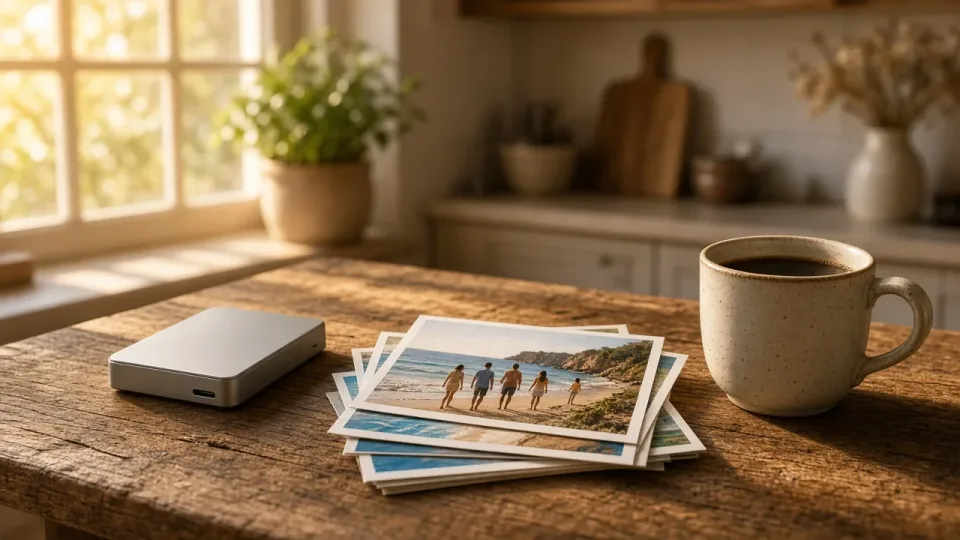
Back up your phone photos
Summer photo season is starting. Here is how to turn on iCloud Photos or Google Photos backup, why that sync is not the whole plan, and how to keep a second copy you control.
Michael Narehood5 min read
Microsoft 365 backup: questions to ask before you buy
A practical checklist for evaluating Microsoft 365 backup scope, retention, access, restore behavior, security, compliance, and testing.
Michael Narehood6 min read
Backups & ContinuityTutorial
Verify your backups before you need them
A repeatable restore-testing drill for proving backup scope, access, timing, integrity, and recovery ownership before an incident.
Michael Narehood6 min read

Air-gap vs immutable cloud backups in plain English
Two ways to keep ransomware from wiping your last good copy—and how to choose without overbuying.
Michael Narehood3 min read
Save your account recovery codes
Why 2-Step Verification backup codes matter, how to create them in a Google Account, and where to store them so a lost phone does not lock you out.
Michael Narehood5 min read

SecurityTutorial
BitLocker recovery keys: where they should live
A practical escrow plan for BitLocker recovery keys in small businesses — so a lost PIN does not become a full disk wipe.
Michael Narehood3 min read
