Software & ReleasesTutorial
Googlebook Better Together reaches Samsung phones on One UI 9
Google is rolling out Googlebook Better Together support for Samsung Galaxy phones on Android 17 / One UI 9, plus smoother Cross-device Services setup. Version checks, Wi-Fi tips, and what home owners should verify.

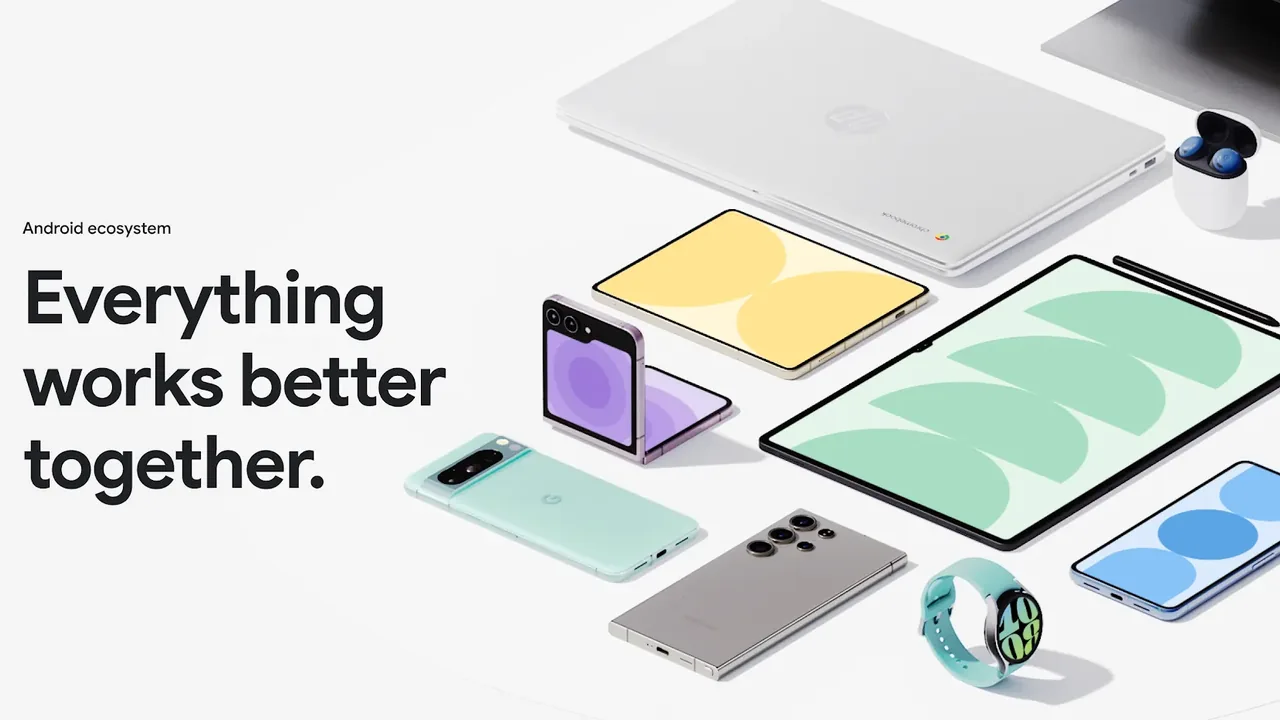
Image: Android ecosystem “Everything works better together” marketing art (android.com/better-together).
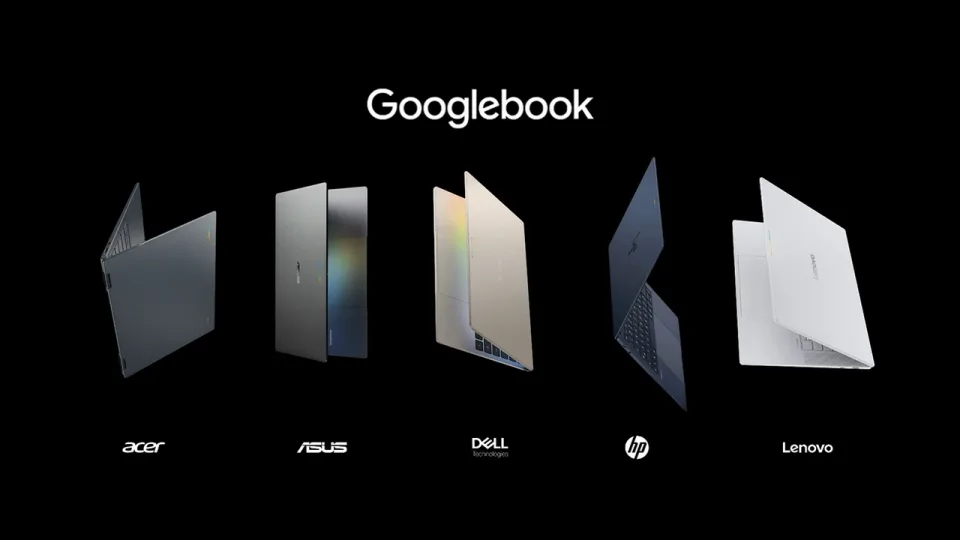
Googlebook’s pitch is not “another thin laptop.” It is a laptop that is supposed to work tightly with your Android phone. At launch, that promise had a loud gap: many Samsung Galaxy phones could not use the Better Together features. Coverage from 9to5Google (October 10, 2026) and Android Authority says Google is now rolling that support out, along with a smoother first-time Cross-device Services setup.
This is a follow-up to our Googlebook launch prices and models piece. If you bought a Googlebook to live next to a Galaxy phone, this is the update to chase.
What is rolling out
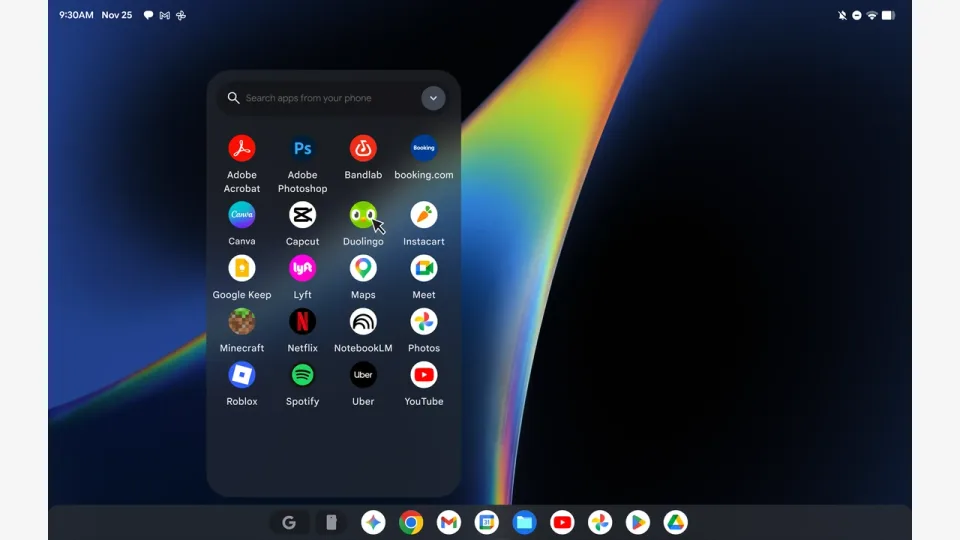
According to Google’s checklist as reported by 9to5Google, Better Together features for compatible phones now explicitly include Samsung (One UI 9.0) on Android 17, alongside Pixel and other Android 17 brands. The Samsung-facing feature set called out in the rollout coverage includes:
- Continue On
- Cast My Apps
- Quick Access
- Notification Sync
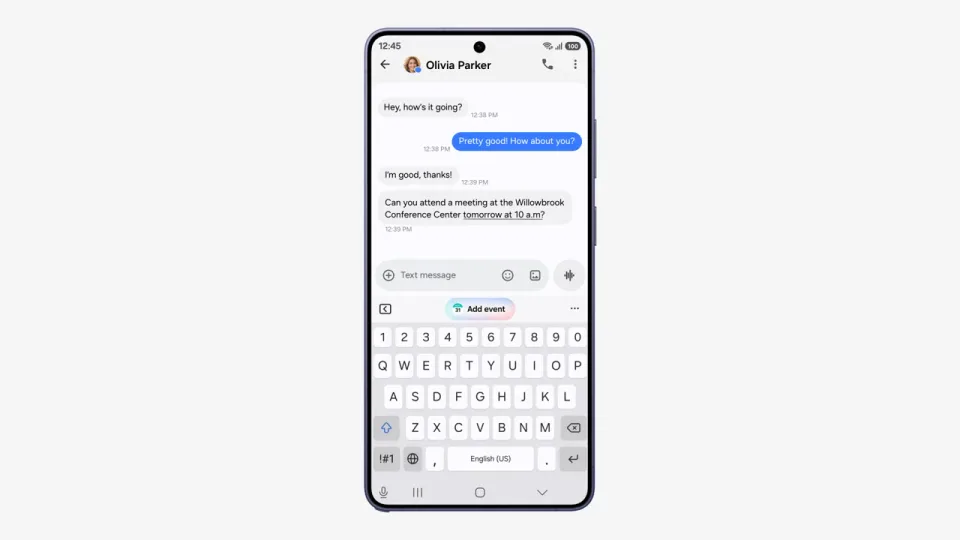
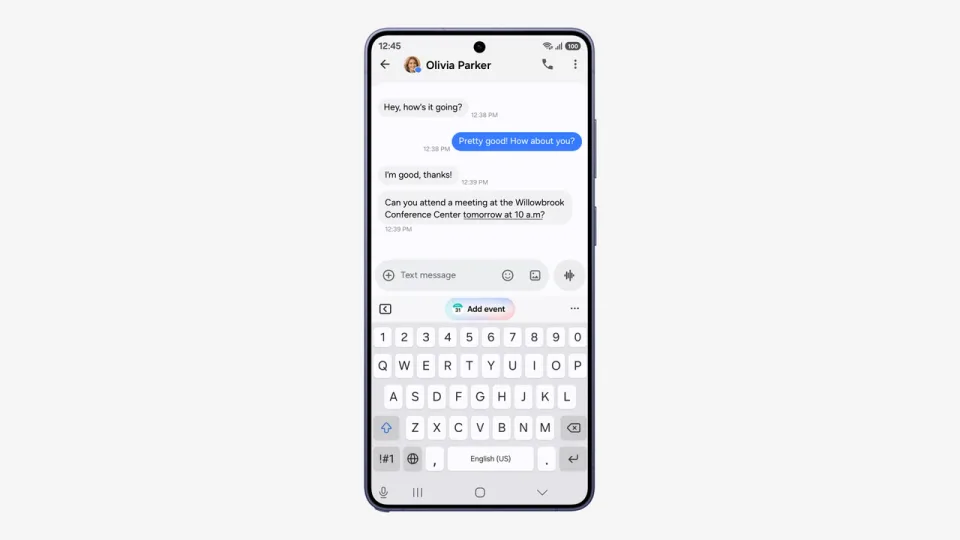
Google is also shipping a Google Play services update meant to reduce Cross-device Services setup steps and fix a timing bug where the pairing QR code could stay on screen after phone setup finished.
The rollout is staged through Google Play and background services over the next few days from that announcement. Keeping the phone on Wi-Fi and charging can help the update land sooner. It is not a single “tap this APK” flash.
Version and settings checklist (home)
Use Google’s own checklist (quoted in the 9to5Google report) before you blame the laptop:
- Android 17 on the phone. Settings → About phone → Android version. Galaxy users also need One UI 9.0 (or higher on that line).
- Same personal Google Account on the phone and the Googlebook, with Bluetooth and Wi-Fi on.
- Prefer a normal home Wi-Fi network. Hotel, cafe, and guest networks use client isolation that blocks phone-to-laptop local links. Pause a home VPN or DNS blocker while you test pairing.
- Google Play services 26.37 or higher. On the phone: Settings → Apps → See all apps (show system apps if needed) → Google Play services → store details → Update if offered.
- Cross-device Services 1.0.1346 or higher. Same Apps list path → Cross-device Services → update if offered.
- Under Cross-device Services → Continue activity, confirm Tasks, Apps, Notifications, and Files & media sharing are on.
- Restart the phone and the Googlebook after the service updates land.
If versions look right and features still sleep, give the staged Play rollout another day, then recheck the Play services build numbers.
What this does not fix by itself
- A Galaxy phone still on One UI 8 / older Android is not suddenly eligible. You need the Android 17 / One UI 9 line first. See our One UI 9 US rollout note if you are waiting on Samsung’s OS update.
- Updating Play services on the phone does not update the Googlebook OS image. Keep the laptop on its own update path.
- Instant Hotspot and other features that already worked for some people are not the whole Better Together set. Check the four features above before you declare success.
- Public Wi-Fi will keep breaking local device links no matter how new the Play services build is.
Do this / don’t do that
Do
- Confirm Android 17 and, on Galaxy, One UI 9 before hunting Better Together toggles.
- Update Google Play services to 26.37+ and Cross-device Services to 1.0.1346+.
- Pair on home Wi-Fi with Bluetooth on, same Google Account, then restart both devices.
- Turn on the Continue activity sub-toggles Google lists (Tasks, Apps, Notifications, Files & media sharing).
Don’t
- Do not assume launch-day Googlebook marketing meant every Galaxy phone worked on day one. It did not.
- Do not troubleshoot on cafe Wi-Fi with a VPN still up.
- Do not sideload random “Better Together enabler” APKs from unofficial sites.
- Do not skip the phone OS requirement and only update Play services.
Bottom line
Googlebook’s phone integration story is finally catching up for many Galaxy owners: Better Together support for Samsung on Android 17 / One UI 9, plus smoother Cross-device Services setup via Play services 26.37+ and Cross-device Services 1.0.1346+ (9to5Google’s October 10 report, with matching detail from Android Authority). On your own devices: update the phone OS and those two Play packages, use home Wi-Fi, restart both sides, then test Continue On, Cast My Apps, Quick Access, and Notification Sync.