

Identity & AccessTutorial
Five Entra sign-in checks worth doing every week
A five-minute Microsoft 365 sign-in log habit for small tenants: failed MFA, weird locations, legacy auth, admin devices, and new app consent.
Michael Narehood6 min read
NetworkingTutorial
A guest Wi-Fi setup that won’t expose the office
Build guest Wi-Fi as an internet-only security zone, with real firewall isolation, sensible access, and tests that catch leaks into business networks.
Michael Narehood6 min read
LinuxTutorial
How to update Ubuntu
A straightforward checklist for keeping Ubuntu Server or Desktop patched: apt update, upgrade, reboots, and what to verify before you walk away.
Michael Narehood3 min read
Identity & AccessTutorial
Turn on MFA for Microsoft 365 before the next phish
A practical path to require multifactor authentication in Microsoft 365 for a small business, without locking everyone out on Friday afternoon.
Michael Narehood3 min read

HostingTutorial
Inventory your public websites before the next CVE
A repeatable method for finding, owning, classifying, and safely retiring public websites and forgotten subdomains before a vulnerability lands.
Michael Narehood6 min read
IT OperationsTutorial
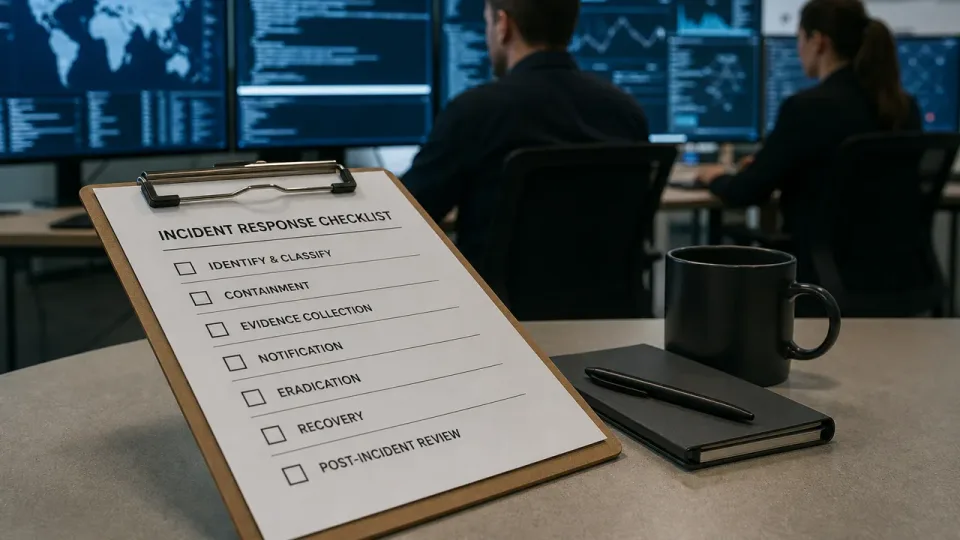
Incident first-hour checklist
A practical first sixty minutes for scoping an incident, stopping active harm, preserving evidence, securing identity, and giving leadership facts instead of guesses.
Michael Narehood6 min read

Microsoft 365Tutorial
Power Automate and OAuth app sprawl
A practical way to inventory Power Automate identities, control OAuth consent, assign durable ownership, and keep important flows alive through staff changes.
Michael Narehood6 min read

Identity & AccessTutorial
Shared admin secrets in a team vault
How small IT teams store shared admin passwords and API keys in a password manager without Spreadsheet-of-Doom habits.
Michael Narehood3 min read
Microsoft 365Tutorial
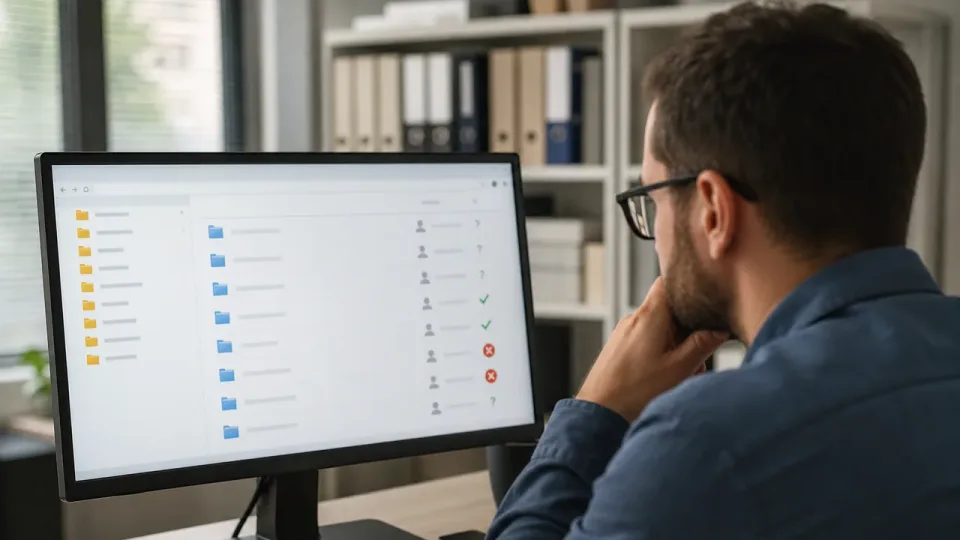
SharePoint permissions inheritance traps
How SharePoint inheritance, groups, sharing links, and unique permissions interact, plus a safe method for reviewing access without breaking the site.
Michael Narehood6 min read

MicrosoftTutorial
RDP gateway habits for small shops
Remote Desktop still runs small businesses. These gateway and access habits keep it off the open internet without breaking legitimate work.
Michael Narehood3 min read
NetworkingTutorial
A one-page network diagram that stays true
How to build a single network map your team will actually update after every change, not a shelf document from the last migration.
Michael Narehood3 min read

Compliance & RiskTutorial
Purview retention without boiling the ocean
A practical starter for Microsoft Purview retention labels in a small Microsoft 365 tenant — keep what you must, delete what you should, and avoid a year-long taxonomy project.
Michael Narehood3 min read
Backups & ContinuityTutorial
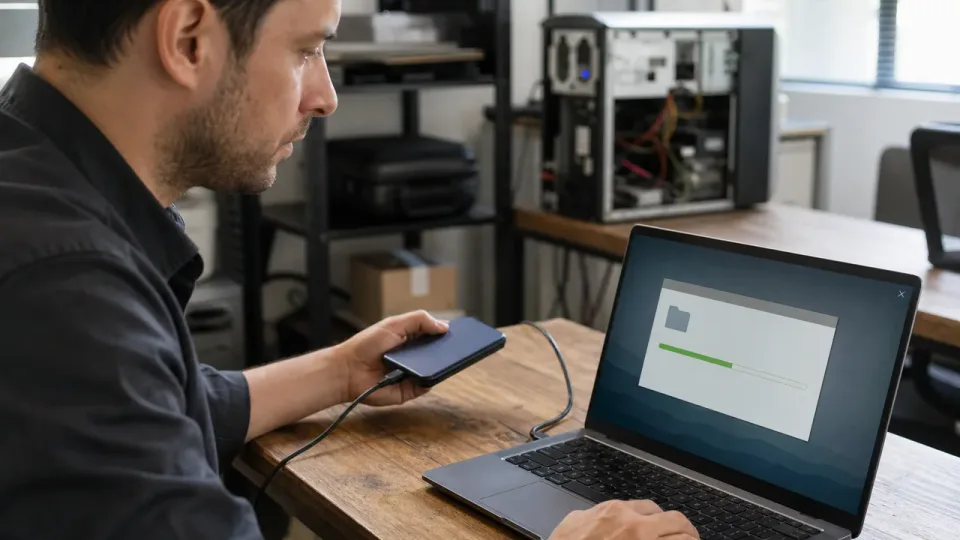
Verify your backups before you need them
A repeatable restore-testing drill for proving backup scope, access, timing, integrity, and recovery ownership before an incident.
Michael Narehood6 min read

NetworkingTutorial
Document firewall changes on one page
A single change record template so every rule edit has a name, a reason, and a rollback path.
Michael Narehood3 min read

Email & CollaborationTutorial
DNS and email authentication: SPF, DKIM, and DMARC
A practical rollout for authorizing every legitimate sender, signing mail, enforcing DMARC, and catching gaps before messages get rejected.
Michael Narehood6 min read
MicrosoftTutorial
Intune enrollment that doesn’t strand new hires
A practical Autopilot / Intune enrollment path for small Microsoft shops so day-one laptops join the tenant instead of becoming help-desk tickets.
Michael Narehood3 min read

Patching & VulnerabilitiesTutorial
Windows Update rings for a ~40 PC office
How to split a small fleet into pilot and production rings so Patch Tuesday does not become a company-wide outage.
Michael Narehood3 min read

SecurityTutorial
BitLocker recovery keys: where they should live
A practical escrow plan for BitLocker recovery keys in small businesses — so a lost PIN does not become a full disk wipe.
Michael Narehood3 min read

Identity & AccessTutorial
Break-glass admin accounts that actually work
How to create and maintain emergency Microsoft 365 admin accounts so you can recover the tenant without leaving a permanent backdoor.
Michael Narehood3 min read
Identity & AccessTutorial
Windows LAPS for SMB local admin passwords
How small offices rotate and escrow local administrator passwords with Windows LAPS through Intune — without a spreadsheet of doom on every workstation.
Michael Narehood3 min read
