
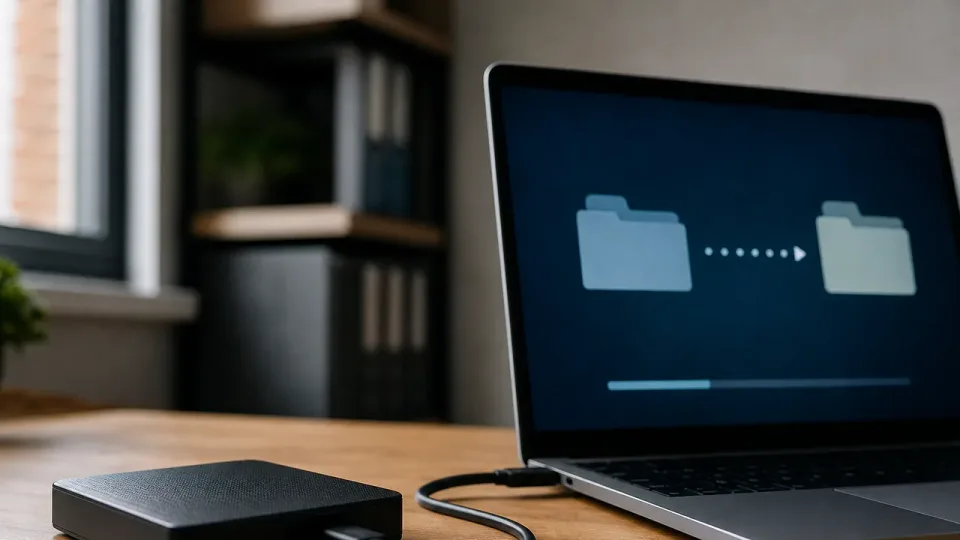
Cloud storage sync is not a backup
iCloud, Google Drive, Dropbox, and OneDrive keep the same files everywhere. That is sync. Home backups need older copies you can restore after a bad delete or ransomware.
Michael Narehood6 min read

Sharing files from OneDrive carefully (personal and family)
How to share from personal OneDrive without leaving Anyone links lying around forever: pick the right link type, set expiry and passwords when you can, and clean up old shares.
Michael Narehood5 min read

Microsoft 365Tutorial
Share Microsoft 365 Family
If you pay for Microsoft 365 Family, you can share it with up to five other people. Here is how to invite them, what they get, and what stays with the account owner.
Michael Narehood4 min read
MicrosoftTutorial
Use the Windows Backup app
Windows Backup can save your folders, settings, and app list to your Microsoft account. Here is how to set it up, what it really does with OneDrive, and how to add a true second copy.
Michael Narehood4 min read

Free up space in Windows 11
A full drive slows your PC and blocks updates. Use Storage Sense, Cleanup recommendations, and a few File Explorer tricks to win back space safely.
Michael Narehood5 min read
