
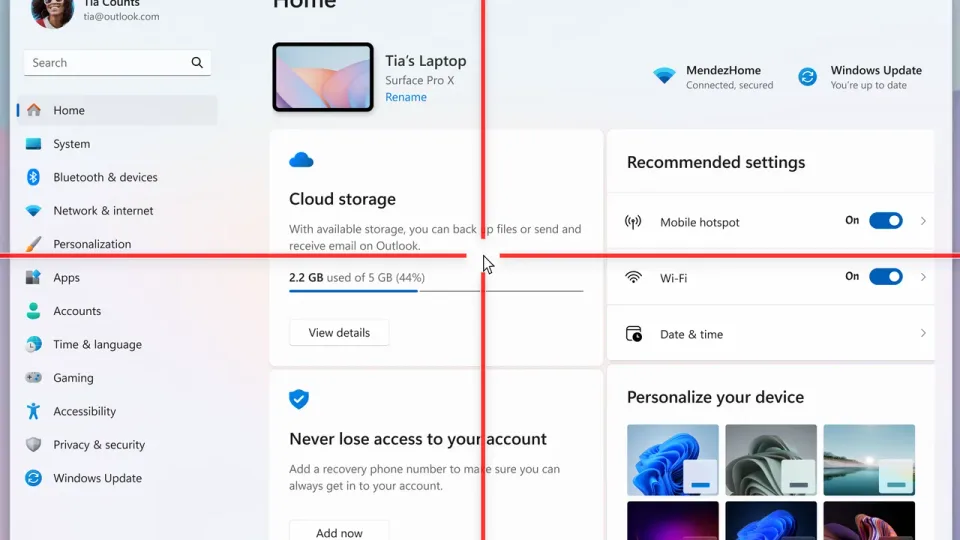
Windows finds your mouse pointer
On November 13, 2026 Microsoft's Windows 11 Release Preview builds 26200.10066 and 26300.10066 add a Pointer indicator for low vision, more Narrator math languages, Magnifier help, and easier recovery from accidental sticky-key shortcuts.
Michael Narehood5 min read
MicrosoftTutorial
Windows 11 24H2 Home/Pro: end of updates is October 13
Windows 11 version 24H2 Home and Pro stop getting monthly updates on October 13, 2026. How to check winver today, what Microsoft says about the automatic 25H2 path, and how 26H2 fits for eligible home PCs.
Michael Narehood5 min read
Windows 11 version 26H2 is available: how home PCs get the 2026 Update
Microsoft made Windows 11 version 26H2 (2026 Update) available on September 29, 2026 as an enablement package for eligible 24H2/25H2 PCs. How to turn on early updates, why 24H2 Home/Pro ends October 13, and why 26H1 is not the path.
Michael Narehood5 min read
Windows 11 KB5124010 preview: install now or wait for October?
Microsoft's September 22, 2026 optional preview (KB5124010) brings File Explorer, Bluetooth, Emoji 17, Copilot key remap, and Tips widget improvements to 24H2/25H2. Home guidance, 24H2 end-of-updates warning, and USB audio skip note.
Michael Narehood6 min read
Patching & VulnerabilitiesTutorial
Windows emergency update after September patch: USB audio and more
Microsoft's Sept 14, 2026 out-of-band updates fix multichannel USB audio, Remote Desktop instability, and Hyper-V Plan9 sharing after the September security patch. Check Windows Update.
Michael Narehood5 min read
Pick a back-to-school laptop
Before you buy a student laptop, check the school's requirements, how long the device will get updates, and what specs actually matter. A plain guide for Windows, Chromebook, and Mac.
Michael Narehood4 min read
MicrosoftTutorial
Use the Windows Backup app
Windows Backup can save your folders, settings, and app list to your Microsoft account. Here is how to set it up, what it really does with OneDrive, and how to add a true second copy.
Michael Narehood4 min read

Trim Windows startup apps
Too many apps launching at sign-in slow your PC down. Here is how to see which ones matter, turn off the rest in Settings or Task Manager, and stay safe doing it.
Michael Narehood5 min read
Use Live Captions in Windows
Windows 11 can caption almost any audio on your PC, privately and even offline. How to turn on Live Captions, move them, restyle them, and caption your own voice.
Michael Narehood5 min read
Fix an offline printer
Printer on, paper loaded, and Windows still says Offline? Work through Microsoft's fixes in order, from a 30-second restart to resetting the print spooler.
Michael Narehood5 min read

Free up space in Windows 11
A full drive slows your PC and blocks updates. Use Storage Sense, Cleanup recommendations, and a few File Explorer tricks to win back space safely.
Michael Narehood5 min read
